PHOTO TO DANCE VIDEO
A2O LITE NEON AI Dance Generator
Turn one photo into a 15-second NEON-inspired dance video. Choose your dancer, personalize the scene and download your clip—all in your browser.
 A2O LITE NEON⇄
Upload one clear photo to start. JPG, PNG or WebP, up to 10 MB. Your dance prompt is already prepared in the editor.
Do not upload sensitive images. Privacy Policy
Make my NEON danceINSIDE THE SCENE
NEON AI dance ideas for your photo
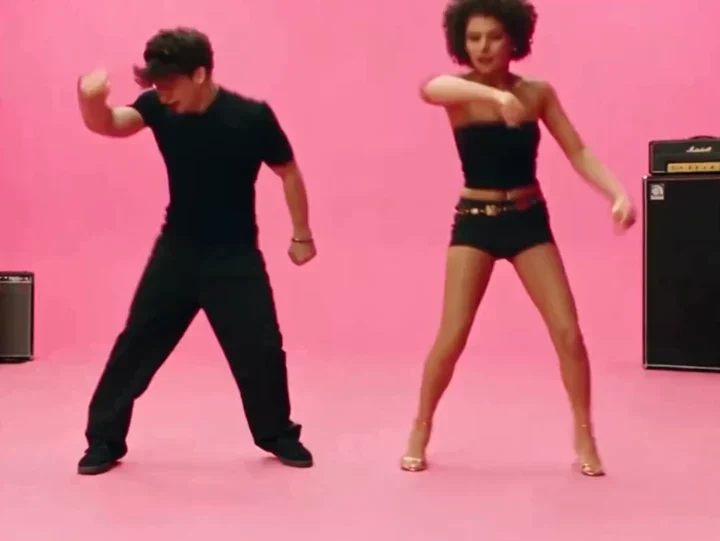
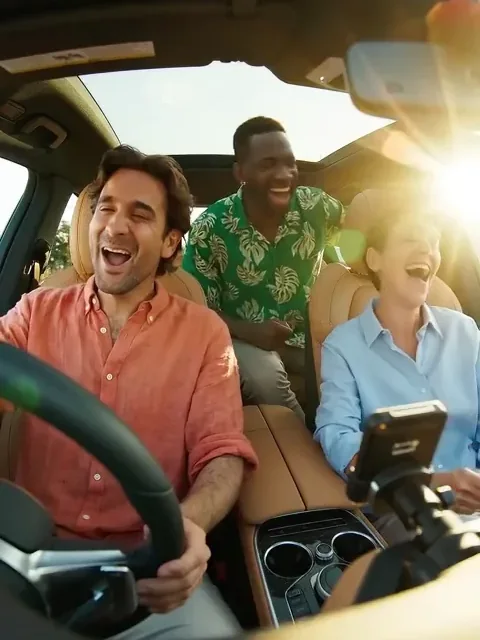
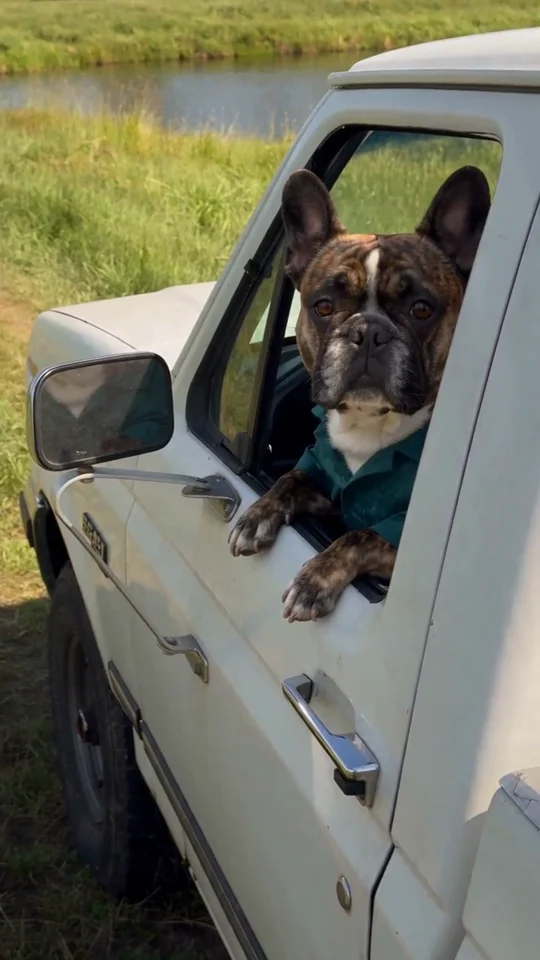
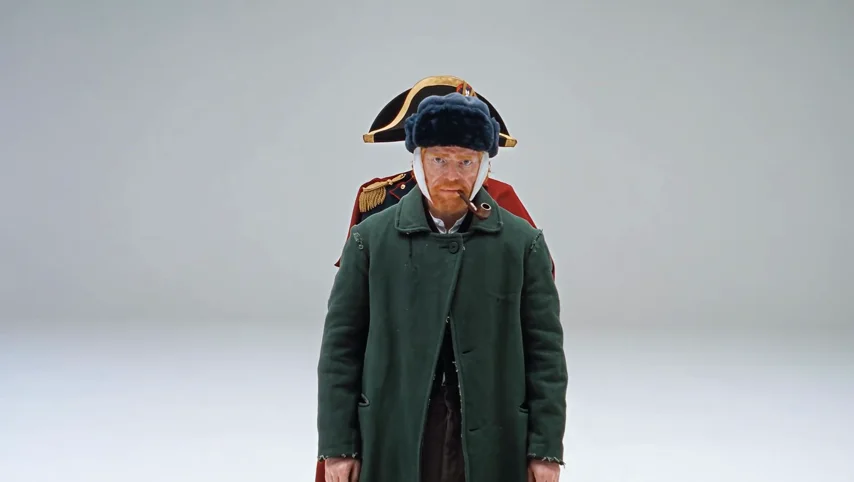
Use your own portrait, a costume photo or an original character to plan the performance. These four third-party references from AIReel show different approaches to character, expression and setting; they are not Rendastic-generated results.
01 / COSTUME & CHARACTER
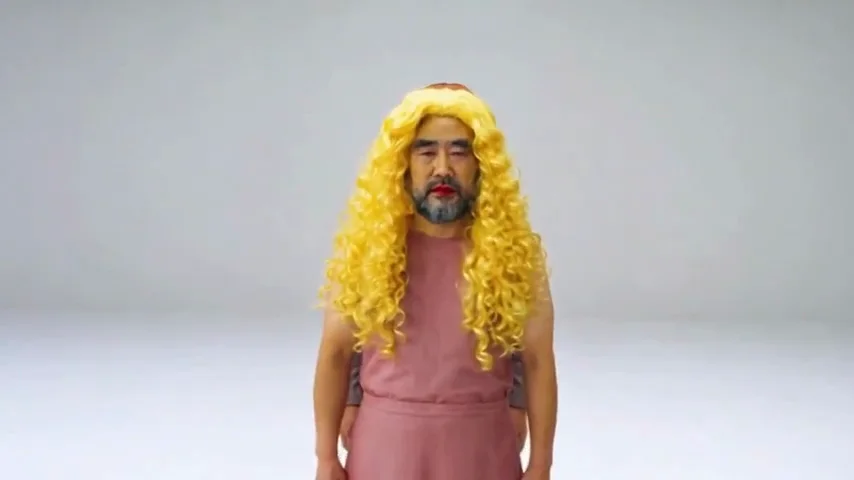
Make a costume photo dance
Turn your everyday outfit, formal wear or original character costume into the starting point for a dance. This reference pairs historical costumes with loose, playful movement. For the Rendastic template, upload one clearly visible dancer and describe the outfit you want in the scene. The photo supplies the character reference; the prompt supplies the performance.
- Keep one dancer clearly visible in the source photo.
- Name the clothing details you want in the scene.
- Leave room around the arms and below the knees.
02 / EXPRESSION
Build the dance around a pause and a gesture
Give the performance a simple sequence: hold a straight-faced pose, begin the arm movement, add a shoulder bounce, then settle into the final pose. This art-inspired reference shows how expression changes the mood of a dance. The prepared prompt already includes an opening, movement and finish; edit those beats to suit your character.
- Keep the face uncovered and well lit.
- Describe the actions in the order they should happen.
- Give the final pose a moment to settle.
03 / THE STAGE
Set your NEON dance in a new scene
Change the studio to a courtyard, rehearsal room or colorful outdoor stage by editing the prompt. This reference uses an amusement-park background. For your own clip, give the dancer a clear space to move and choose a steady camera angle. A short description of the setting and lighting keeps the scene focused on the performance.
- Describe one setting and one lighting style.
- Keep crowds and background action out of the dancer’s way.
- Use the photo for appearance and the prompt for scene direction.
04 / THE WHOLE PERFORMANCE
Make a vertical dance video for TikTok or Reels
Select 9:16 in the editor when you want a vertical composition for TikTok, Reels or Shorts. The template starts at 16:9, which leaves more room for side steps. In either format, request a full-body shot with the hands and feet inside the frame. Add an authorized soundtrack after downloading your silent clip.
- Choose 16:9 for a wide scene or 9:16 for a vertical post.
- Keep the hands, feet and finishing pose away from the edges.
- Use music available to you under your editing or social app’s terms.
MADE TO BE CUSTOMIZED
One photo, a ready-to-edit dance
No dance clip to find
Start with one photo. The template already includes the opening pose, arm gestures, side steps and final hold, so you do not need to film yourself dancing.
A 15-second starting setup
The editor opens at 15 seconds, 480p and 16:9, with sound off. Review the prepared scene, choose supported settings and confirm the credit quote.
A separate motion-match option
Have a specific performance in mind? Open Motion match with your own authorized 1–10 second video and a character photo to use that clip as the movement reference.
Create in your browser
Upload, edit and generate on the website. Download the finished video from My Work, then add an authorized soundtrack in your editing or social app.
YOUR SCENE, YOUR DIRECTION
What is the A2O LITE NEON AI dance effect?
The NEON AI dance effect turns a character photo into a performance inspired by A2O LITE’s song “NEON.” Rendastic starts with a prepared sequence: a still opening pose, rhythmic arm gestures, small side steps and a final hold. Your photo guides the dancer’s appearance; the editable prompt directs the outfit, stage and movement. You need one photo to begin—no original music video or filmed dance routine.
Customize this sceneWhat photo should I upload?
- Choose one clearly visible adult or an original character you have permission to use.
- Use a front-facing, well-lit photo with the face uncovered.
- Choose a full-body image when the outfit, stance and footwork matter.
- Upload a JPG, PNG or WebP file up to 10 MB; avoid blurred photos and group collages.
FROM PHOTO TO FINISHED TAKE
How to make an A2O LITE NEON AI dance video
Upload one dancer photo
Choose a clear JPG, PNG or WebP image up to 10 MB. Click Make my NEON dance to bring the photo and prepared dance prompt into the editor.
Personalize the dance
Edit the character, outfit or stage. The starting setup is 15 seconds, 480p and 16:9 with sound off; choose 9:16 for a vertical clip. Review the credit quote before confirming generation.
Generate and download
Generate your video, then open My Work to download the completed clip. Add music you are allowed to use in your editing or social app before posting.
FIND YOUR WAY TO THE MEME
NEON AI dance: Rendastic vs Higgsfield vs Runway
Choose Rendastic when you have a photo and want a prepared NEON-inspired dance prompt. Choose Higgsfield Genjutsu Motion Transfer when you have a performance clip to transfer, or Runway Image to Video when you want to write the motion direction from a starting frame.
Swipe or scroll sideways to compare all tools
| Your decision | RendasticNEON photo templateThis template | HiggsfieldGenjutsu Motion Transfer | RunwayGen-4.5 Image to Video |
|---|---|---|---|
| What you bring | One character photo | One 4–30 second source video; up to 30 optional reference images | A starting-frame image and a motion prompt |
| Starting direction | Prepared studio, dance sequence and finishing pose | Movement supplied by your source video | Write the movement and camera direction |
| Reference video required | No for this photo template | Yes | No for image to video |
| How the dance is directed | Edit the prepared prompt; Motion match is a separate option | Transfer movement from the uploaded performance | Describe the movement in your own prompt |
| Scene control | Rewrite stage, costume and framing in the editor | Use references or a preset to change the character or scene | Set the appearance in the input image and direct motion in text |
This compares the three named workflows, not every feature on each platform. Details are based on the linked official guides, checked October 20, 2026. Settings and credit prices are specific to each service.
Sources checked : Higgsfield Genjutsu guide Runway image-to-video guide NEON reference examples · AIReel
Only have a photo? Start here with the prepared NEON dance. Already have a performance to follow? Use a motion-transfer workflow with your authorized source clip.
Make my NEON danceABOUT THIS CREATION
An independent AI dance, with your photo permissions
Make the scene yours. Use photos you have permission to process and share the result responsibly.
- This workflow creates a new AI performance from your photo and written scene direction. It does not include the A2O LITE recording or original music-video footage. Motion match is a separate route using the clip you provide.
- Use your own photo, a consenting adult or a character you have permission to adapt. Obtain the necessary rights for any source video or soundtrack you add.
- Rendastic is independent of A2O LITE and its rights holders. The NEON name identifies the creative trend, not an affiliation or endorsement. Share synthetic performances responsibly and do not present them as authentic recordings of someone.
BEFORE YOU UPLOAD
Your photo and your draft
A photo for this template
The upload is attached to your NEON draft and carried into the editor. Selecting a photo does not submit a video generation.
Short-lived local files
Local source copies are deleted after processing or within one hour. Your recent same-tab draft preserves settings; expired photos need to be uploaded again.
Read the processing policy
References sent to APIMODELS can have public links for up to 30 days. Seedance may also require supplier asset registration with a separate deletion policy; see the full Privacy Policy.
PAY ONCE. MAKE IT YOURS.
Choose your one-time pack
Pick how many videos you want to make. No subscription. No automatic renewal.
At this template’s starting settings: 15s · 480p · 199 credits per video.
START HERE
Credits for
1 video
$4.99one-time
350 credits included
- No subscription or automatic renewal
- Credits valid for 12 months
- Use remaining credits on other creations
ONE-TIME PACK
Credits for
5 videos
$14.99one-time
1060 credits included
- No subscription or automatic renewal
- Credits valid for 12 months
- Use remaining credits on other creations
ONE-TIME PACK
Credits for
10 videos
$29.99one-time
2150 credits included
- No subscription or automatic renewal
- Credits valid for 12 months
- Use remaining credits on other creations
Need more? See larger one-time packs
ONE-TIME PACK
Credits for
21 videos
$59.99one-time
4350 credits included
- No subscription or automatic renewal
- Credits valid for 12 months
- Use remaining credits on other creations
ONE-TIME PACK
Credits for
36 videos
$99.00one-time
7300 credits included
- No subscription or automatic renewal
- Credits valid for 12 months
- Use remaining credits on other creations
Counts use this template’s starting settings and pack credits only. Changing the model or settings changes how many you can make. Review the quote before generating. Any daily free creations are extra.
Create regularly?
Explore subscription plansPrices in USD; applicable taxes appear before payment. See credit pack terms and the Terms of Service. Choosing a pack does not start a generation.
A FEW THINGS WORTH KNOWING
A2O LITE NEON questions
What is A2O LITE NEON?
NEON is A2O LITE’s debut song, released on October 13, 2026, after its music video premiered on October 12. A2O Entertainment’s announcement confirms those dates. This independent AI dance template uses a photo and editable scene direction to create a NEON-inspired character performance.
How do I make the NEON AI dance from my photo?
Upload one photo, personalize the prepared dance prompt and generate your video. The starting setup is 15 seconds at 480p in 16:9 with sound off. Review the credit quote in the editor, then download the completed clip from My Work.
What photo formats and file size can I use?
Use one JPG, PNG or WebP image up to 10 MB. Choose a clear single-subject photo with the face visible; a full-body photo is useful for clothing, stance and footwork. Use your own photo, a consenting adult or a character you have permission to adapt.
Is the A2O LITE NEON AI dance generator free?
This 15-second NEON preset uses paid credits. Rendastic’s daily free allowance covers eligible basic generations, not this preset. Uploading a photo and opening the prepared editor do not start a generation. View plans and credits for purchase options.
How many credits does one NEON dance video cost?
Current starting quote: 199 Rendastic credits · 15s / 480p. This is the prepared silent video setup. A different model, duration, resolution or sound setting can change the cost; the editor shows the updated quote before you confirm.
Can I make a dance video without a subscription?
Yes. The one-time credit pack costs $4.99 for 350 credits, valid for 12 months, with no automatic renewal. Use those credits for the quoted generation cost. View credit packs for all available sizes; applicable taxes appear before payment.
Do I need the original NEON video or a CapCut template?
No. This photo workflow needs one image and uses a prepared dance prompt. You do not need the original music video, a CapCut template or a filmed performance. If you want to use a particular clip’s movement as a reference, choose the separate Motion match workflow and provide a single-person MP4 clip from 1 to 10 seconds plus a character photo.
Can I make a vertical NEON dance for TikTok or Instagram Reels?
Yes. Select 9:16 in the editor for a vertical composition. The starting setup is 16:9. Keep the dancer’s full body in the shot and check the framing before posting; downloading the clip does not publish it automatically.
Does the video include the NEON song?
No. The preset generates a silent clip and does not include the commercial NEON recording. After download, add a soundtrack you are allowed to use through your editing or social app.
Can I change the dancer’s outfit or background?
Yes. Edit the prepared prompt to describe the outfit, stage, lighting and movement you want. The uploaded photo guides the character’s appearance. Keep one main dancer and a clear sequence of actions in your direction.
Where do the dance examples on this page come from?
They are selected third-party NEON references from AIReel, used to illustrate character and scene ideas. They are not Rendastic-generated results. Your generation uses your uploaded photo and the editable dance prompt.
What happens to my uploaded photo?
Local source copies are deleted after processing or within one hour. References sent to APIMODELS may remain publicly accessible for up to 30 days. Seedance asset registration has a separate supplier retention policy. Do not upload sensitive images; read the full Privacy Policy.
MAKE YOUR NEXT TAKE
Make your NEON AI dance from one photo.
Your dancer, your stage, a 15-second starting setup. Upload a photo and personalize the prepared dance in the editor.
Use A2O LITE NEON template View one-time packs