Topview T1 AI Video Model
Explore 1080p storytelling, longer scenes and multi-reference creation. Turn your own idea into a short video below with Seedance 2.0 Mini, the available alternative.
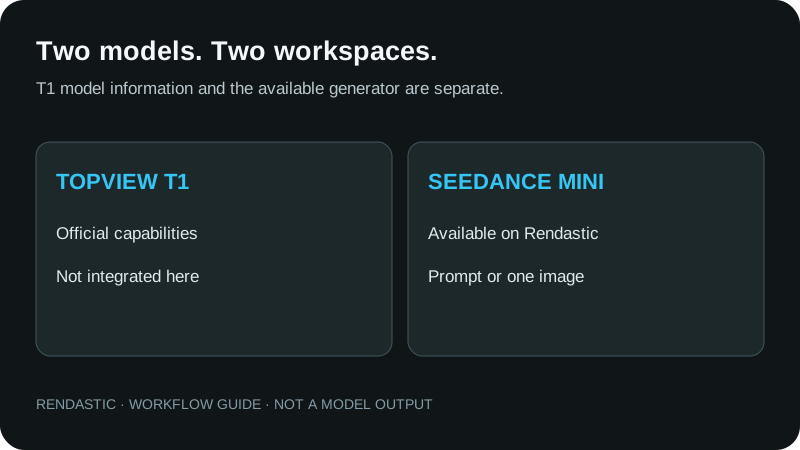
T1 is not integrated on Rendastic yet. Generate now with Seedance 2.0 Mini, or choose another available model above.
Review your settings and credit quote in the editor.
Explore Topview T1 in motion
Watch the official examples, then develop your own shot in the composer above.
MODEL GUIDE · REVIEWED
What is Topview T1?
Topview T1 is Topview’s first AI video model, positioned for cinematic storytelling. Its published specifications include 720p and 1080p, clips up to 30 seconds, and text, image and multi-reference inputs. Those are Topview’s capabilities; the available generator on this page uses your selected Rendastic model.
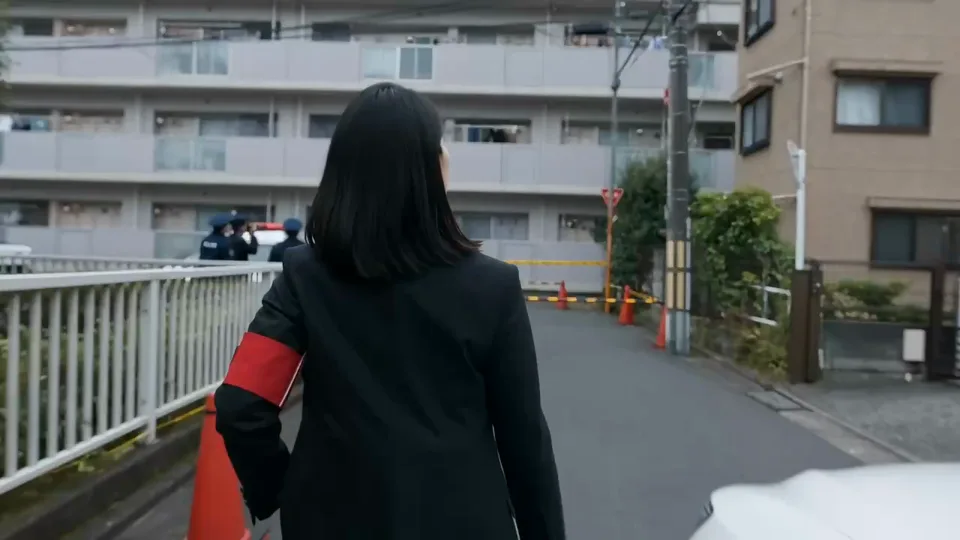
- T1 output
- Topview advertises 720p and 1080p video, with clips up to 30 seconds.
- T1 references
- The official specifications list text, image and multi-reference creation, including image, video and audio assets.
- Create here today
- Seedance 2.0 Mini supports text, a starting image or first/last frames, up to 15 seconds, at 480p or 720p in this composer.
- Choose your format
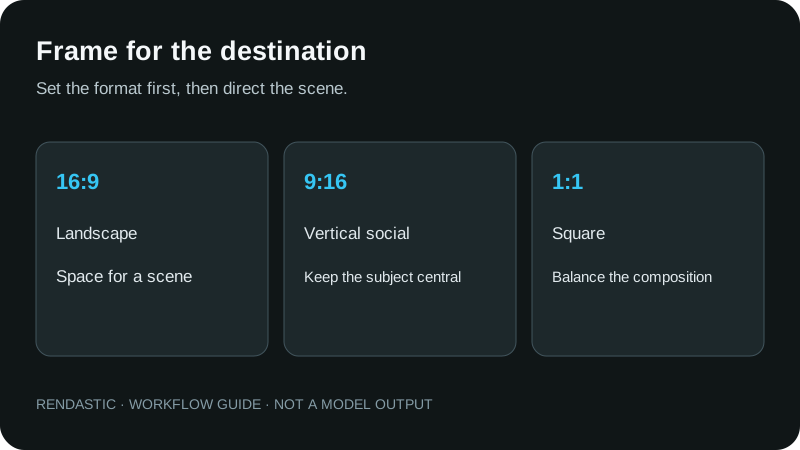
- Mini offers landscape 16:9, vertical 9:16 and square 1:1. Set the delivery format before writing a camera move.
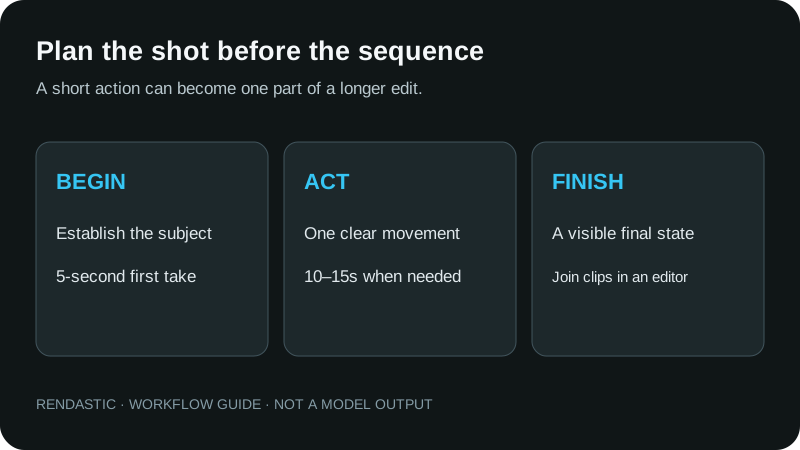
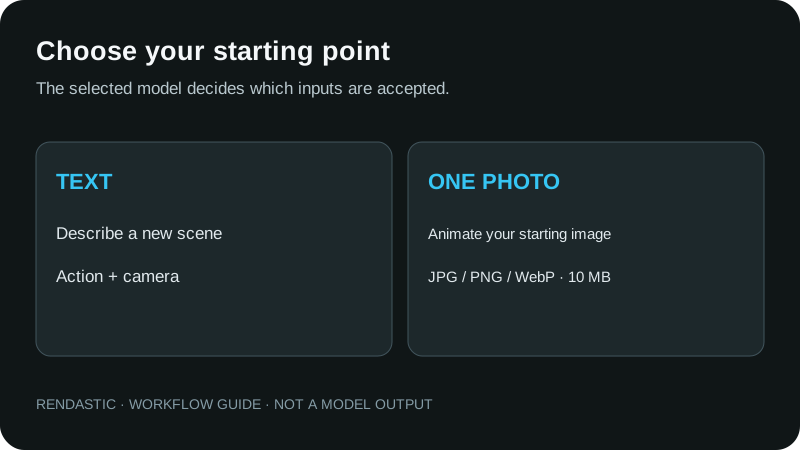
FROM A SHOT IDEA TO A VISUAL DIRECTION
Why are creators looking at Topview T1?
Its combination of longer scenes, visual references and a published production rate makes it relevant to shot planning. These official excerpts show different creative directions. They are examples to inspect, rather than an independent quality ranking.
ANIMATION & CHARACTER
Develop a small character moment
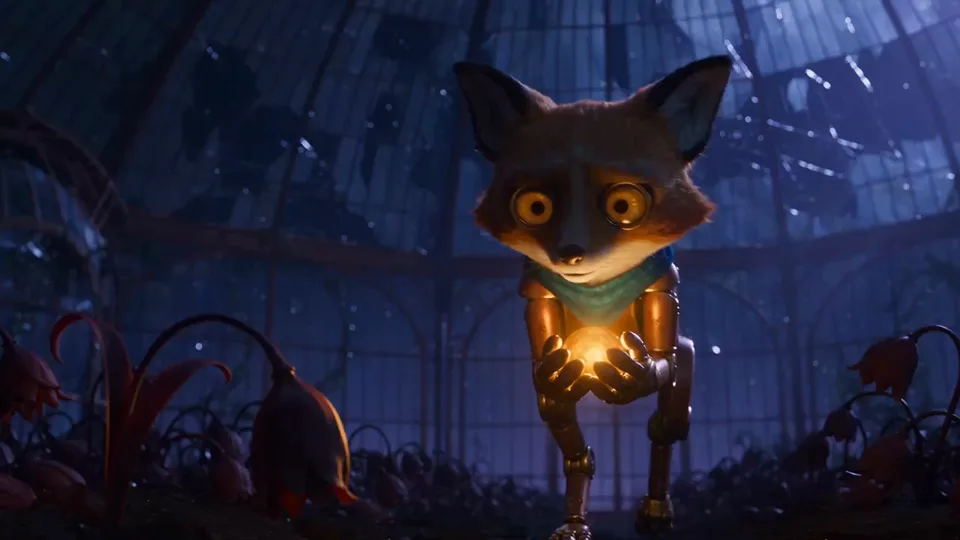
An expressive animated scene depends on a readable silhouette, a purposeful gesture and a stable visual world. When planning your own clip, let one action carry the emotion before introducing another character.
- Use one clear subject and a visible goal.
- Keep the same material and lighting description across related shots.
CINEMATIC DIRECTION
Build atmosphere around the action
A night scene can use reflections, practical lighting and a restrained camera move without relying on a complicated plot. Write the main action first; use the setting to support it.
- Choose a close, medium or wide view.
- Describe which background elements move and which stay still.
PERFORMANCE & STYLE
Plan a visual for a short social clip
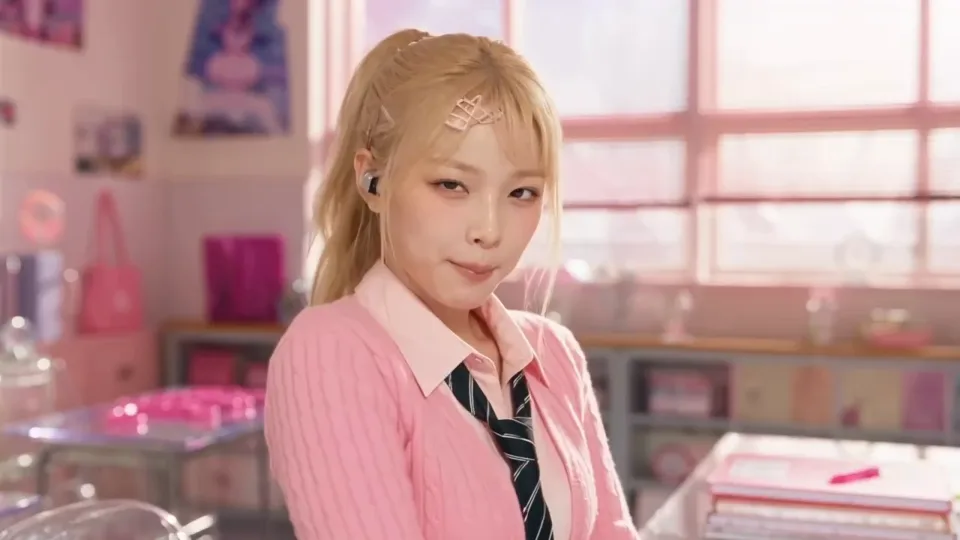
For a performance concept, decide where the subject stands and what the camera should follow. A vertical crop needs a different composition from a wide group shot.
- Specify one simple movement sequence.
- Add licensed music in your publishing app when needed; a preview is not a music licence.
STORY & SHOT PLANNING
Give a longer idea a shot list
A story can be planned as an opening, an action and a reaction. That makes each generation easier to direct and makes it clearer which clip needs another take.
- Treat separate locations as separate shot ideas.
- Keep character descriptions and screen direction consistent.
CHOOSE BY THE JOB, INPUT AND CURRENT ACCESS
Topview T1 vs Seedance 2.0 Mini and Seedance 2.5
Use this comparison to choose a workflow. A model’s advertised maximum is different from the settings offered in a particular website.
| What you need | Topview T1 | Seedance 2.0 Mini here | Seedance 2.5 here |
|---|---|---|---|
| Availability | Official Topview workspace; not integrated here | Available in the composer above | Choose it in the model picker |
| Starting material | Text, image or multiple references | Text, one image or endpoint frames | Text, image or supported reference mode in the full editor |
| Clip length | Up to 30 seconds advertised | Up to 15 seconds | Up to 15 seconds in this composer |
| Resolution | 720p / 1080p advertised | 480p / 720p | 480p / 720p |
| Useful starting point | Evaluate longer narrative shots in its official workspace | Develop one short action from a prompt or photo | Compare another take or a larger export with your own brief |
| Price to check | Topview’s own plan and credit system | The selected model’s Rendastic credit quote before generation | |
Topview advertises 62% lower cost than Seedance 2.5 in its own 30-second, 1080p comparison. That is a provider pricing claim, not an independent finding of equal output quality or a Rendastic discount. No T1 speed or quality benchmark has been reproduced here.
START WITH THE MATERIAL YOU HAVE
Text, photos and longer video ideas
The setup below applies to the available Seedance Mini workflow. T1’s multi-reference interface is separate.
TEXT TO VIDEO
Start a new scene from text
Use Text to video when the location, subject and movement exist only in your idea. The prompt establishes what the camera sees and what changes during the shot.
- Name the subject and place before the action.
- A five-second take should have one small event and a clear ending.
- The available Mini composer starts at 480p; review the quote before generating.
IMAGE TO VIDEO
Animate one starting photo
Use Image to video for a product photo, a portrait you have permission to use or a scene you already designed. The photo supplies appearance; the prompt supplies motion.
- Upload one clear JPG, PNG or WebP, up to 10 MB.
- Choose a ratio that suits the photo and intended destination.
- Do not add multiple reference files or assume T1’s asset limit applies to Mini.
A LONGER EDIT
Break a larger idea into editable shots
For a 30-second social video, plan an opening, a main action and a closing shot. Generate the parts separately and assemble them after downloading.
- Choose a consistent subject description and lighting direction.
- Allow room in each shot for the edit.
- This is an editing plan, not a promise of a single 30-second Mini generation.
WRITE · PREPARE · CREATE
How to create a video on this page
Begin with Seedance 2.0 Mini, or select another available model. No API key is needed to use Rendastic.
01Choose text or your own photo
Write a scene from scratch, or choose Image to video and upload one JPG, PNG or WebP up to 10 MB. The model picker identifies the engine that will generate it.
 02
02Prepare one short take
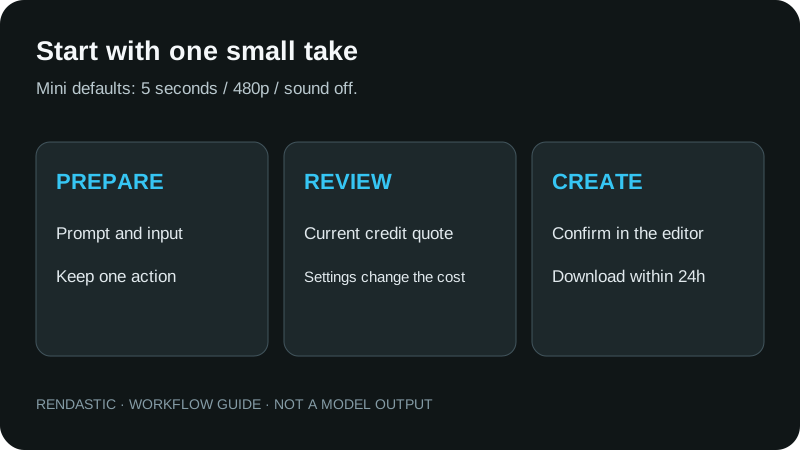
Start at 5 seconds and 480p, then select duration, ratio and sound for your shot. Continue to the editor to review the actual quote and sign-in requirements.
03Generate, review and download
Confirm the generation in the editor, watch the full result and download within 24 hours. Keep usable clips together in a video editor for a longer story.
DIRECT A SHOT, NOT A LIST OF ADJECTIVES
A practical video prompting guide
Use a clear subject, an observable action, one camera move and a final state. The examples below are original starting points for the selected engine.
Give the scene one visible change
Name what the subject does and how the shot ends: a gardener raises a lantern, a performer steps into a spotlight, or a commuter reaches a door. Leave side stories for a separate take.
Choose one camera movement
Use a slow push-in for a reaction or a side track for walking. State the framing, then keep the camera direction consistent throughout one short shot.
Describe timing before adding style
Write a beginning, a response and a finish. Add lighting and texture after the actions are clear. If you want generated audio, enable sound as well as describing it.
COMPLETE PROMPTS · EDIT BEFORE GENERATING
Four cinematic prompts to try with Seedance Mini
Copy a complete prompt or load its model and settings into the composer. Change the subject, setting or camera direction to make the scene your own.
Previews: official Topview T1 excerpts. Prompts: original Rendastic shot ideas for Seedance 2.0 Mini; these prompts did not produce the displayed T1 videos and have not been generation-tested.
ANIMATED CHARACTER
A lantern brings the workshop to life
An original animation idea with one small action and a visible light change.
Text only · no starting image required
- Seedance 2.0 Mini
- 5 seconds
- 480p
- 16:9
- Sound off
A small wooden automaton stands on a workbench inside a quiet miniature workshop at dusk. In one continuous medium shot, it reaches for a brass lantern, lifts it carefully and turns the handle once. The lantern glows amber, gradually lighting the automaton’s carved face and the tools behind it. Keep its joints, silhouette and wooden texture consistent throughout. Make one gentle push-in toward the lantern while the background remains still. Use a warm storybook animation style, soft shadows and restrained movement. No cuts, captions, written labels or logos.
Make it yours: Change the material, workshop or light color while keeping the single lantern action.
CINEMATIC CLOSE-UP
A message at the midnight station
A restrained reaction shot with rain, reflections and one camera direction.
Text only · no starting image required
- Seedance 2.0 Mini
- 5 seconds
- 480p
- 16:9
- Sound off
An original adult character in a dark blue coat waits under a covered platform at an almost empty railway station at night. Frame the character from the waist up. A phone vibrates in one hand; the character reads the screen, pauses, then looks toward a distant arriving train with a small relieved smile. Do not show legible text on the phone. Make a slow, steady push-in while rain falls beyond the shelter and soft yellow reflections shimmer on the platform. Keep the face, coat and lighting consistent. One continuous shot, natural movement, no cutaways, subtitles or logos.
Make it yours: Replace the station with a café or airport; preserve the read, pause and look sequence.
VERTICAL PERFORMANCE
One step into the spotlight
A vertical performance concept built around a short, readable gesture.
Text only · no starting image required
- Seedance 2.0 Mini
- 5 seconds
- 480p
- 9:16
- Sound off
Create a vertical full-body shot of one original adult performer on a simple studio stage. The performer takes two measured steps from the dim side of the stage into a soft cyan spotlight, turns toward the camera and finishes with one open-hand gesture at chest height. Keep both feet and hands visible. The camera stays fixed at eye level and the background remains an uncluttered dark curtain. Use clean contemporary styling, a plain jacket without branding and gentle light falloff. Preserve the same face, outfit and body proportions throughout the continuous shot. No cuts, text, audience or logos.
Make it yours: Change the jacket, light color or final pose. Add music you have rights to use when editing.
STORY & REACTION
A paper boat reaches a friend
Two simple actions in one place, with a visible beginning and ending.
Text only · no starting image required
- Seedance 2.0 Mini
- 10 seconds
- 480p
- 16:9
- Sound off
Film one continuous ten-second shot in a bright courtyard after a summer shower. Two original adult friends kneel on opposite sides of a shallow stone fountain. The friend on the left places a small folded paper boat on the water and gives it one gentle push. The camera tracks slowly beside the boat as it crosses the fountain. The friend on the right catches it carefully with both hands, raises it slightly and smiles toward the first friend. Keep the same two people, clothing, fountain and daylight throughout. Natural ripples, a light breeze and soft reflections support the action. No cuts, dialogue, written text or logos.
Make it yours: Change the courtyard and clothing. Keep the launch, travel and catch in that order.
SEPARATE THE MODEL’S PRICE FROM YOUR WORKSPACE
Topview T1 pricing and API availability
Topview publishes a 1080p rate of 2.2 of its own credits per second. Its advertised 30-second example costs $6.60. Those figures belong to Topview; buying Rendastic credits does not purchase T1 access.
Is there a public Topview T1 API?
We did not find a T1 endpoint in Topview’s public API catalog, pricing matrix or changelog when checked on October 23, 2026. A general Topview API account does not establish T1 access. There is no announced Rendastic integration date.
What can I generate on Rendastic now?
The composer starts with Seedance 2.0 Mini at 5 seconds and 480p. Review a short concept before choosing a longer take or larger output. The editor calculates the actual price for the selected model, inputs and settings.
One-time credits for your next shot
$4.99 for 350 credits. Valid for 12 months, with no automatic renewal.
For regular creation, compare subscriptions. Monthly subscription credits expire at the billing boundary; packs and plans use the same supported model settings. Check applicable taxes and terms before payment.
Before changing your prompt, check the workflow
Match the requested shot to the model and inputs actually selected.
- I need 30 seconds or 1080p
- Mini does not offer a single 30-second or 1080p output here. Plan multiple clips for a longer edit, or choose an enabled model with the output settings you need. T1’s official maxima do not apply to Mini.
- My uploaded photo is barely moving
- Keep the appearance in the image and describe a concrete movement in the prompt. Start with one gesture and one camera move; avoid asking a single short shot to change the person, outfit and location together.
- The recipe changed my selected model
- The supplied recipes are written for Seedance 2.0 Mini, so Use this prompt selects Mini explicitly. You can switch models afterward and review the updated settings. Your own saved draft keeps its selected model.
- When should I use first and last frames?
- Choose First + last frames when you have two images showing the intended opening and ending. Mini supports this mode. Use similar framing and a plausible connecting action; the selected duration covers the complete transition.
AN INDEPENDENT MODEL GUIDE
Your scene, your permitted references
Rendastic is independent of Topview and ByteDance. The official previews illustrate T1; your generation uses the model selected in the composer and editor.
- Use your own images or references you have permission to process. Do not imply another person’s endorsement or present synthetic footage as a real event.
- Commercial use depends on the applicable terms and rights in your inputs. Read the Terms of Service.
- Upload retention and processor-reference details are explained in the Privacy Policy.
Topview T1 questions, answered
What is Topview T1?
Topview T1 is Topview’s first AI video generation model, presented for cinematic storytelling. Topview publishes text, image and multi-reference workflows, 720p and 1080p output, and clips up to 30 seconds.
Can I generate with Topview T1 on Rendastic?
No. Native Topview T1 is not integrated on Rendastic. This page explains the model and offers an available alternative: Seedance 2.0 Mini. The composer and editor identify the actual model used for your generation.
Which model does the generator on this page use?
Seedance 2.0 Mini is the initial selection, with 5 seconds, 480p, 16:9 and sound off. You can choose another enabled compatible video model. The selected model’s name and supported settings carry into the editor.
Is the Topview T1 API available?
A public T1 endpoint was not found in Topview’s API catalog, model-pricing matrix or changelog when checked on October 23, 2026. Topview’s general API platform is separate from model-specific T1 access. Rendastic has no confirmed T1 integration date.
How long can Topview T1 videos be?
Topview advertises T1 clips up to 30 seconds. That limit belongs to the official model workspace. The default Seedance 2.0 Mini workflow here supports clips up to 15 seconds; assemble several downloaded clips for a longer edit.
Does Topview T1 support 1080p?
Yes, Topview advertises 720p and 1080p for T1. Seedance 2.0 Mini on Rendastic offers 480p and 720p. If you need a 1080p export here, choose an enabled model that offers it in the model picker and review its quote.
How much does Topview T1 cost?
Topview publishes a 1080p price of 2.2 of its own credits per second and advertises $6.60 for a 30-second example. These are Topview prices, not Rendastic checkout amounts. The selected alternative on Rendastic has its own editor quote.
Is Topview T1 better than Seedance 2.5?
No independent conclusion of overall superiority is established here. Topview markets T1 as a lower-cost option in its own 1080p comparison with Seedance 2.5. Judge the model with the same input, scene, duration and output needs; the official demos are not an independent head-to-head test.
Is T1 a cheaper name for Seedance Mini?
No. Topview T1 and Seedance 2.0 Mini are different models. Mini is an available alternative on this page while T1 is not integrated. Its output should not be labeled as a T1 generation.
Do I need photos to start?
No. Text to video starts from your prompt. Image to video uses one starting image; First + last frames uses two endpoint images. Upload JPG, PNG or WebP files up to 10 MB each, using images you own or have permission to process.
Can I upload 50 reference assets here?
No. Topview’s published T1 specification mentions up to 50 image, video and audio assets. This composer supports one starting image or two endpoint images. Mini also has a separate reference-image mode in the full editor, with up to three references. Limits follow the actual model and mode.
Are these videos generated by Rendastic?
No. The displayed T1 videos are Topview’s official demonstrations, shown as silent excerpts. The suggested prompts are original Rendastic ideas for Seedance Mini. They did not produce the displayed videos and have not been generation-tested.
Can I use the prompts immediately?
Yes. Copy the full prompt or choose Use this prompt to load Seedance 2.0 Mini and the suggested settings into the composer. You can edit before continuing. Loading a prompt never submits a generation or spends credits.
Is this free Topview T1 access?
No. This page does not offer native T1 or a free T1 allowance. For an available Rendastic model, the editor shows eligibility and the current credit quote before confirmation. Uploading a photo or loading a prompt does not itself generate a video.
Can I buy credits without a subscription?
Yes. Rendastic offers one-time credit packs with no automatic renewal. See the pricing page for current pack amounts, prices and validity. A purchase covers supported Rendastic models; it does not grant Topview T1 access.
Where can I find my video and how long is it kept?
The Rendastic editor displays your generation status and result. Download a completed result within 24 hours. Local source uploads are deleted after processing or within one hour; processor reference links have separate retention explained in the Privacy Policy.
PUT ONE GOOD SHOT ON THE PAGE
Start your next video idea
Choose a prompt, add a photo if needed, and prepare a Seedance Mini video. You can switch to another available model before continuing.
Prepare my shot ↑