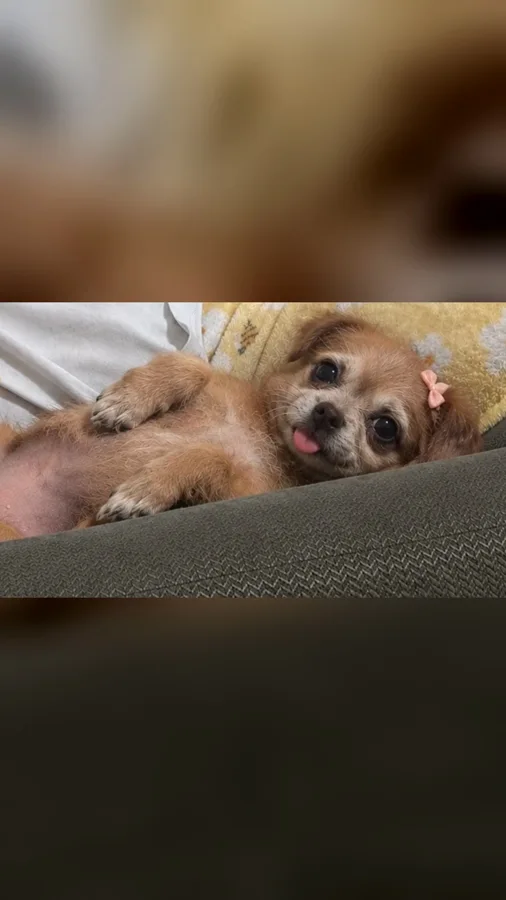
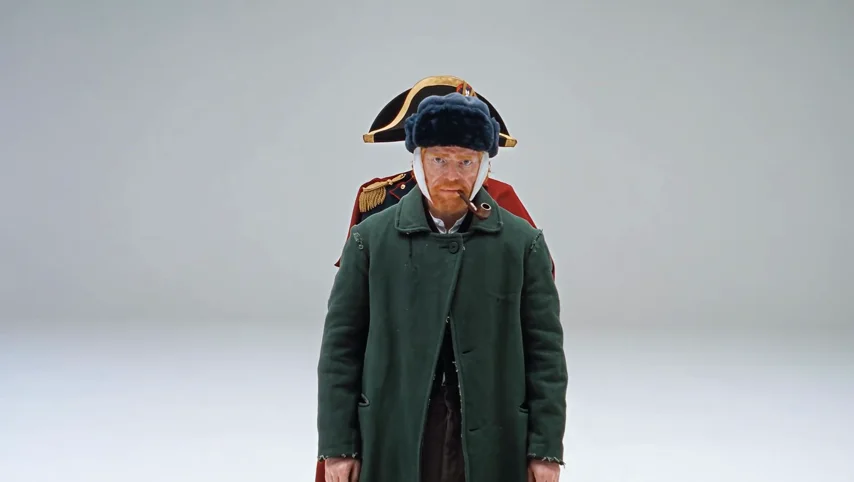
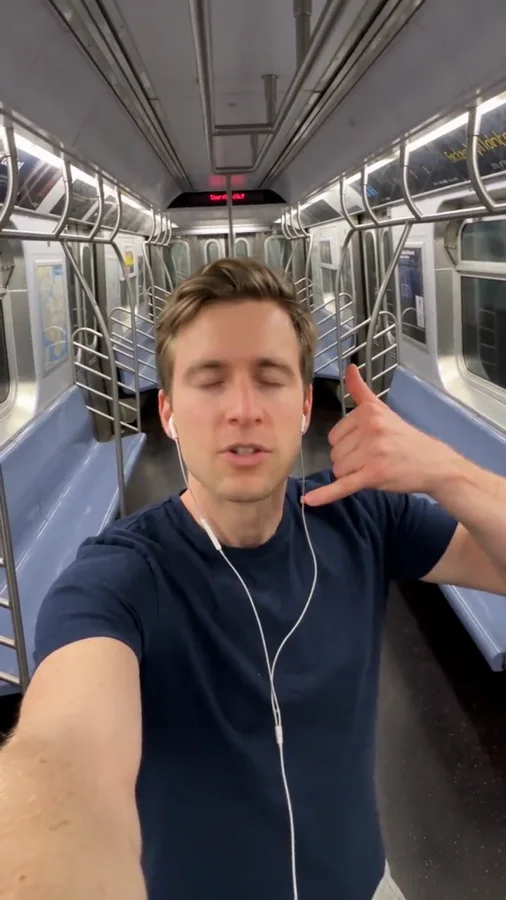
YOUR PHOTO, A NEW SCENE
Victoria Secret AI Runway Video
Your photo, a couture look and a runway moment. Create an angel-wing fashion walk with your own character.
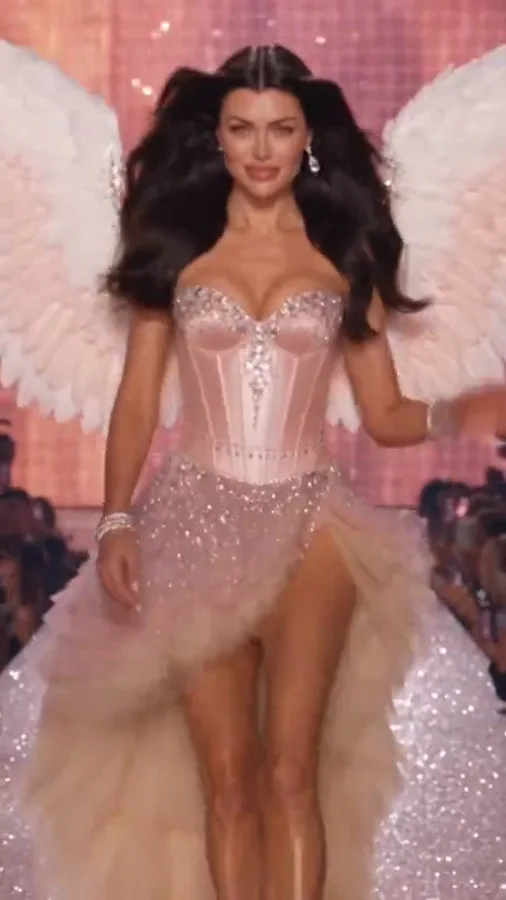 Victoria Secret AI Runway⇄
Start with one clear photo. Your photo and prepared prompt continue into the editor.
Do not upload sensitive images. Privacy Policy
Create my runway videoINSIDE THE SCENE
Build your angel-wing runway moment
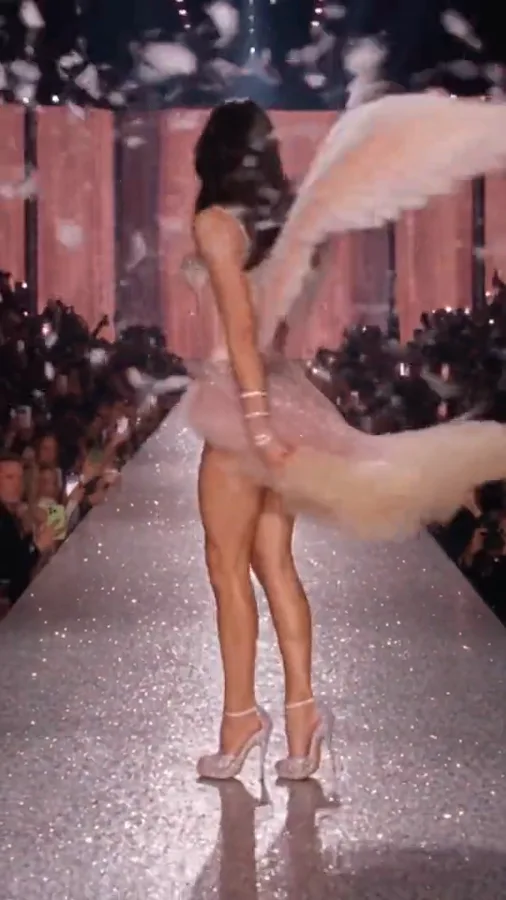
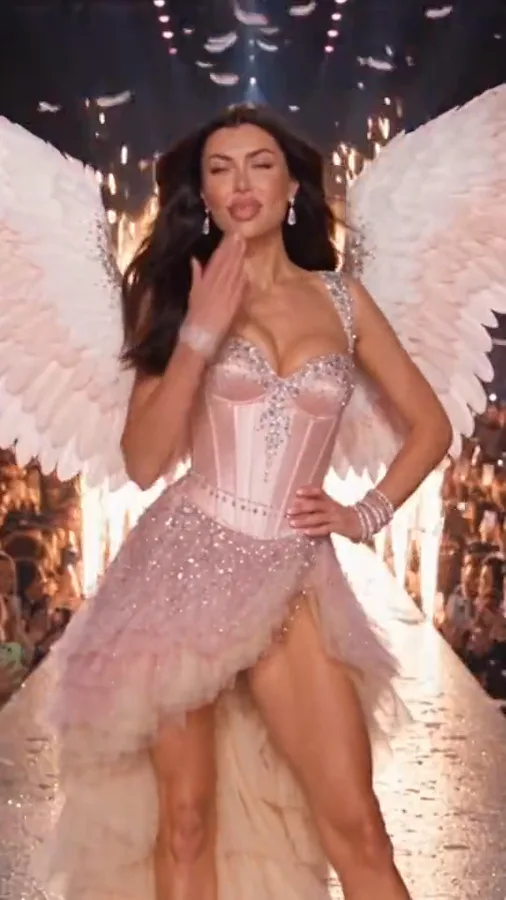
A breakdown of the visual idea, with practical directions you can customize. The reference frames below belong to one example; they are not separate Rendastic outputs.
THE RUNWAY SILHOUETTE
Let the wings fit inside the frame
The visual hook is the contrast between a familiar face and a dramatic winged outfit. Give the wings room on both sides, and keep the feet visible during the opening walk.
- Start from a full-body or three-quarter photo.
- Describe costume wings as attached to the outfit.
- Keep one centered performer.
A WALK WITH A FINISH
Plan the pose before adding more motion
A forward walk, a slight turn and a held pose make a complete short fashion moment. Several spins, rapid cuts and a crowd interaction compete for the same seconds.
- Use a slow, steady approach.
- Choose one finishing gesture.
- Hold the final pose for a clean cover frame.
YOUR OWN FASHION DIRECTION
White angel, dark couture or a pet cameo
Change feathers, lighting and clothing together to build a coherent look. A dark version can use black wings and a tailored evening outfit. For a pet, describe a small costume and a natural walk rather than a human runway stride.
- Keep garments opaque and age-appropriate.
- Match wing color to the lighting palette.
- Describe a pet as a pet, not a human body.
MADE TO BE CUSTOMIZED
From your photo to your own version
Prepared angel-wing styling
The scene starts with a complete outfit, wing placement and runway lighting. You can change these details without writing a prompt from scratch.
Your character, your direction
Upload one photo and edit the costume or pose. The workflow creates a fictional fashion scene rather than inserting a face into broadcast footage.
A short fashion sequence
The default is a 15-second vertical walk with a finishing pose. Choose supported output settings in the editor before confirming the quote.
YOUR SCENE, YOUR DIRECTION
What does Victoria Secret AI runway mean?
People use Victoria Secret AI, VS runway and angel-wings runway to describe photo-based fashion videos with large wings and a catwalk pose. This Rendastic page is an independent, trend-inspired generator with an editable couture scene. It is not an official Victoria’s Secret service or a recording of its fashion show.
Customize this sceneChoose a photo that gives the scene a clear starting point
- Use a photo of an adult with a clear face and visible posture.
- Avoid a crop that removes the head, shoulders or most of the body.
- Describe the outfit you want in the prompt; the source outfit is not a mandatory costume.
- Keep the background simple enough to distinguish the person from nearby people.
FROM PHOTO TO FINISHED TAKE
How to make your Victoria Secret AI Runway video
Choose your runway character
Upload one clear photo. Full-body framing is useful for the walk; a visible face is essential for the character reference.
Choose the look and pose
Open the editor, adjust the gown or suit, wing color and final gesture, then review settings and the credit quote.
Create your fashion clip
Generate and download the completed video. Add your own title and permitted music when preparing the social post.
FIND YOUR WAY TO THE MEME
Victoria Secret AI runway: Rendastic and MakeViral workflows
Compare what you need to prepare and what each named template creates. Different input methods and output settings suit different edits; raw credit units are not equivalent across services.
Swipe or scroll sideways to compare all tools
| Your decision | RendasticVictoria Secret AI Runway templateThis template | MakeViralAngel, Dark angel and Pet templates |
|---|---|---|
| Photo input | One character photo | One full-body person or pet photo |
| Look and pose | Edit the prepared couture outfit, wing color, runway and finishing gesture | Choose a named Angel, Dark angel, Backstage or Pet variant |
| Starting output | 15 seconds, vertical, silent | 10-second vertical clip with sound |
Scope: the named public templates, not all features on either platform. This is a workflow comparison, not a quality or speed ranking. Rendastic pricing comes from the current editor quote.
Sources checked : MakeViral Victoria Secret AI runway template
Start here when you want to customize the prepared prompt and keep your photo, settings and draft together in the Rendastic editor.
Create my runway videoABOUT THIS CREATION
Your creation and the trend reference
Make the scene yours. Use photos you have permission to process and share the result responsibly.
- This workflow creates a new video scene from your input. The public reference is shown to explain the trend; it is not submitted as generation footage.
- Use your own photo or obtain permission from the person depicted. Do not present a fictional scene as a real event involving someone else.
- Rendastic is not affiliated with or endorsed by Victoria’s Secret. The name identifies the trend; the prepared scene uses original costume directions and no official show footage.
BEFORE YOU UPLOAD
Your photos and the creation process
What happens to uploaded photos?
Your photo is processed to guide the requested creation. Local source files are removed after processing or within one hour. Generation-provider reference links can remain publicly accessible for up to 30 days; local deletion does not remove that provider copy.
Keep control of what you submit
Use images you have permission to process. Read the Privacy Policy for processor, retention and deletion details before uploading material that should remain confidential.
PAY ONCE. MAKE IT YOURS.
Choose your one-time pack
Pick how many videos you want to make. No subscription. No automatic renewal.
At this template’s starting settings: 15s · 480p · 199 credits per video.
START HERE
Credits for
1 video
$4.99one-time
350 credits included
- No subscription or automatic renewal
- Credits valid for 12 months
- Use remaining credits on other creations
ONE-TIME PACK
Credits for
5 videos
$14.99one-time
1060 credits included
- No subscription or automatic renewal
- Credits valid for 12 months
- Use remaining credits on other creations
ONE-TIME PACK
Credits for
10 videos
$29.99one-time
2150 credits included
- No subscription or automatic renewal
- Credits valid for 12 months
- Use remaining credits on other creations
Need more? See larger one-time packs
ONE-TIME PACK
Credits for
21 videos
$59.99one-time
4350 credits included
- No subscription or automatic renewal
- Credits valid for 12 months
- Use remaining credits on other creations
ONE-TIME PACK
Credits for
36 videos
$99.00one-time
7300 credits included
- No subscription or automatic renewal
- Credits valid for 12 months
- Use remaining credits on other creations
Counts use this template’s starting settings and pack credits only. Changing the model or settings changes how many you can make. Review the quote before generating. Any daily free creations are extra.
Create regularly?
Explore subscription plansPrices in USD; applicable taxes appear before payment. See credit pack terms and the Terms of Service. Choosing a pack does not start a generation.
A FEW THINGS WORTH KNOWING
Victoria Secret AI Runway questions
Can I make a Victoria Secret AI runway video from one photo?
Yes. The prepared workflow takes one photo and describes a new winged fashion scene. Open the editor to customize the look before generation.
Is this an official Victoria’s Secret generator?
No. Rendastic is independent and is not affiliated with or endorsed by Victoria’s Secret. The name identifies the fashion trend people are searching for.
Do I need to wear wings in my photo?
No. The prompt describes the costume wings, clothing and runway. Your photo supplies the character reference.
Can I make a dark angel version?
Yes. Edit the wing color, outfit and lighting together. For example, request black feather wings, an opaque black evening outfit and a cool spotlight.
Can I use a pet photo?
You can adapt the prompt for a pet. Replace the human outfit and walking instructions with a suitable costume and the animal’s natural stance; this is a different creative variation.
Does it include fashion-show footage or music?
No. The workflow generates a new silent scene. Add music you have permission to use when editing or publishing.
Is this template free, and how much does it cost?
This preset uses paid credits: 199 Rendastic credits · 15s / 480p. A one-time pack starts at $4.99 for 350 credits, valid for 12 months. The editor shows your current quote before generation; the cost changes with supported model and output settings.
Where can I use the completed result?
You can download the completed result and prepare it for your chosen social platform. Use photos and added audio you have permission to use, follow that platform’s AI-labeling requirements, and read our Terms for applicable content rules.
MAKE YOUR NEXT TAKE
Give your character a runway moment.
Start with one photo, review the prepared directions and continue in the editor.
Use Victoria Secret AI Runway template View one-time packs