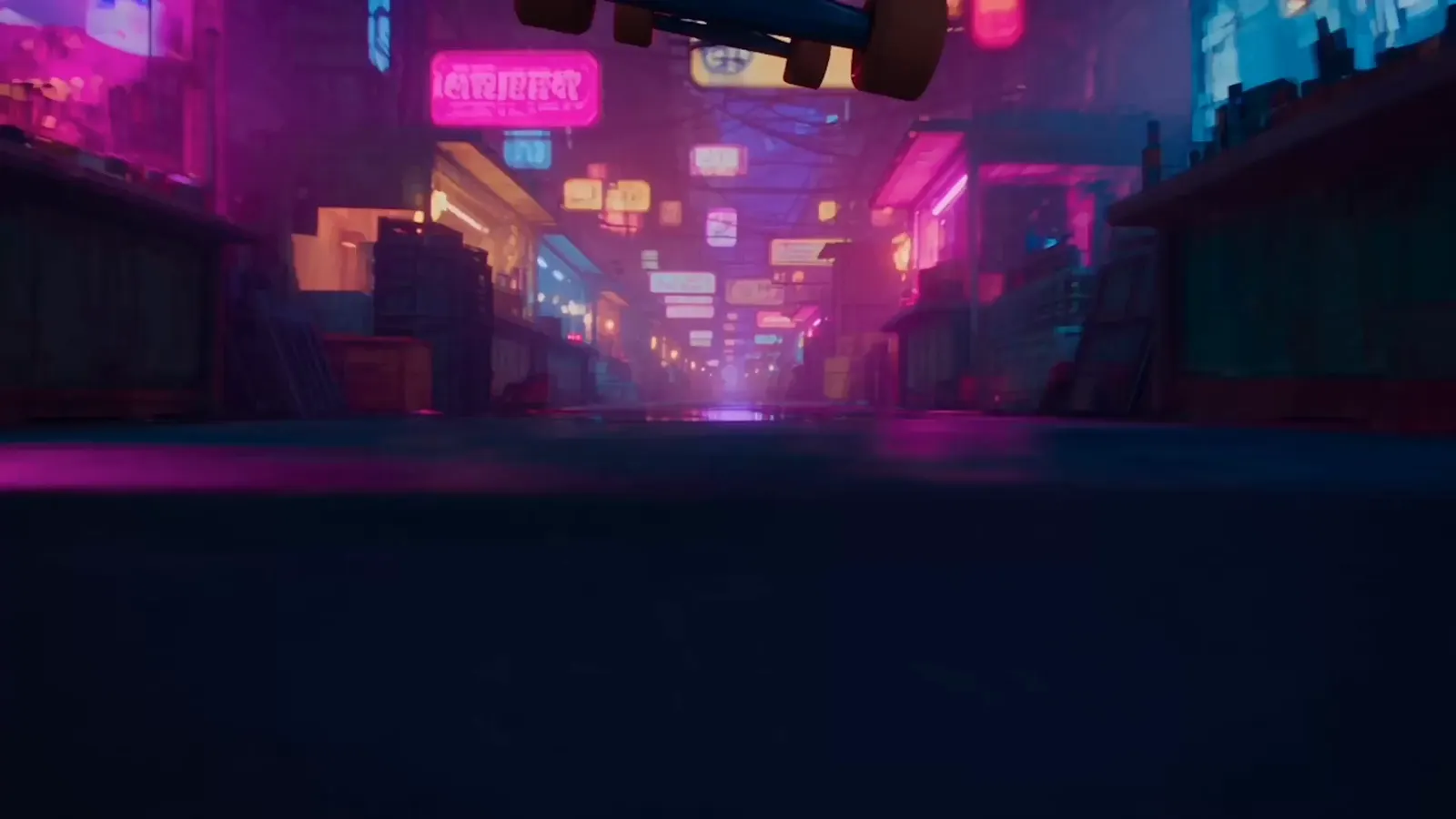

What Is Rendastic
Rendastic is a free AI video generator that runs in your browser. Describe a scene and get a video back, or upload a photo and let it move. No app to install, no account to create.
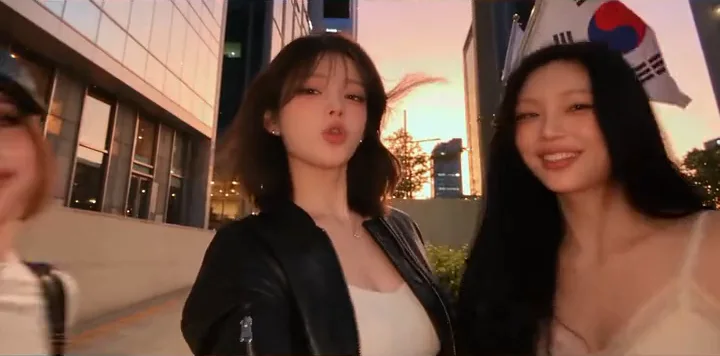
Gangnam Style Trio
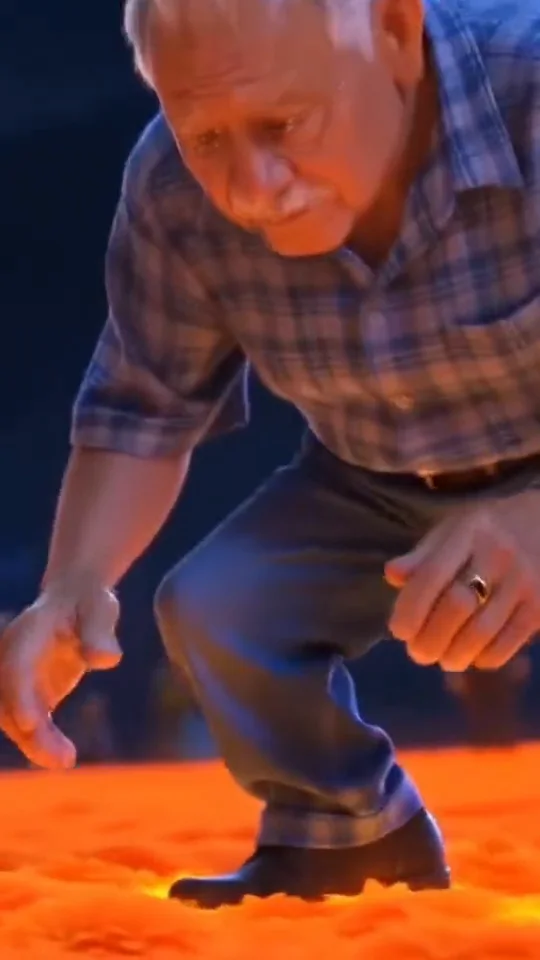
Marigold Bridge
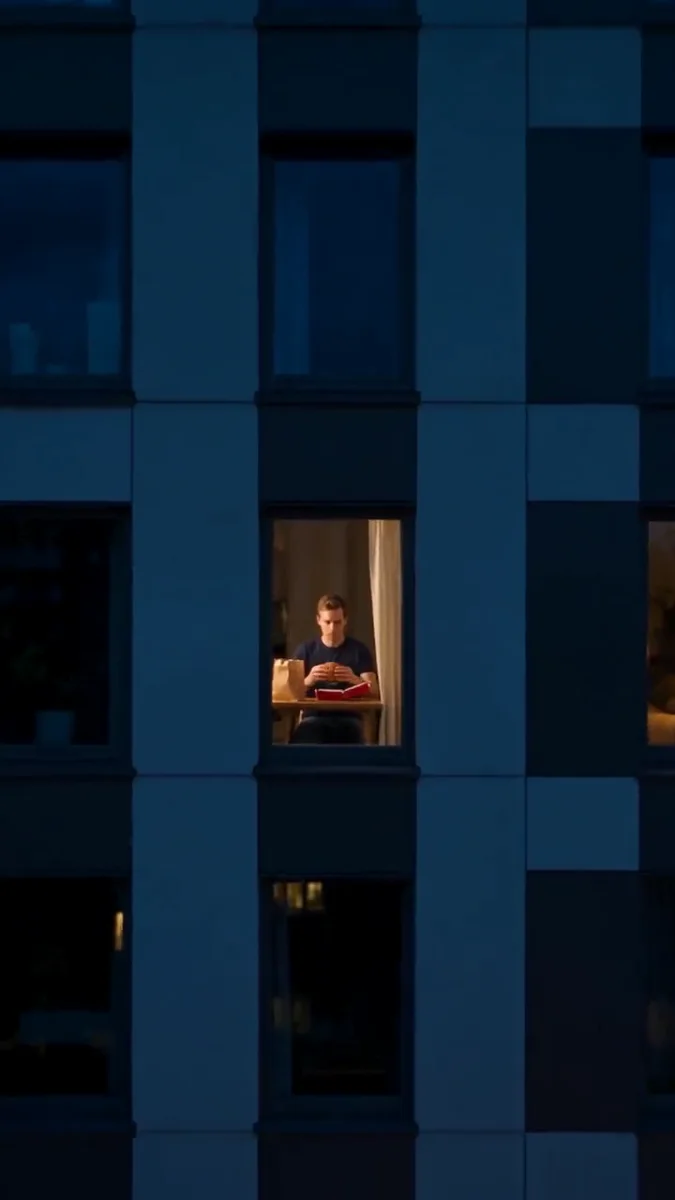
Window Peeper
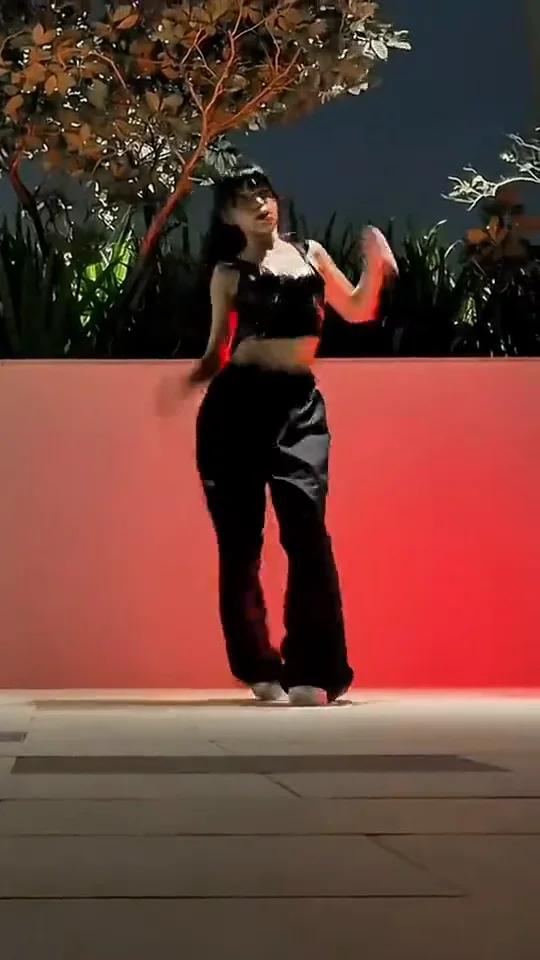
K/DA Firestarter
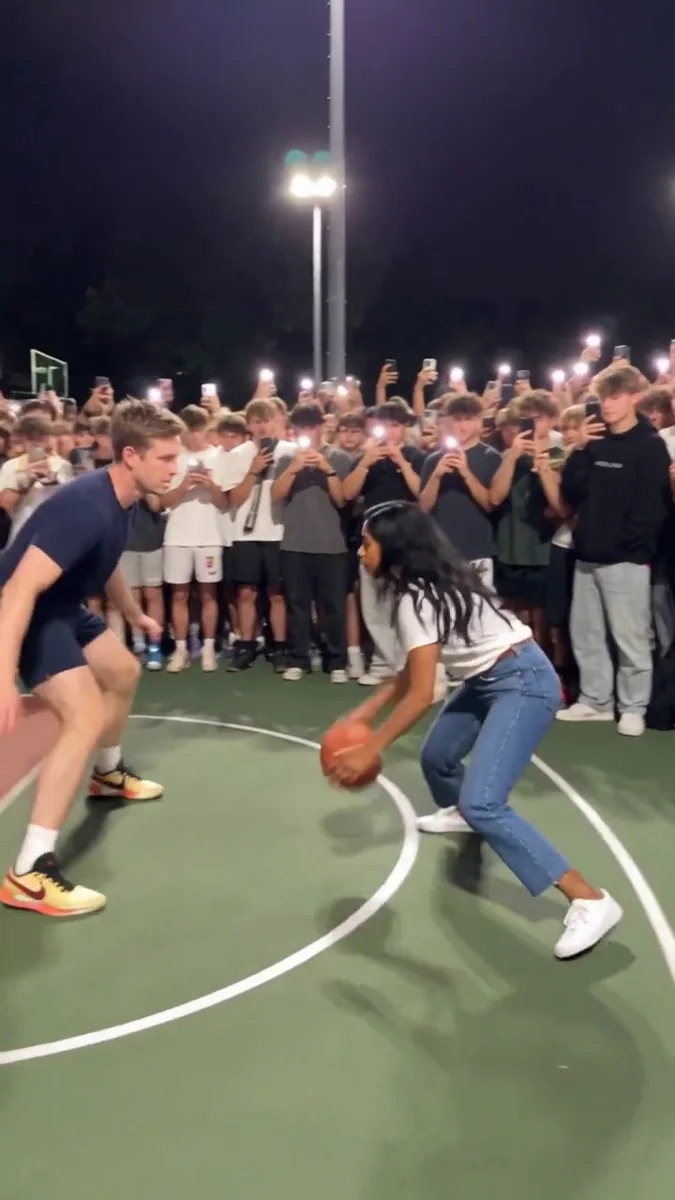
Middle Finger Dunk
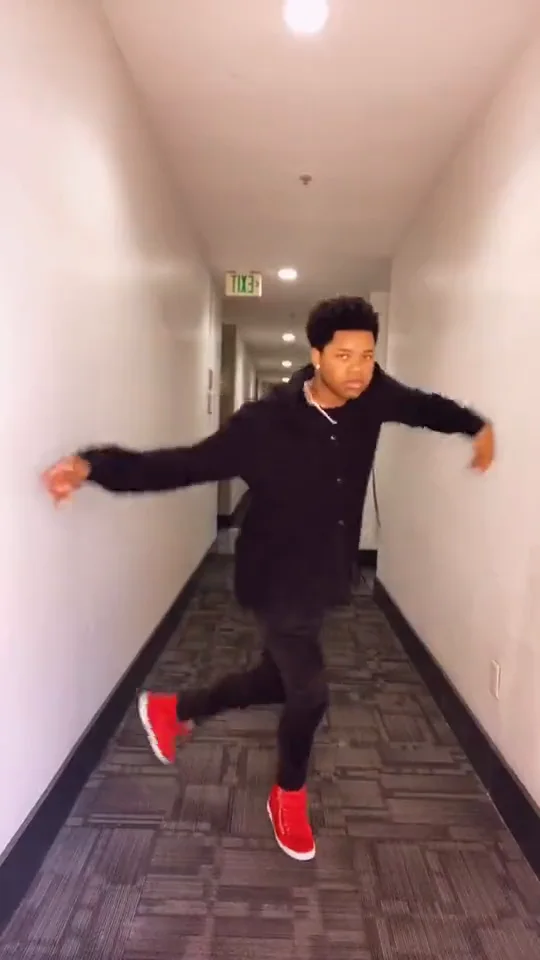
Toosie Slide
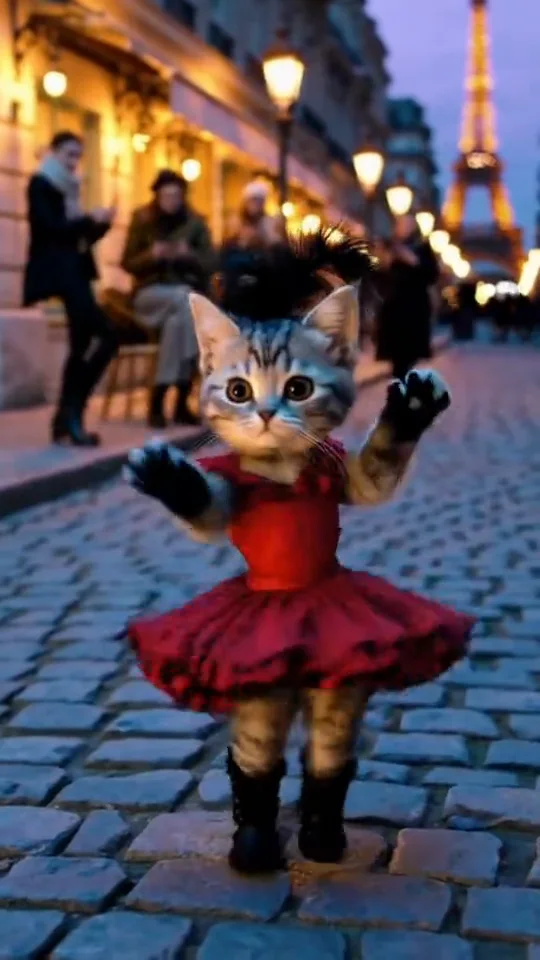
Can Can Dance
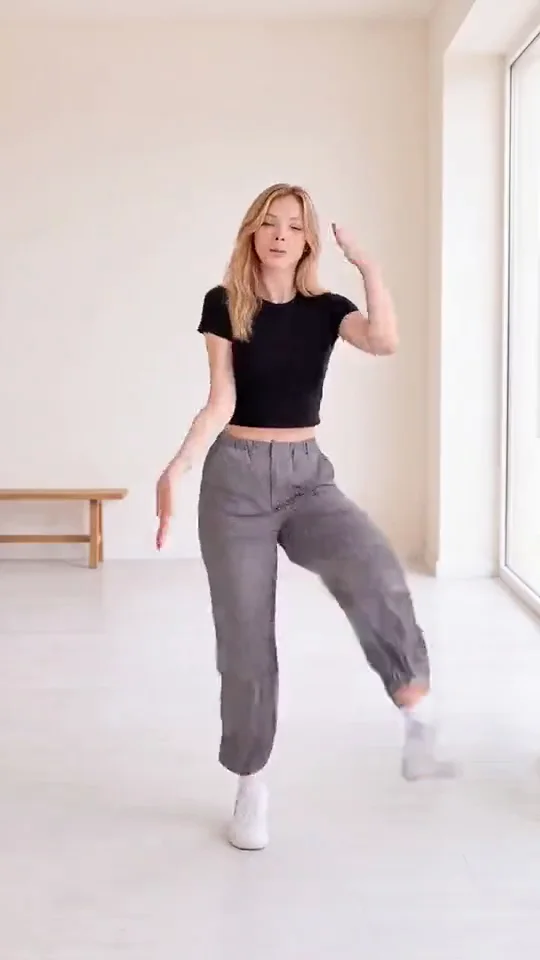
WYW My Sweetie
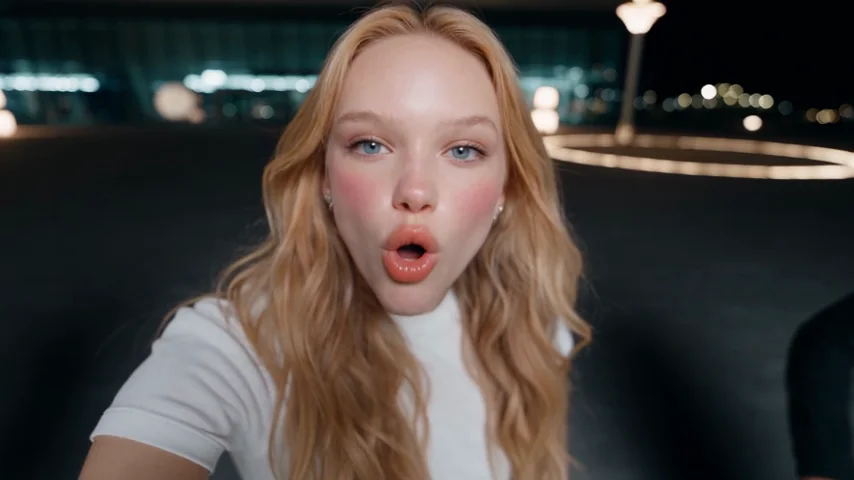
Night Trio Selfie
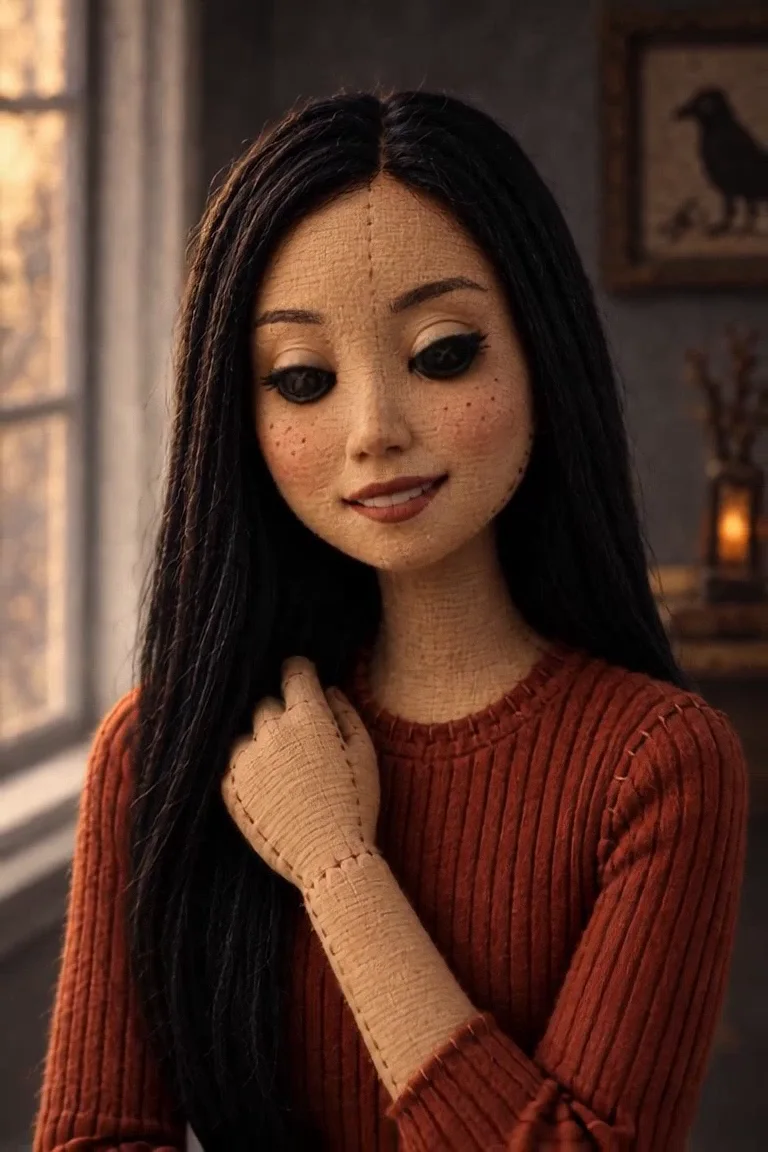
Button Eye Doll
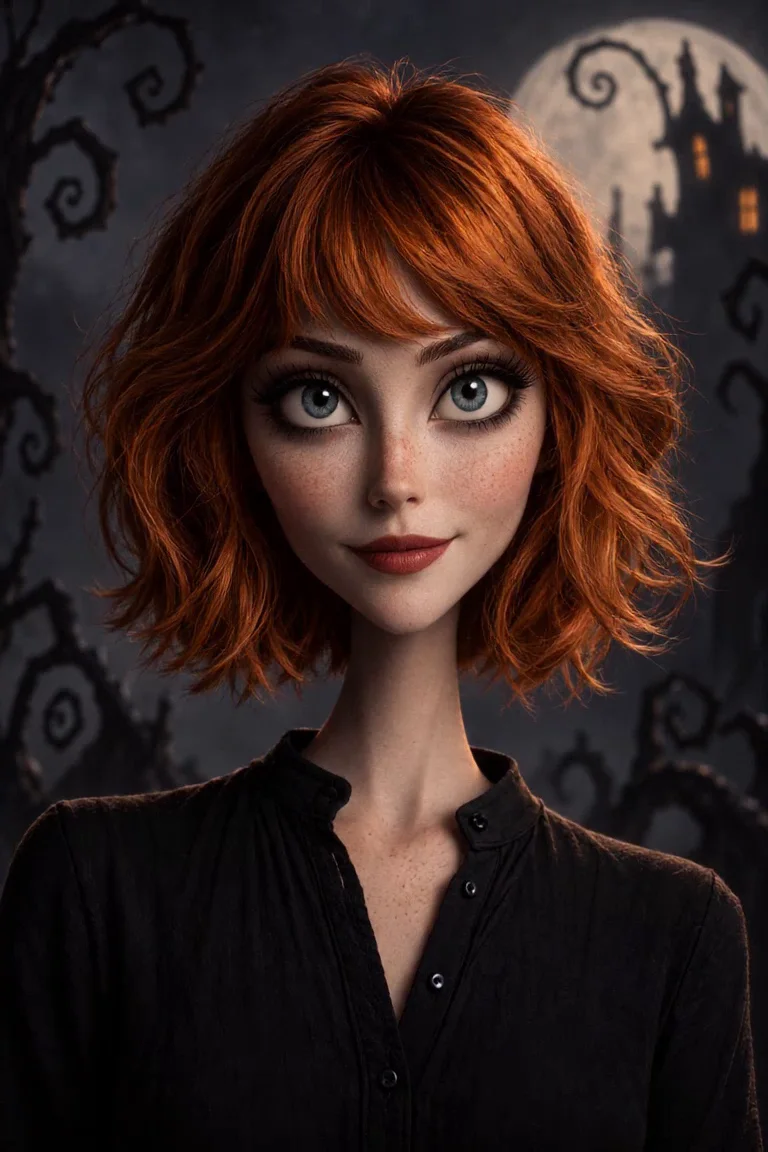
Nightmare Cartoon Halloween
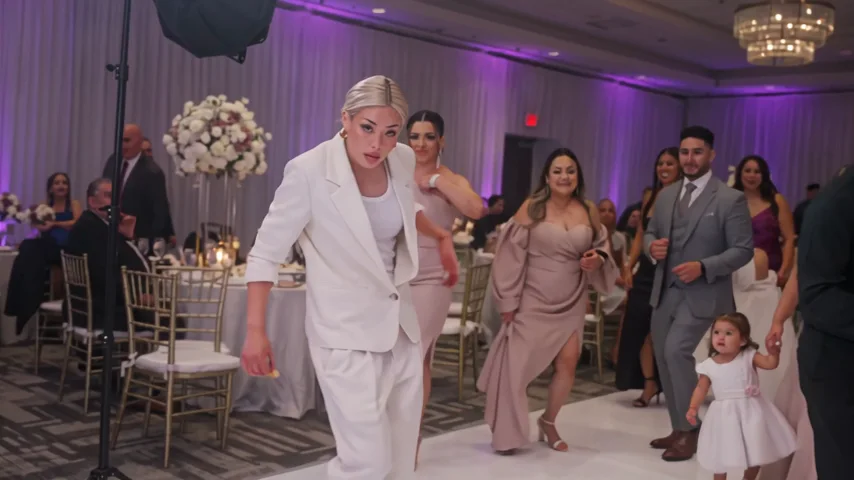
Wedding Dance Floor
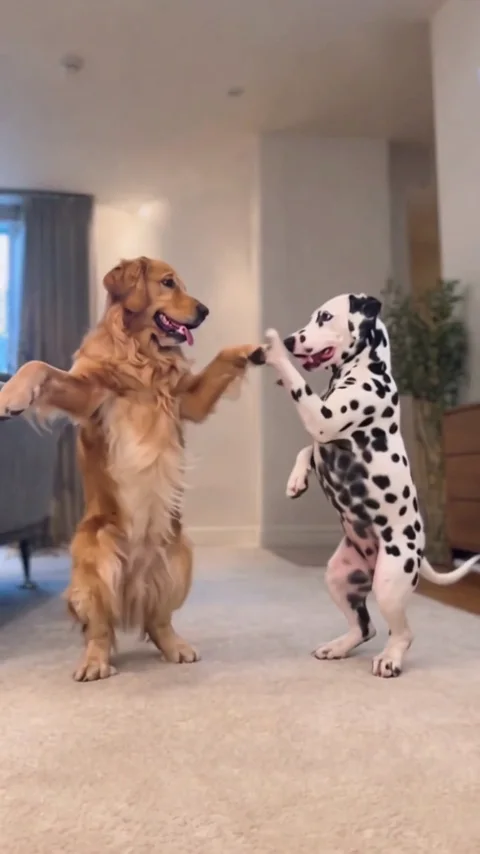
Pet Duo Dance
ATEEZ BAD Dance
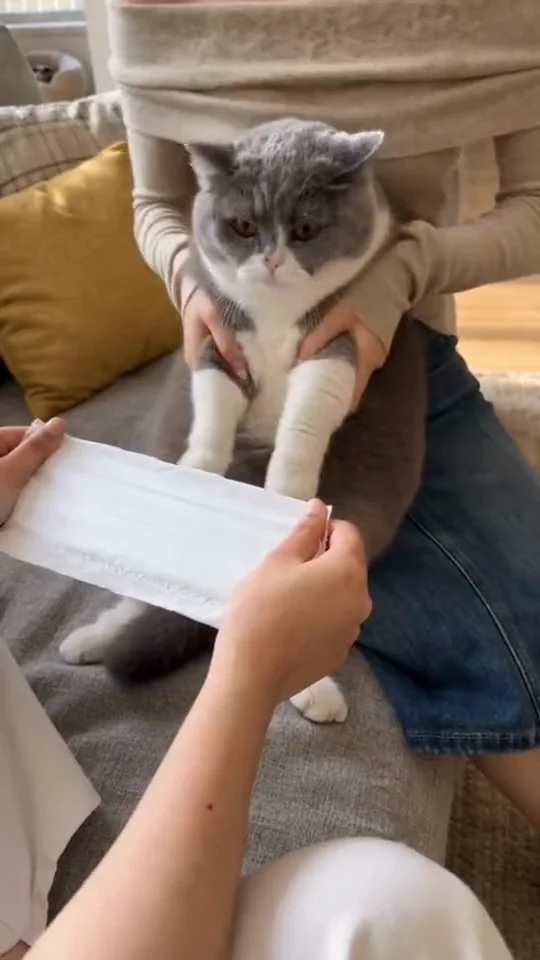
Kung Fu Cat
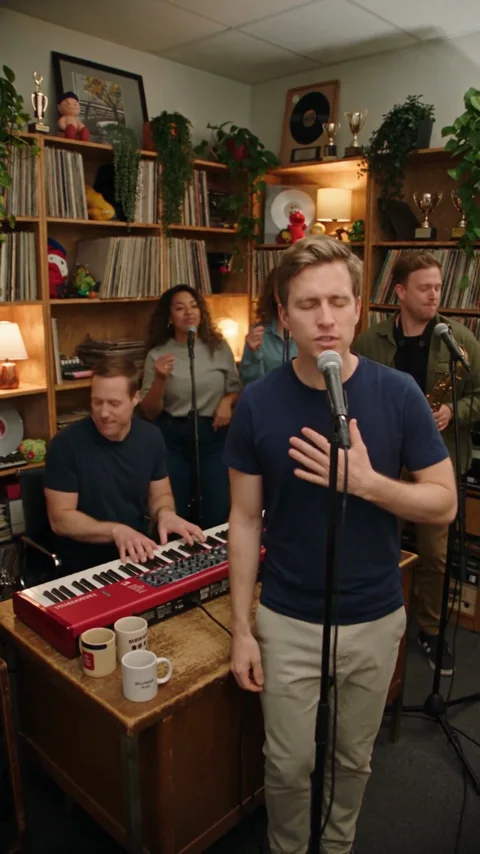
Tiny Desk
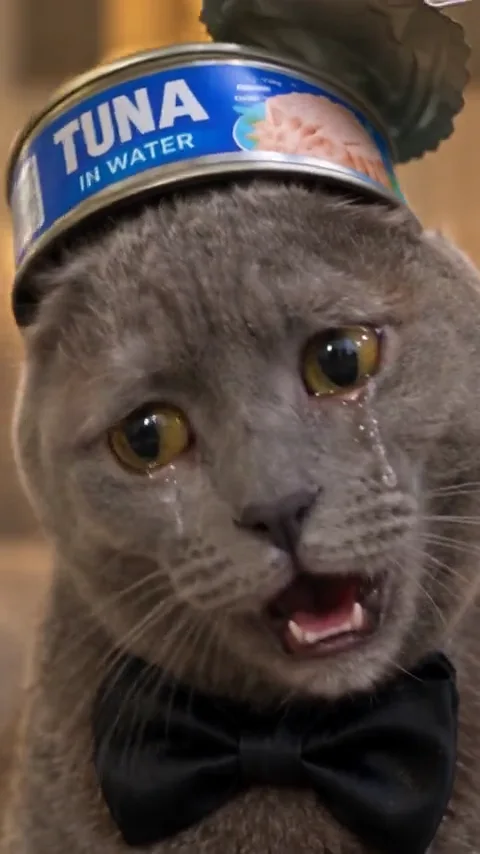
Deep Down In My Heart
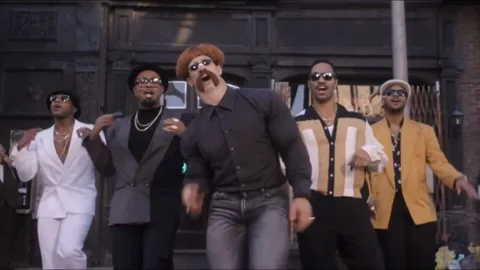
Uptown Funk
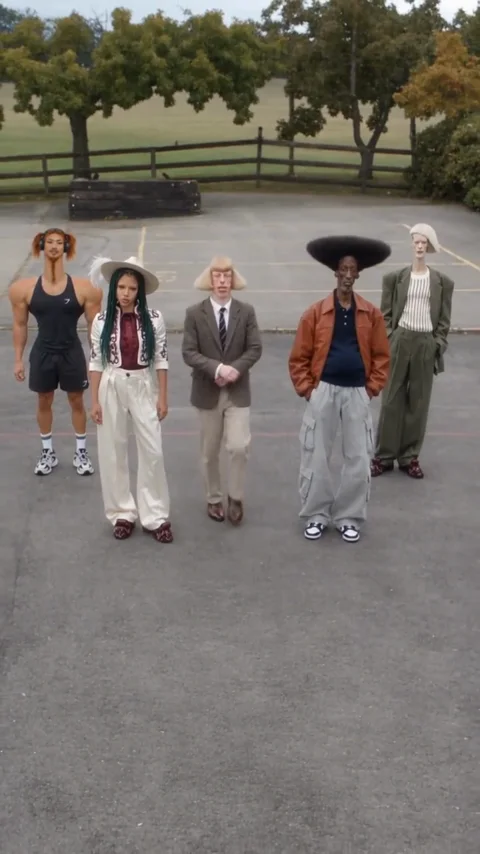
Keep On Steppin

iPhone Kupi Dance
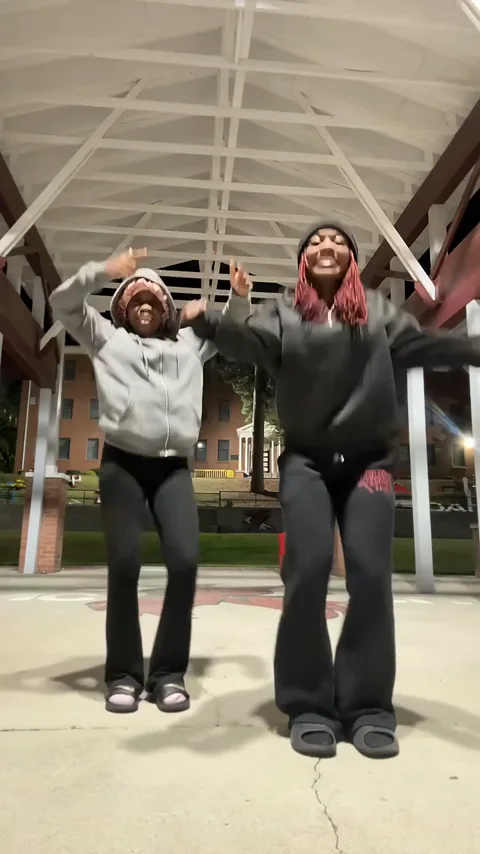
Puerto Rican Mami
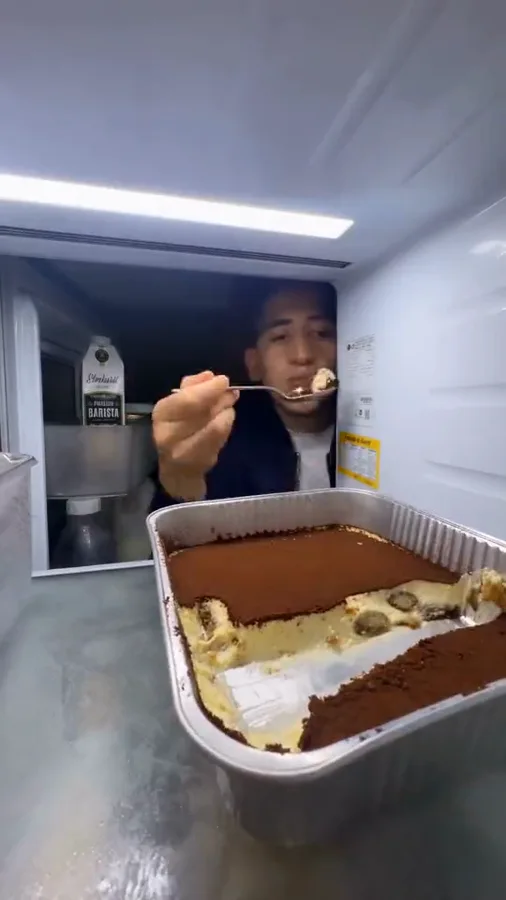
Fridge POV
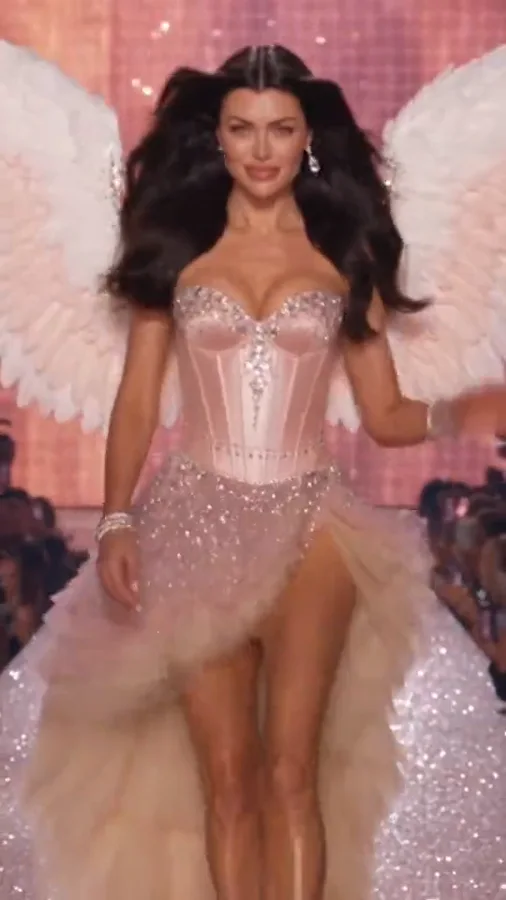
Victoria Secret AI Runway
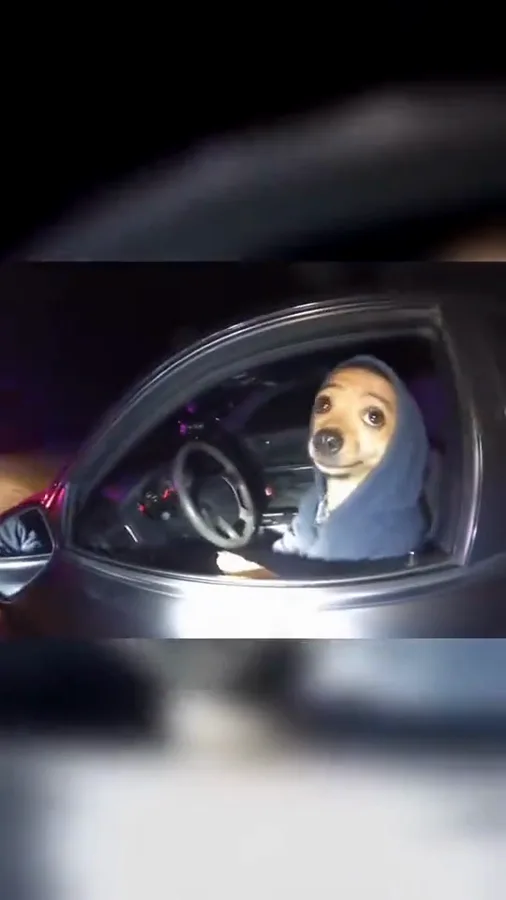
What Stop Sign
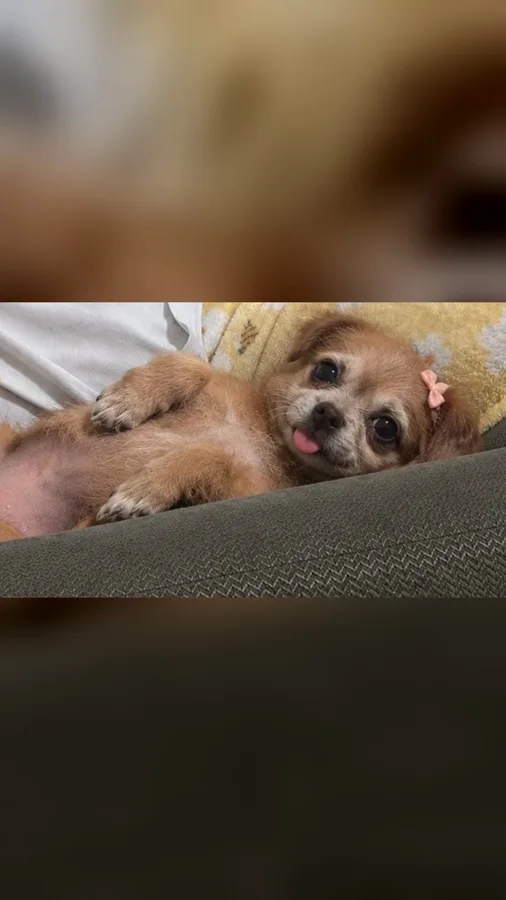
Perdon AI
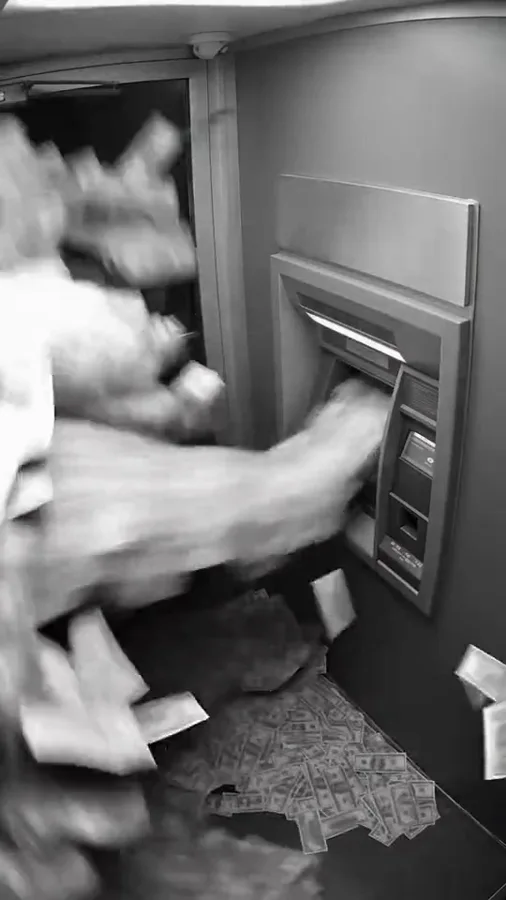
ATM Glitch
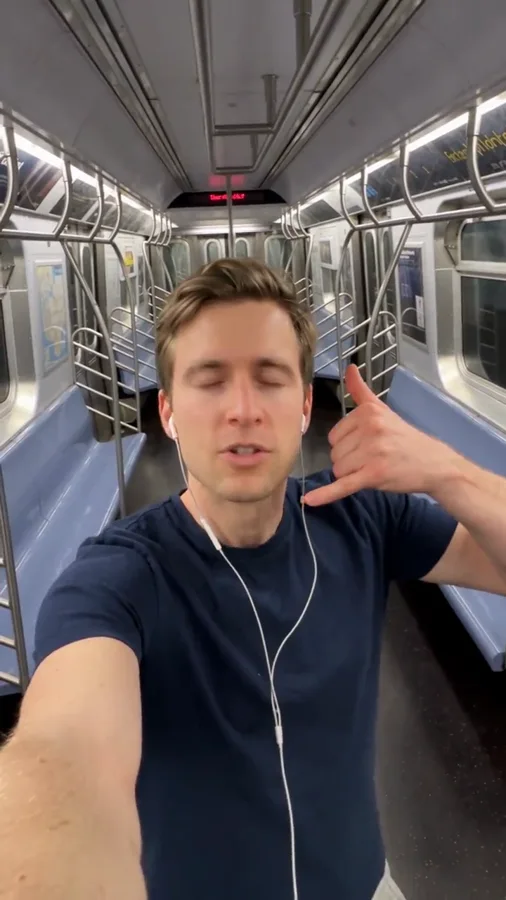
Ain’t No Mountain
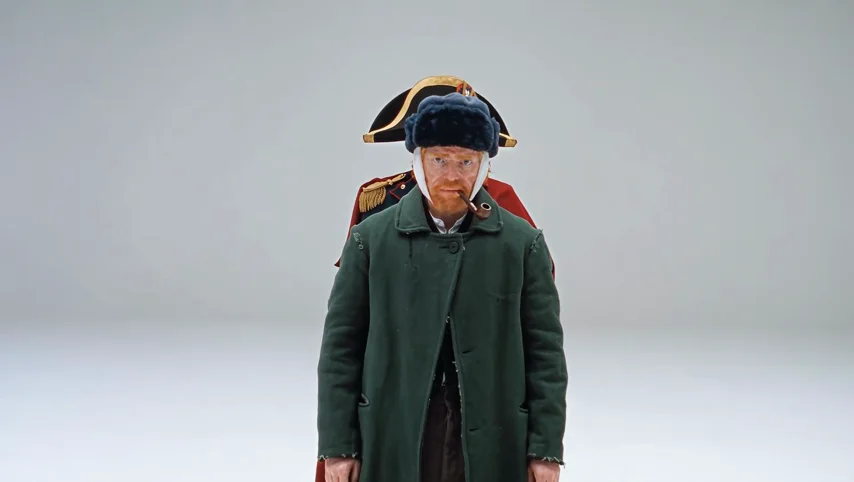
A2O LITE NEON
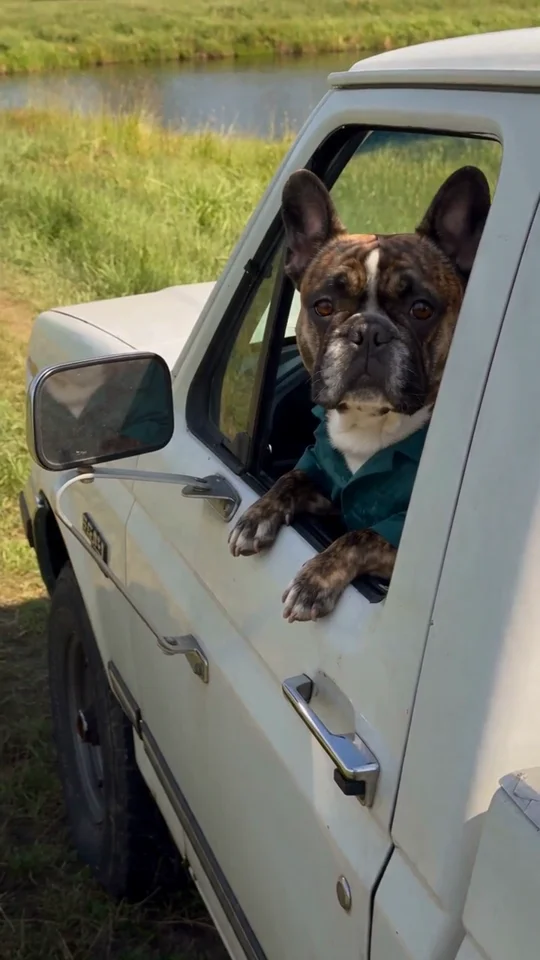
Hit the Road Dude
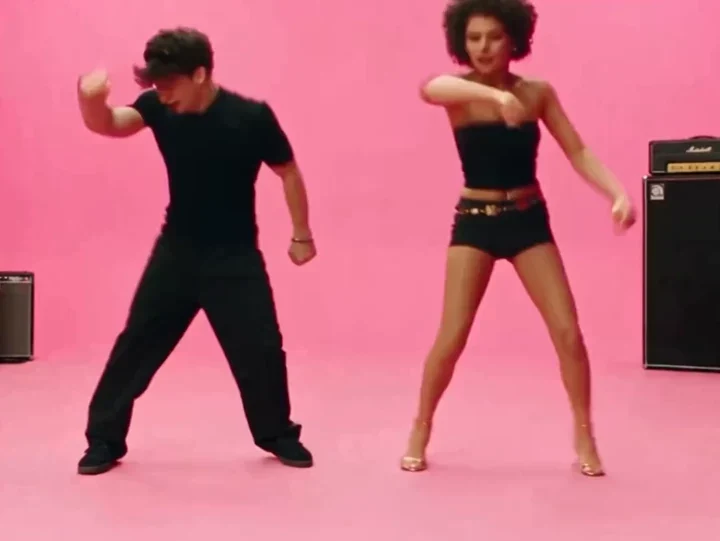
AI APT.
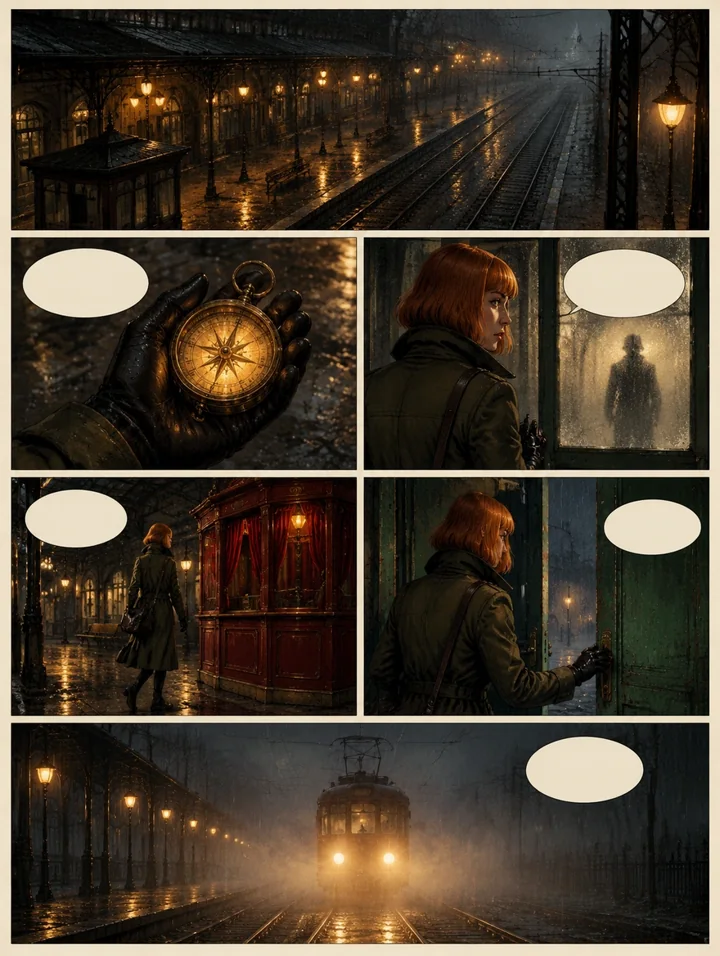
AI Comic
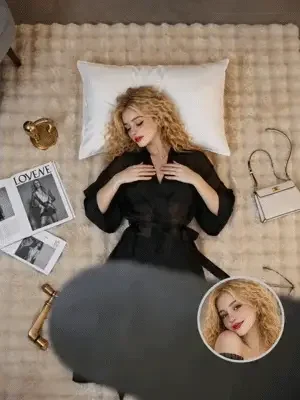
AI Ceiling Fan Transition
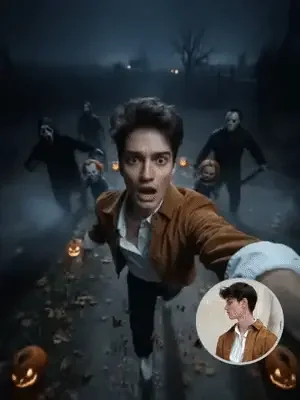
AI Escape
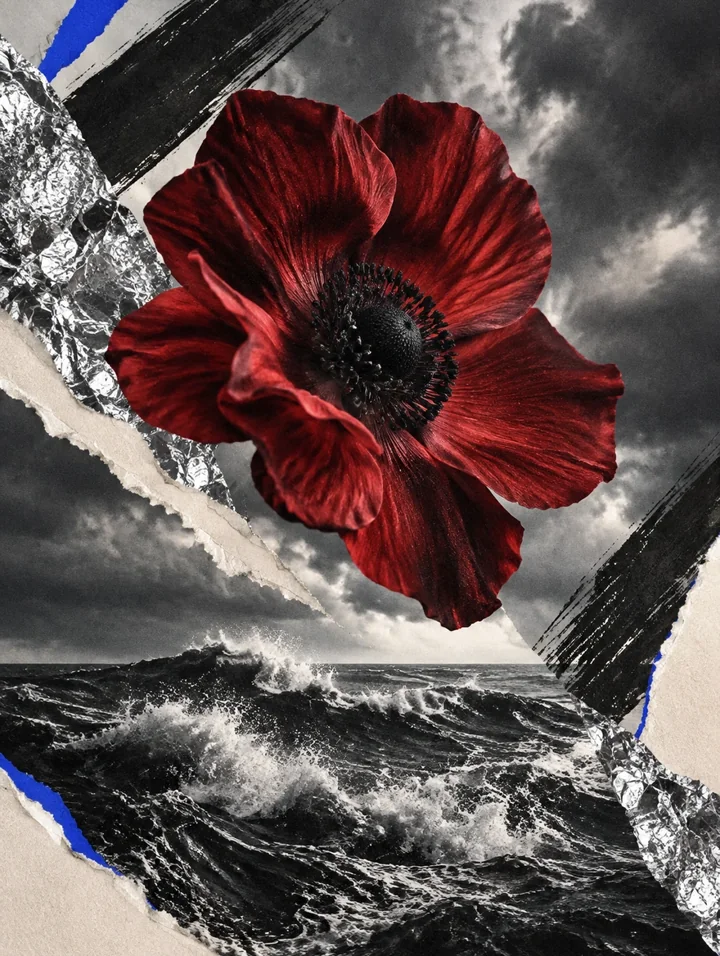
AI Album Cover
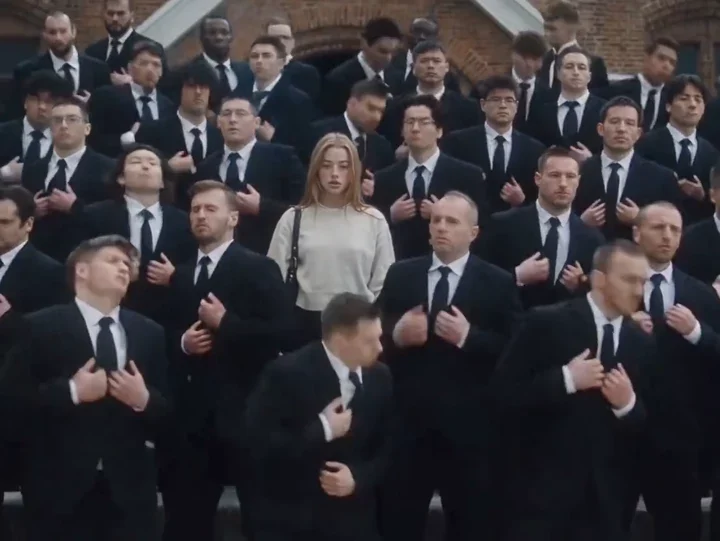
AI STORM II Dance
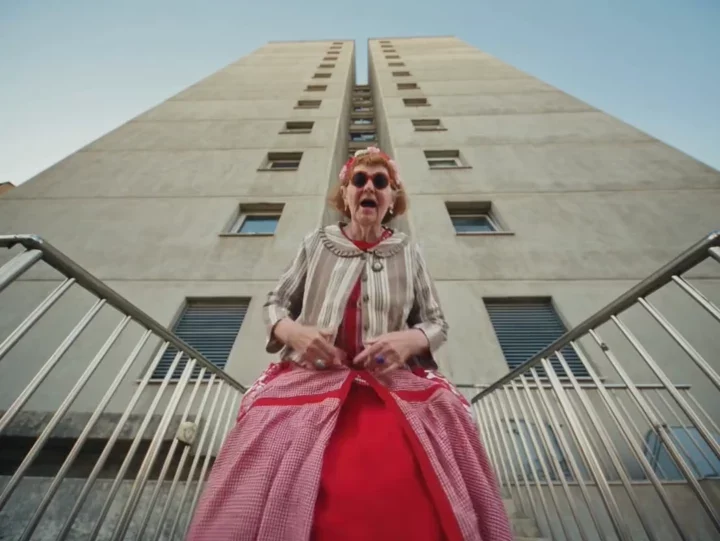
AI Central Cee Doja MV
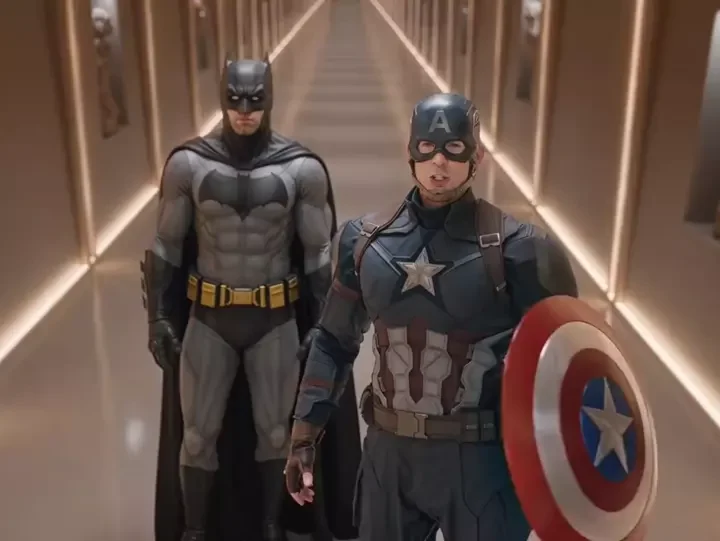
AI I love It
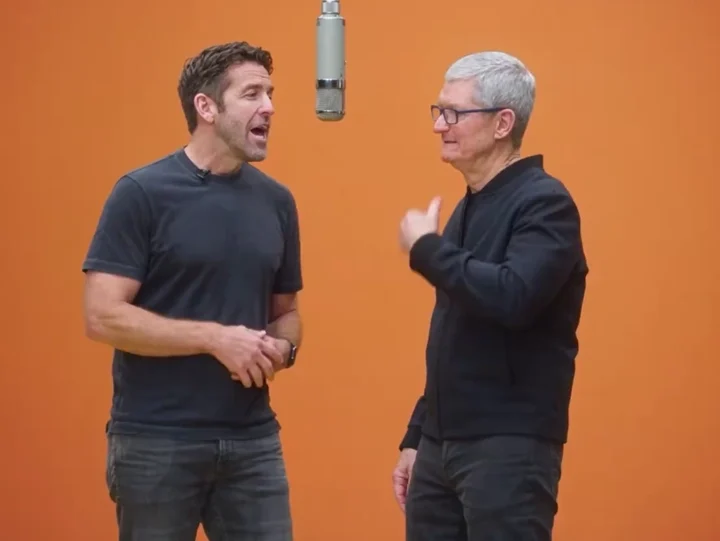
AI Hotel Lobby

AI Youtube Thumbnail
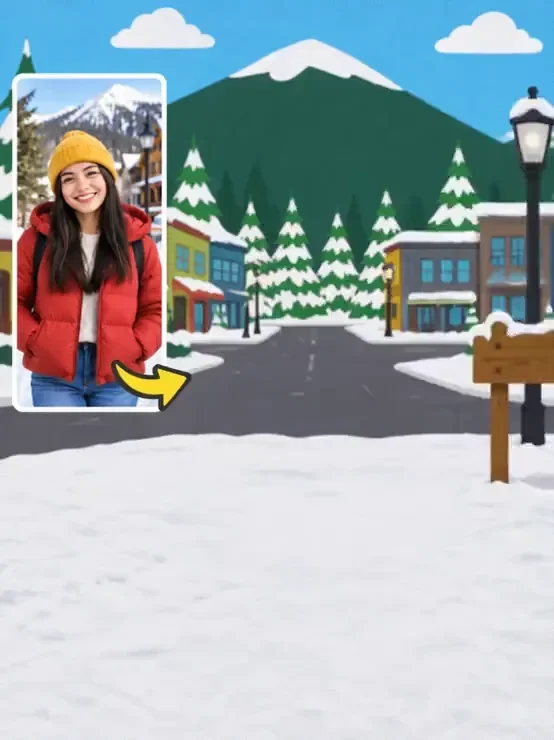
AI South Park
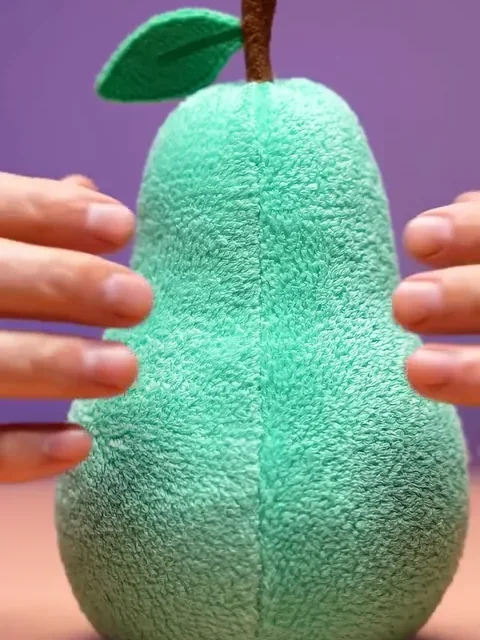
AI Squish
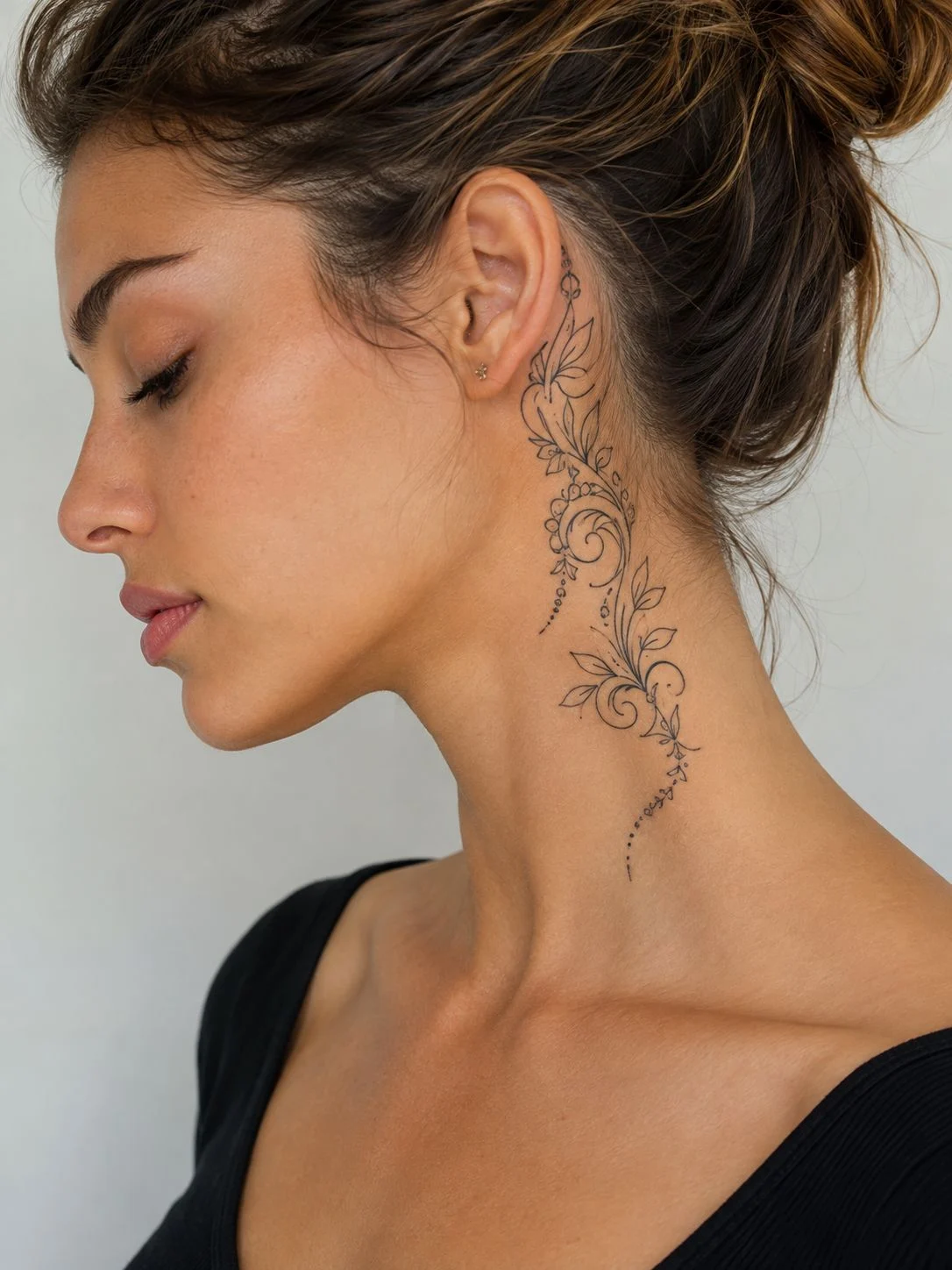
AI Tattoo

AI Niulai
AI Spider Hero
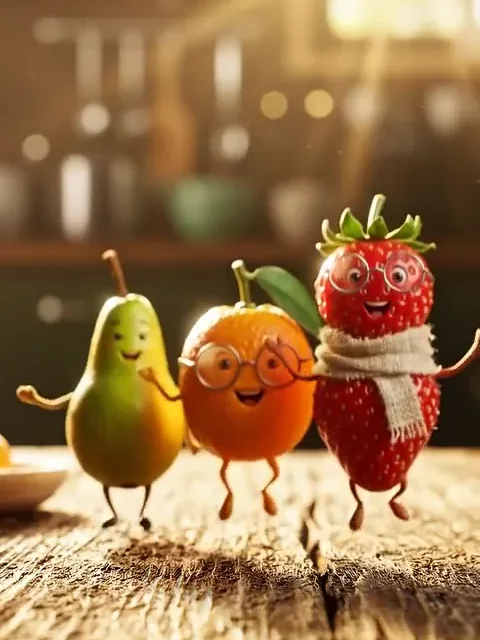
Fruit Friends
Gangnam Style Trio
Marigold Bridge
Window Peeper
K/DA Firestarter
Middle Finger Dunk
Toosie Slide
Can Can Dance
WYW My Sweetie
Night Trio Selfie
Button Eye Doll
Nightmare Cartoon Halloween
Wedding Dance Floor
Pet Duo Dance
ATEEZ BAD Dance
Kung Fu Cat
Tiny Desk
Deep Down In My Heart
Uptown Funk
Keep On Steppin
iPhone Kupi Dance
Puerto Rican Mami
Fridge POV
Victoria Secret AI Runway
What Stop Sign
Perdon AI
ATM Glitch
Ain’t No Mountain
A2O LITE NEON
Hit the Road Dude
AI APT.
AI Comic
AI Ceiling Fan Transition
AI Escape
AI Album Cover
AI STORM II Dance
AI Central Cee Doja MV
AI I love It
AI Hotel Lobby
AI Youtube Thumbnail
AI South Park
AI Squish
AI Tattoo
AI Niulai
AI Spider Hero
Fruit Friends
INDUSTRY BABY
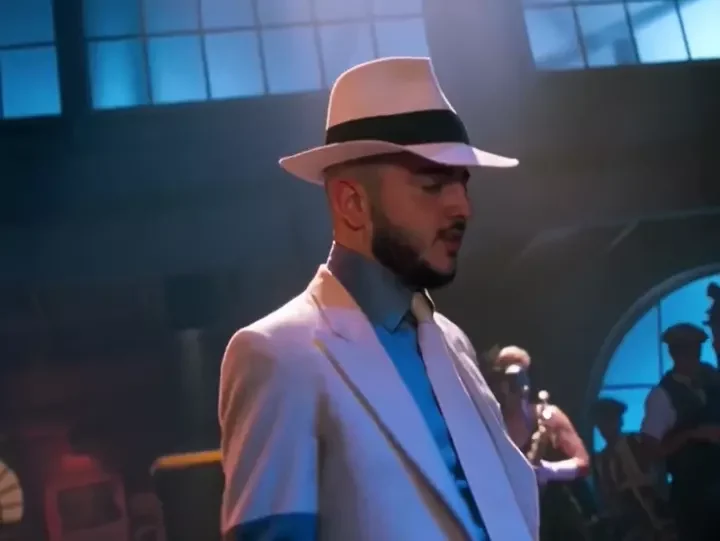
Michael Jackson
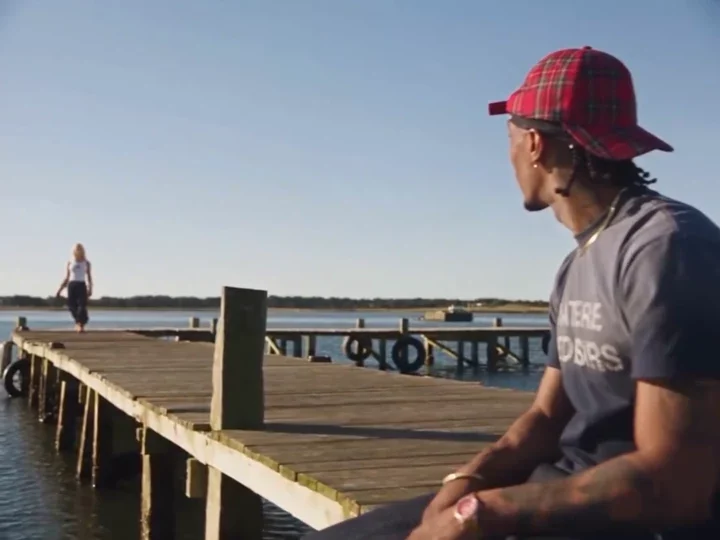
Raindance
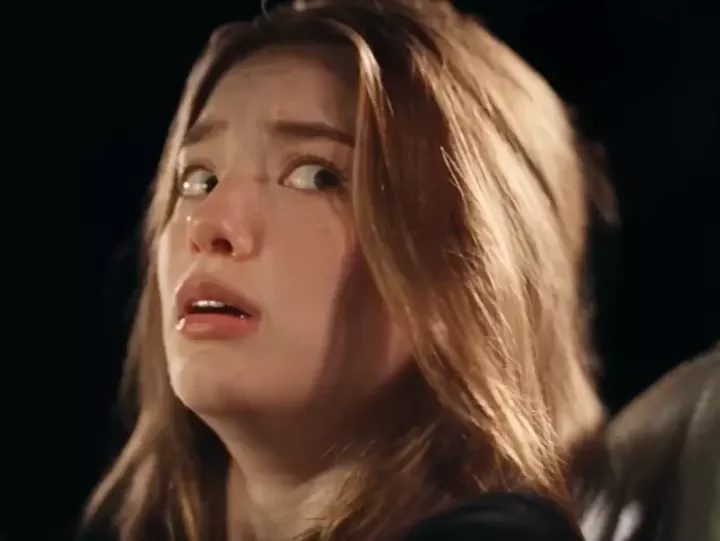
White Chicks
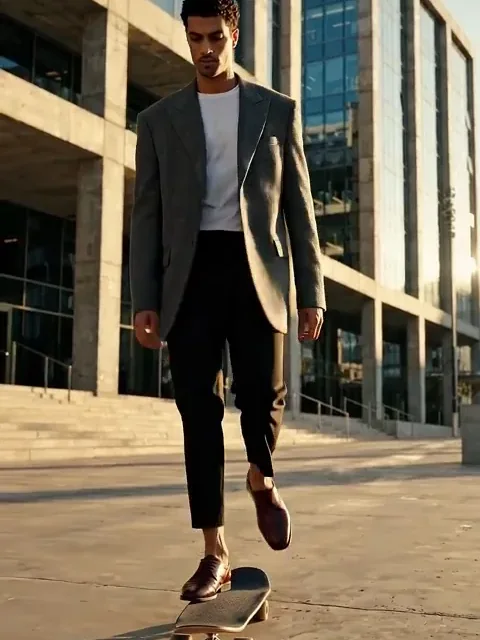
City Walk
Car Singalong
Magic Ribbon
BUTTERFLY
Time Freeze AD
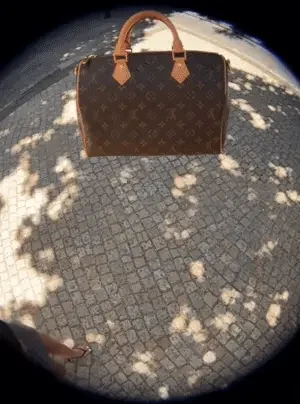
3D Floating AD
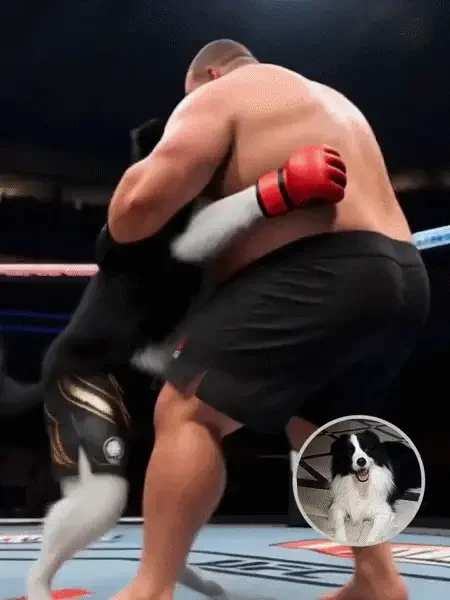
Pet KO
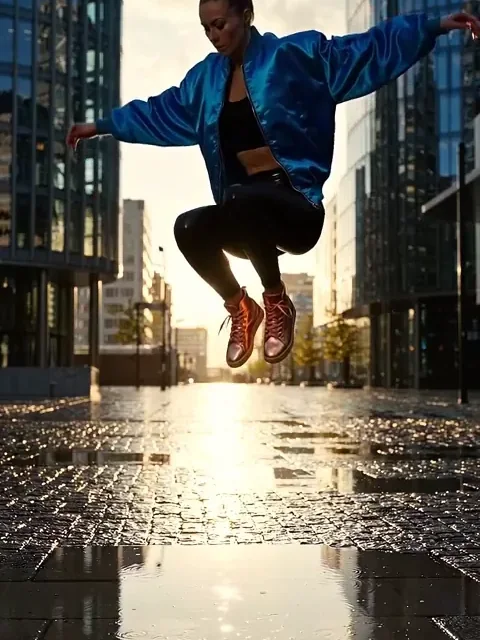
Splash Motion

Leo birthday
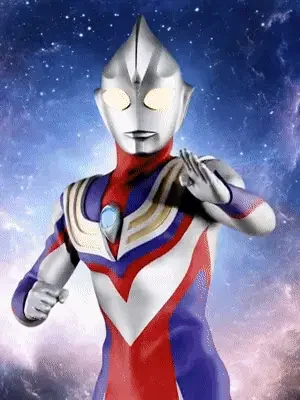
Balloon Belly
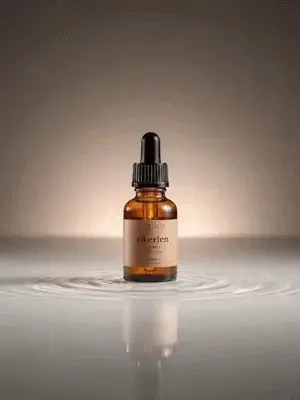
Lighting AD
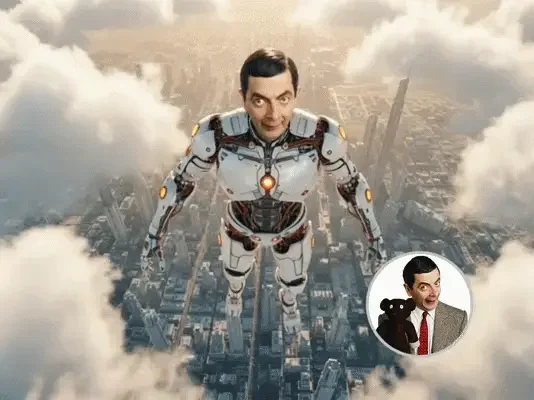
Skyfall Vanguard
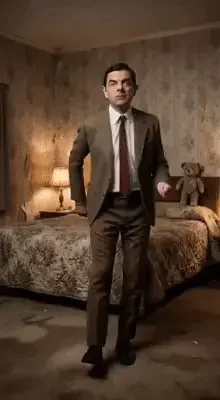
Dirty Dance
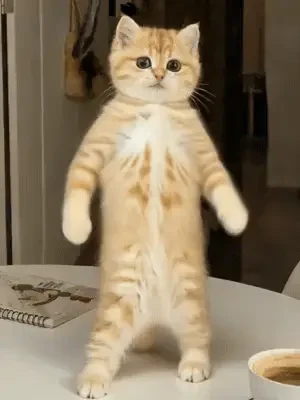
boxing shuffle
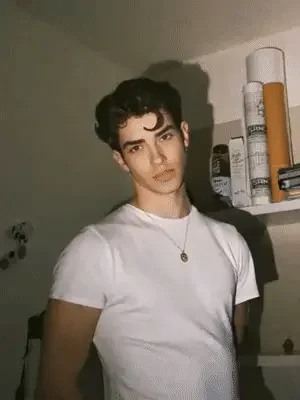
Muscle Max
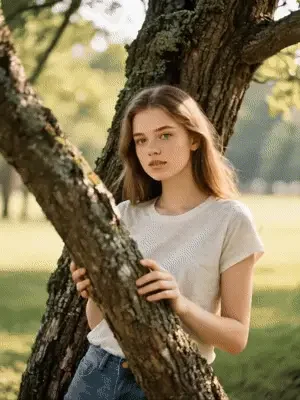
Vampire
INDUSTRY BABY
Michael Jackson
Raindance
White Chicks
City Walk
Car Singalong
Magic Ribbon
BUTTERFLY
Time Freeze AD
3D Floating AD
Pet KO
Splash Motion
Leo birthday
Balloon Belly
Lighting AD
Skyfall Vanguard
Dirty Dance
boxing shuffle
Muscle Max
Vampire
Illustrative template samples. Explore a look, then create your own video.
Rendastic is a free AI video generator that runs in your browser. Describe a scene and get a video back, or upload a photo and let it move. No app to install, no account to create.
Describe your scene or upload an image
Pick a style and press generate
Download your clip — no watermark
Need a clean export for your next edit? Explore our video generator without watermark and see how free and paid downloads work.
Rendastic 1.0: 480p, 4 seconds. Longer original videos are delivered in full. Audio is not guaranteed. One daily free creation is shared across tools, subject to availability. Original videos are delivered without trimming or adding a Rendastic watermark.
Text to video starts from a written prompt. Image to video starts from a photo you upload and adds motion to it.
Rendastic runs in the browser on desktop and mobile. No app to install, no account to create.
Start without an account →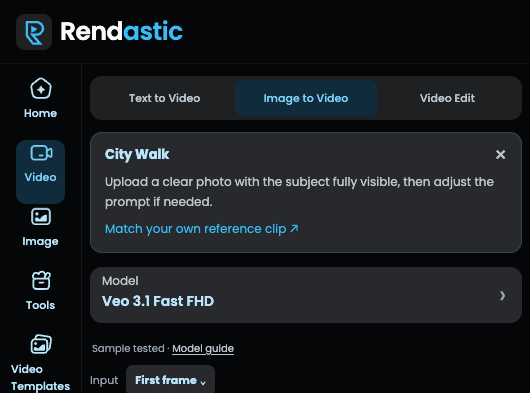
Free options depend on model availability. Paid models use credits; review the quote before generating.
| Workflow | Start with | What you create |
|---|---|---|
| Text to Video | A written prompt | A video from your scene description |
| Image to Video | A photo | A video guided by your photo |
| AI Effects | The photos requested by the effect | A prepared effect workflow you can edit |
Free capacity is released hourly. Unused capacity carries forward within the UTC day, subject to availability.
See current prices and allowance terms
Label realistic AI media when your posting platform requires it.
Describe a scene and get a video back, or upload a photo and let it move. No app to install, no account to create.
Turn a scene into a short clip for your next post. Explore cinematic, natural, and animated styles.
Try vertical framing and a clear motion prompt to create clips for a mobile feed.
Animate imagery you have permission to use and explore ideas for a product story.
Try different visual directions before deciding which idea to develop further.
Start with a simple prompt. Choose a style and generate without an editing timeline.
Bring your own product photo or written idea into a short, clean video export.
Free creations per UTC day
Video model choices
Free export resolution
Watermarks
Try a scene, change its mood, and make it your own. These are sample creative prompts, not customer testimonials.
A quiet coastline at golden hour. A slow camera movement follows waves catching the light.
Try this prompt ↗A city street after rain, reflections in the pavement and a slow camera push through the scene.
Try this prompt ↗Sunlight through a quiet forest. Leaves move gently as the camera drifts forward.
Try this prompt ↗A product on a clean backdrop, soft studio light and a subtle camera orbit.
Try this prompt ↗An illustrated landscape comes to life with soft clouds and gentle motion.
Try this prompt ↗A consenting subject in warm light. A gentle breeze and a subtle camera push-in.
Try this prompt ↗A quiet coastline at golden hour. A slow camera movement follows waves catching the light.
Try this prompt ↗A city street after rain, reflections in the pavement and a slow camera push through the scene.
Try this prompt ↗Sunlight through a quiet forest. Leaves move gently as the camera drifts forward.
Try this prompt ↗A product on a clean backdrop, soft studio light and a subtle camera orbit.
Try this prompt ↗An illustrated landscape comes to life with soft clouds and gentle motion.
Try this prompt ↗A consenting subject in warm light. A gentle breeze and a subtle camera push-in.
Try this prompt ↗Yes. You can generate up to 1 free creation a day without paying or creating an account, subject to model availability and service capacity.
No. Open the page, type a prompt or upload a photo, and generate. Optional Google sign-in connects your recent work to your account; it does not increase the daily allowance.
No. Free exports are clean — no watermark, no logo overlay.
Rendastic 1.0: 480p, 4 seconds. Longer original videos are delivered in full. Audio is not guaranteed. One daily free creation is shared across tools, subject to availability. Original videos are delivered without trimming or adding a Rendastic watermark.
Rendastic 1.0: 480p, 4 seconds. Longer original videos are delivered in full. Audio is not guaranteed. Credit-based creation supports the resolutions offered by the selected model.
You may use generated videos commercially subject to the rights in your inputs, applicable law, and the selected model provider's terms. Do not upload someone else's work or a real person's photo without permission, or present the output as official work of a brand or public figure. See our Terms of Service.
No. Rendastic runs in the browser on desktop and mobile.
Text to video starts from a written prompt. Image to video starts from a photo you upload and adds motion to it.
Try one free creation a day. Subject to availability.