YOUR PHOTO, YOUR SCENE
Nightmare Cartoon AI Video Generator
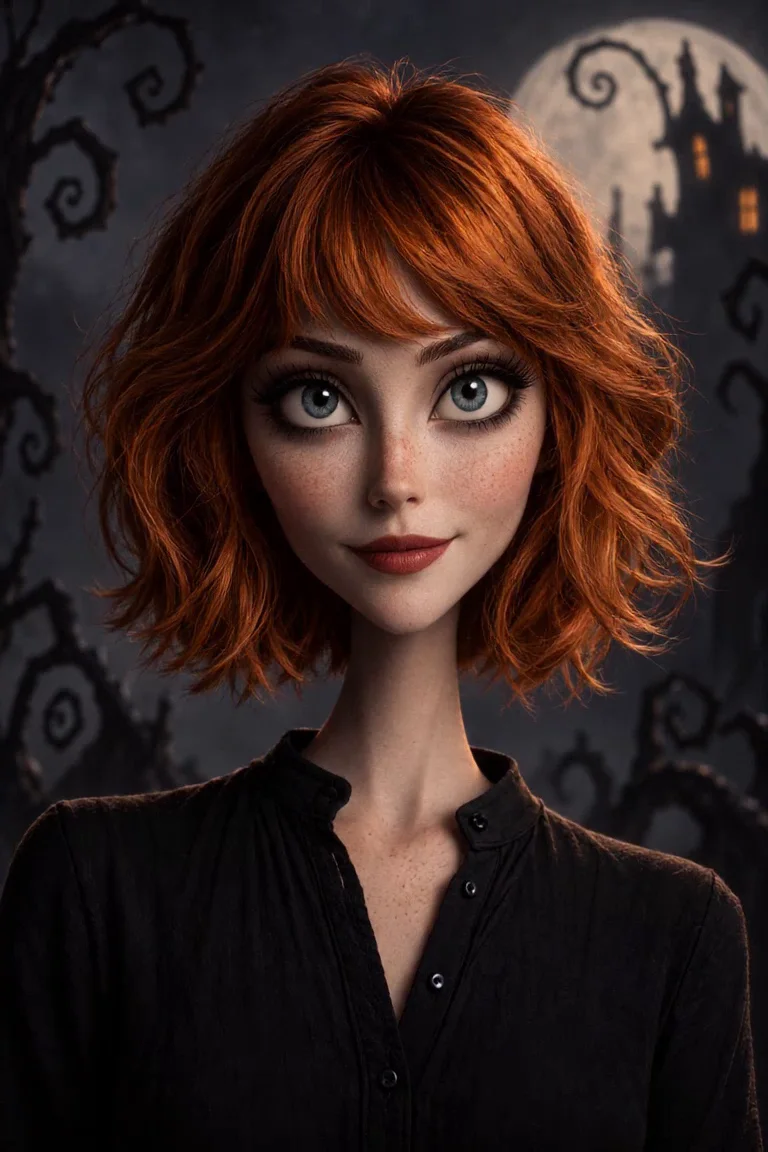
Long limbs, expressive eyes and a moonlit path. Turn a photo into an original gothic cartoon and give the character a small Halloween moment.
 Nightmare Cartoon Halloween⇄
Start with one clear photo. Your source and prepared directions continue into the editor.
Do not upload sensitive images. Privacy Policy
Create my gothic cartoonINSIDE THE SCENE
Inside the Nightmare Cartoon Halloween scene
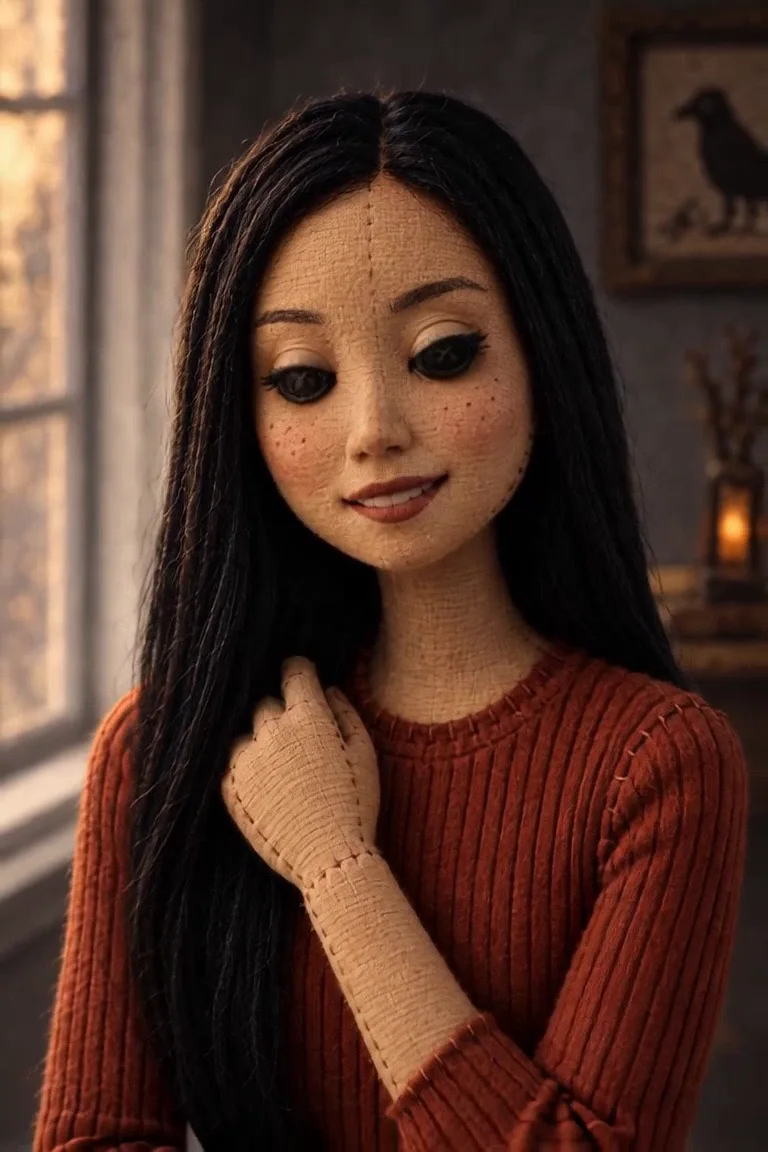
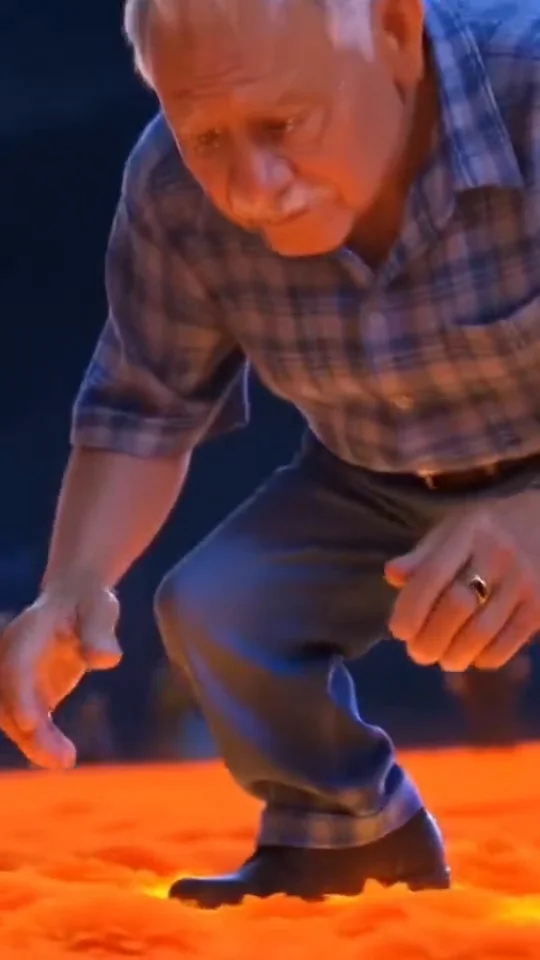
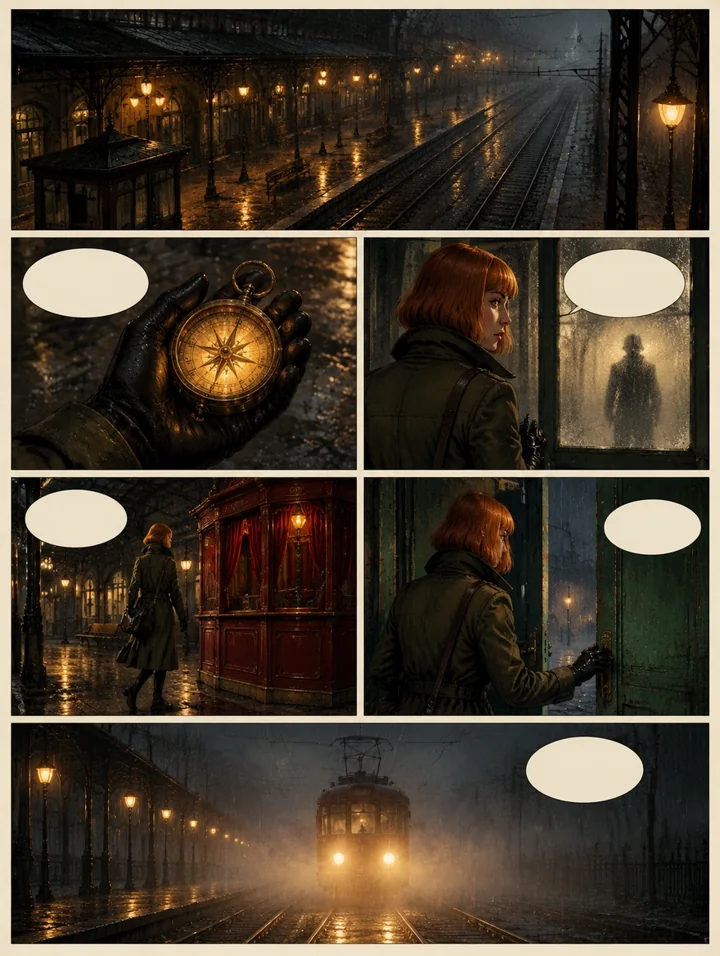
Three moments from the same public trend reference, with practical directions for your own creation. These frames explain one reference; they are not separate Rendastic outputs.
YOUR SILHOUETTE
Keep the outfit readable in cartoon form
A long coat, a clear hairstyle or a simple dress shape can carry recognition into an exaggerated character. Use the source as a visual guide and name the details that matter in your directions.
- Keep one adult clearly framed.
- Show hair and the main outfit.
- Use a simple pose.
MOON AND MIST
Build atmosphere with a few scene elements
Crooked trees, a round moon and low mist can establish the mood without a crowded background. The prompt uses blue and amber light to keep the character separate from the scenery.
- Choose one path or garden.
- Keep the face out of deep shadow.
- Avoid mixing several movie settings.
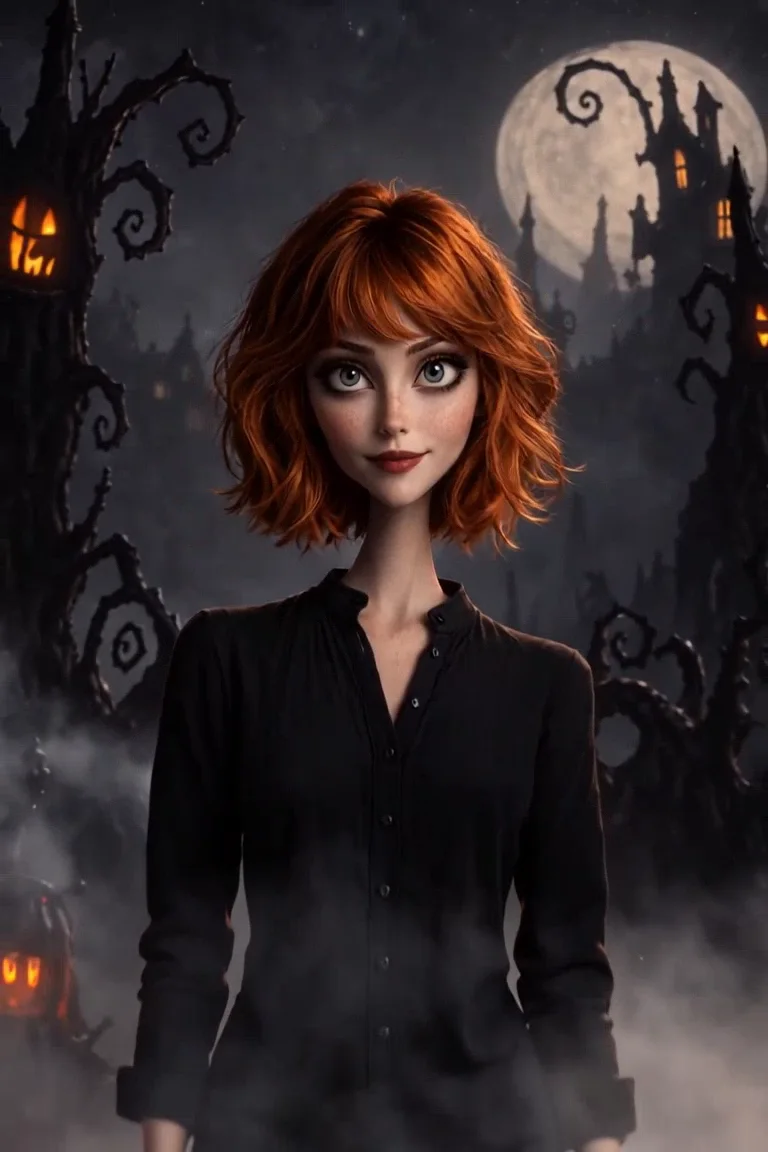
SMALL CHARACTER ACTING
Make curiosity the action
Two steps and a head turn give the character a reason to exist in the scene. A little breeze in the costume creates motion while keeping the cartoon’s face and silhouette easy to inspect.
- Use one gentle gesture.
- Keep the camera steady.
- Finish on a readable pose.
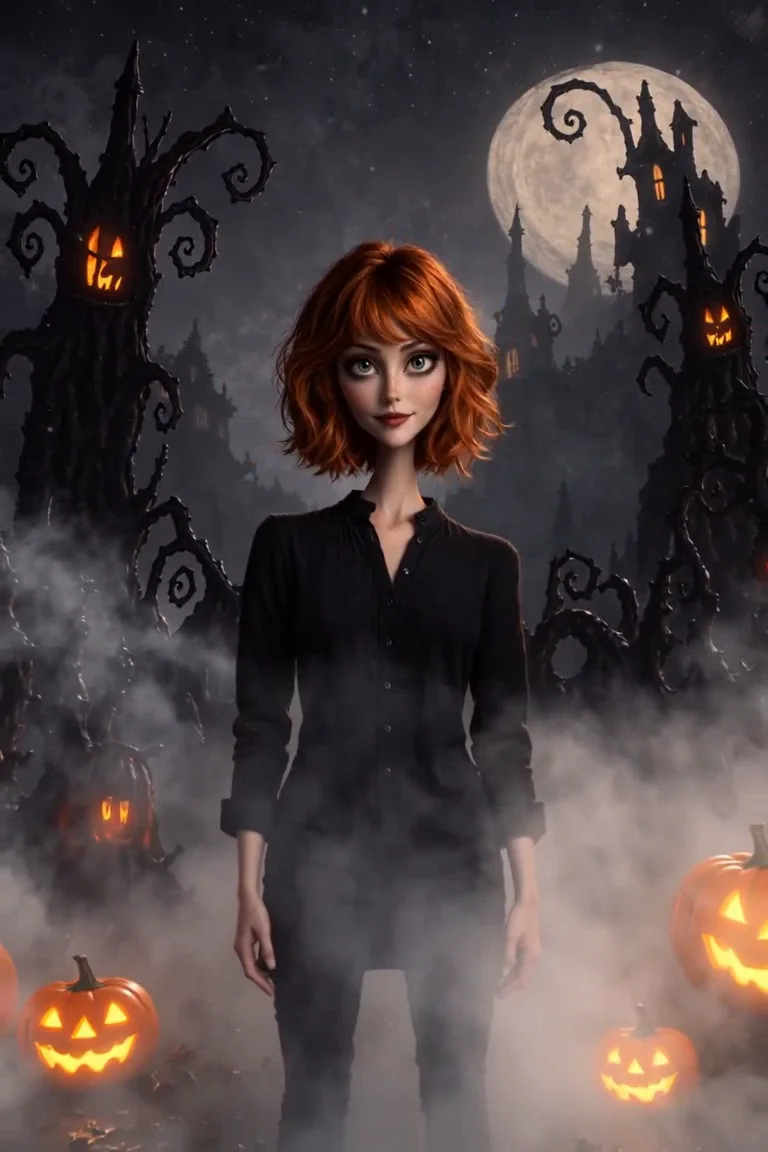
MADE TO BE CUSTOMIZED
Direct your own version
A photo-guided original design
Retain familiar hair and outfit cues in an independent gothic character.
Atmosphere you can edit
Change the moonlight, path, trees and lanterns directly in the prompt.
Gentle animated acting
The starting scene uses walking, curiosity and a final pose instead of graphic horror.
YOUR SCENE, YOUR DIRECTION
What is the Nightmare Cartoon Halloween AI effect?
Nightmare Cartoon AI is a photo-to-animation Halloween effect built around elongated silhouettes, expressive eyes and a moonlit gothic setting. This preset creates an original storybook character from your photo. It focuses on atmosphere and small movement, with no named-film character or graphic horror scene.
Customize this scenePrepare your source photo
- Choose one adult with visible hair and clothing.
- Keep the face clear enough to guide the cartoon proportions.
- Prefer a simple stance rather than overlapping arms and props.
- Ask for an original gothic design instead of a specific protected character.
FROM PHOTO TO FINISHED TAKE
How to make your Nightmare Cartoon Halloween video
Add the source photo
Choose the person and outfit you want to reinterpret.
Set the Halloween mood
Review the character, garden, movement and current quote in the editor.
Create the animated scene
Generate, inspect the face and silhouette, then download and add any permitted soundtrack.
FIND YOUR WAY TO THE MEME
Nightmare Cartoon Halloween: Rendastic and imageat
Compare the named workflows by the sources you provide and the directions you can review. This covers these specific pages, not every tool on either platform.
Swipe or scroll sideways to compare all tools
| Your decision | RendasticNightmare Cartoon Halloween photo presetThis template | imageatNightmare Cartoon Halloween public page |
|---|---|---|
| Input and character | One adult photo with an original editable character description | Its page accepts a photo for a gothic cartoon look |
| Scene control | Write the garden, gesture and lighting directions | Its page presents a prepared moon, fog and pumpkin scene |
| Audio | Silent starting export | Its public page describes a Halloween score |
Reviewed October 24, 2026. Based on published workflow descriptions, not measured quality or speed. Different services’ credit units are not interchangeable.
Sources checked : imageat Nightmare Cartoon Halloween page
Choose Rendastic to personalize the prepared directions while keeping your uploaded sources, selected settings and template draft together in the editor.
Create my gothic cartoonABOUT THIS CREATION
Your creation and the reference
Make the scene yours. Use photos you have permission to process and share the result responsibly.
- This preset creates a new scene from your own sources and prepared directions. The public preview illustrates the format and is not submitted as generation footage.
- Use photos and any added music or footage you are entitled to process. Share the result as an AI-made scene rather than an authentic recording of the people or animals shown.
- Rendastic independently prepares this workflow. Referenced creators, artists, characters and platforms do not endorse or operate it.
BEFORE YOU UPLOAD
Your photos and the creation process
What happens to uploaded photos?
Your photo is processed to guide the requested creation. Local source files are removed after processing or within one hour. Generation-provider reference links can remain publicly accessible for up to 30 days; local deletion does not remove that provider copy.
Keep control of what you submit
Use images you have permission to process. Read the Privacy Policy for processor, retention and deletion details before uploading material that should remain confidential.
PAY ONCE. MAKE IT YOURS.
Choose your one-time pack
Pick how many videos you want to make. No subscription. No automatic renewal.
At this template’s starting settings: 10s · 480p · 133 credits per video.
START HERE
Credits for
2 videos
$4.99one-time
350 credits included
- No subscription or automatic renewal
- Credits valid for 12 months
- Use remaining credits on other creations
ONE-TIME PACK
Credits for
7 videos
$14.99one-time
1060 credits included
- No subscription or automatic renewal
- Credits valid for 12 months
- Use remaining credits on other creations
ONE-TIME PACK
Credits for
16 videos
$29.99one-time
2150 credits included
- No subscription or automatic renewal
- Credits valid for 12 months
- Use remaining credits on other creations
Need more? See larger one-time packs
ONE-TIME PACK
Credits for
32 videos
$59.99one-time
4350 credits included
- No subscription or automatic renewal
- Credits valid for 12 months
- Use remaining credits on other creations
ONE-TIME PACK
Credits for
54 videos
$99.00one-time
7300 credits included
- No subscription or automatic renewal
- Credits valid for 12 months
- Use remaining credits on other creations
Counts use this template’s starting settings and pack credits only. Changing the model or settings changes how many you can make. Review the quote before generating. Any daily free creations are extra.
Create regularly?
Explore subscription plansPrices in USD; applicable taxes appear before payment. See credit pack terms and the Terms of Service. Choosing a pack does not start a generation.
A FEW THINGS WORTH KNOWING
Nightmare Cartoon Halloween questions
What does the Nightmare Cartoon AI effect create?
It prepares an original gothic cartoon from a photo and animates a small moonlit scene, starting at 10 seconds in vertical 9:16.
Is this the same as the button-eye doll effect?
No. This preset uses a long-limbed storybook cartoon with expressive eyes. Button Eye Doll uses a fabric puppet and button eyes on a separate page.
Does it copy a specific Halloween movie?
No movie character, footage or filmmaker imitation is part of the prepared directions. The design and garden scene are independently described.
Can I make it less spooky?
Yes. Reduce the mist, brighten the path and keep the face cheerful. Those scene choices are editable before generation.
Can I change the background?
Yes. Replace the garden with your own original moonlit setting while keeping enough visual separation around the character.
Is there Halloween music in the export?
The starting export is silent. Add an audio recording only where you have permission to use it.
How much does this prepared video cost?
The starting preset uses paid credits: 133 Rendastic credits · 10s / 480p. One-time packs start at $4.99 for 350 credits and last 12 months. Pack cards show whole videos at the current starting settings; supported changes in the editor update the quote.
What happens to the photos I upload?
Local sources are removed after processing or within one hour. Generation-provider reference links may remain publicly accessible for up to 30 days. Read the Privacy Policy for processor and deletion details before submitting.
MAKE YOUR NEXT TAKE
Step into your own moonlit cartoon
Choose your photo, personalize the scene and continue in the editor.
Use Nightmare Cartoon Halloween template View one-time packs