ONE CAT, ONE COMIC REVEAL
Kung Fu Cat AI Video Generator
Your cat, one paper tissue and a very serious paw chop. Use a clear cat photo to create a short fictional tissue-chop scene with a proud little finish.
Upload one clear cat photo. Keep the face, chest and forepaws visible; your source continues into the editor.
Do not upload sensitive images. Privacy Policy
Make my kung fu catINSIDE THE SCENE
Set up the cat, the tissue and the pause
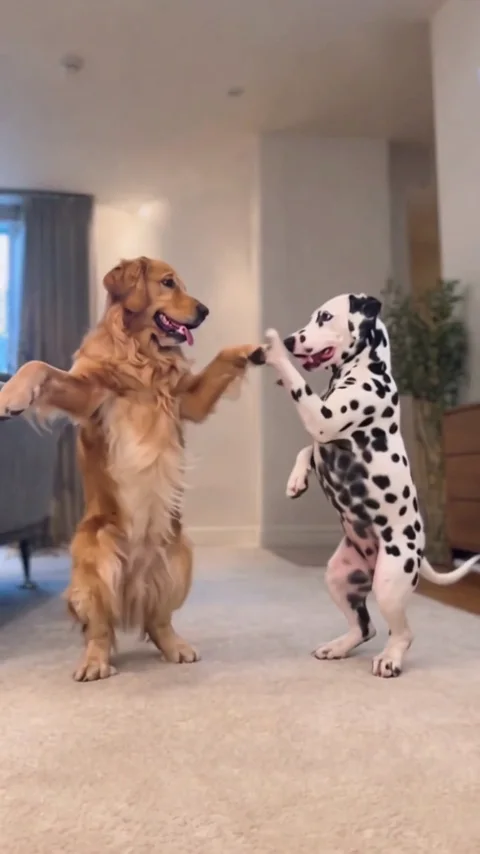
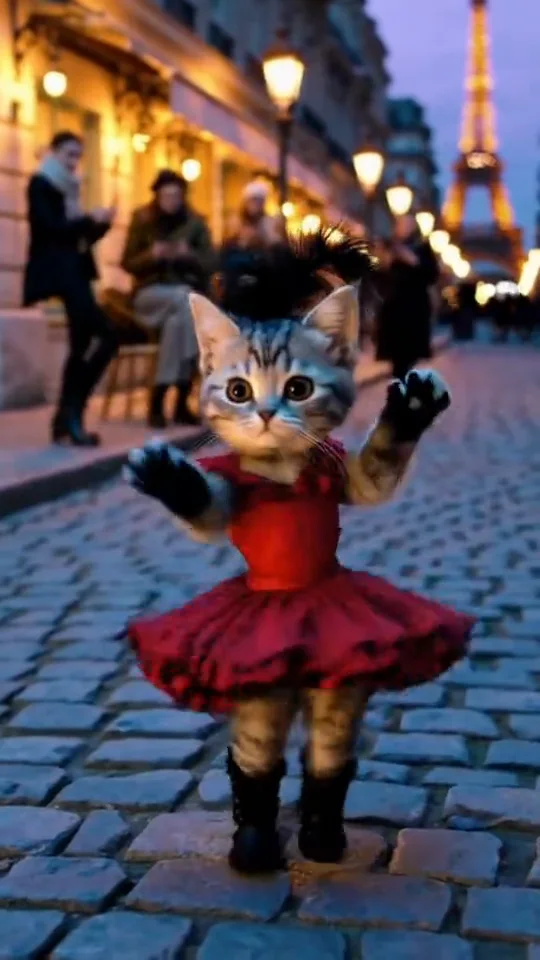
Three moments from the same public AI reference explain this small visual joke. They are a reference breakdown, not separate Rendastic outputs.
THE CAT COMES FIRST
Keep the muzzle and forepaws clear
A clear cat photo supplies the identity cues for your scene: the ear shape, muzzle, fur pattern and chest markings. Leave the forepaws visible so the directions can describe a guard and a tap without covering the face.
- Use one cat in soft light.
- Include the chest and front legs.
- Avoid blankets or toys across the paws.
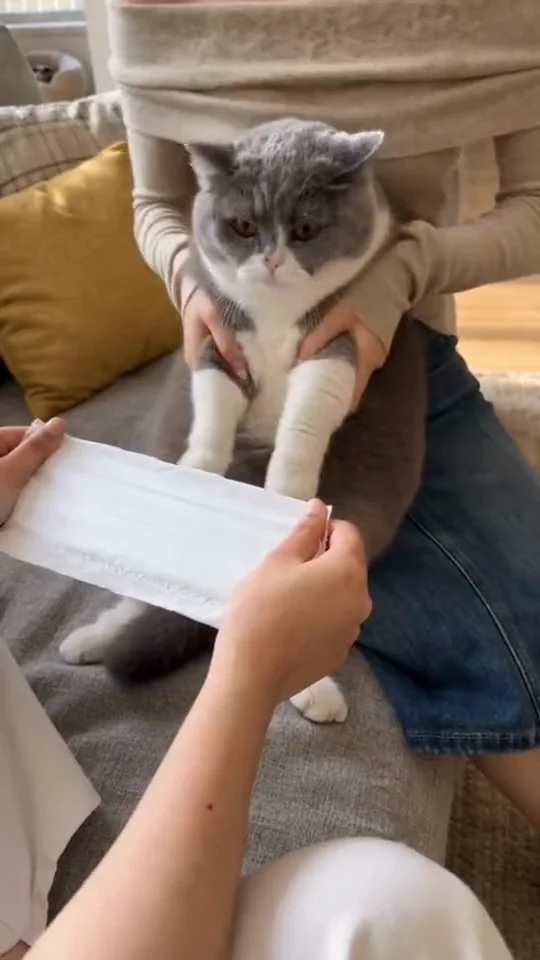
ONE SIMPLE PROP
Make the paper reveal readable
The prepared directions use one soft, pre-creased tissue and one downward paw movement. Fictional adult hands hold the paper at the lower edges of the frame. Keep the paw, the paper and the cat’s face visible together so the viewer can follow the setup and the reveal.
- Keep the background uncluttered.
- Ask for one paper sheet and two clear halves.
- Use a steady medium shot.
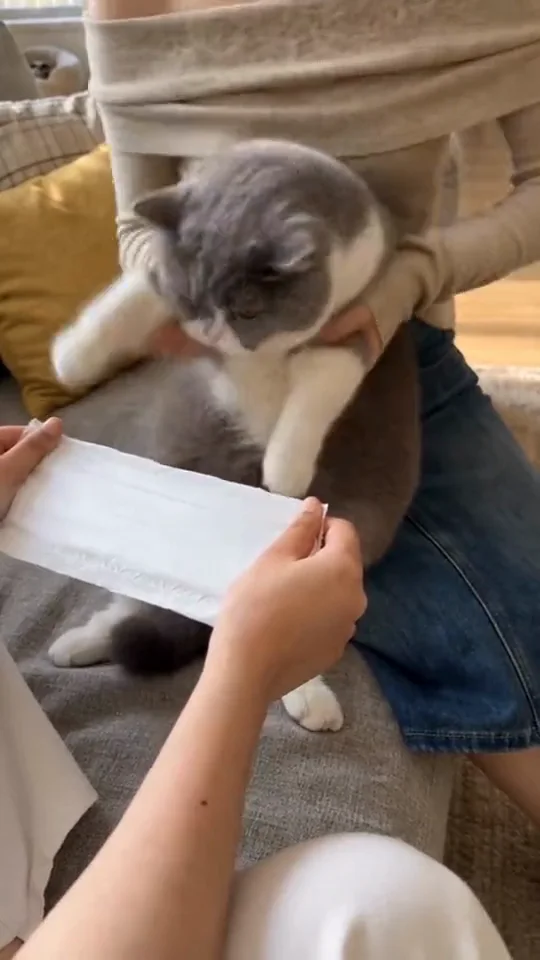
THE LITTLE VICTORY
Leave a beat after the chop
The pause after the paper separates is part of the joke. The preset lowers the paper and ends with the cat looking calmly at the camera. A held ending is easier to trim than another fast flurry of paws.
- Keep the finish short and simple.
- Review paws and paper before posting.
- Show the clip as an AI-made scene.
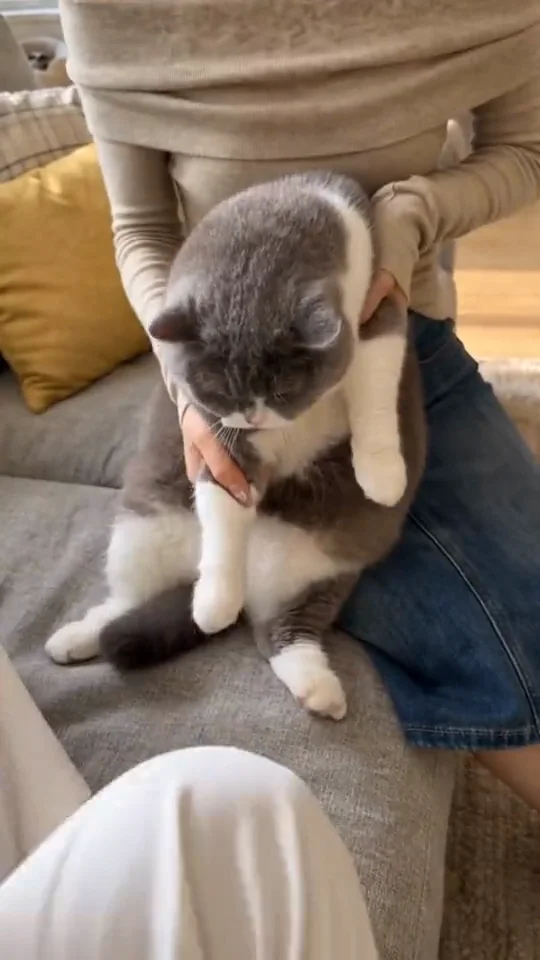
MADE TO BE CUSTOMIZED
A small scene you can direct
One clear cat source
Use a single photo and keep its recognizable face and coat details in the directions.
A staged comic beat
The prompt separates the guard, the paper touch and the final pause.
Your room and framing
Edit the setting and paper placement, then review the quote before creating.
YOUR SCENE, YOUR DIRECTION
What is the kung fu cat tissue trend?
Kung Fu Cat, also called the cat tissue challenge or Cat Shifu, is the visual gag of a cat making martial-arts-like paw movements toward a paper tissue. This page focuses on the tissue-chop scene rather than a general fighting-cat animation. The Rendastic preset creates a fictional, photo-guided version with soft paper, a gentle paw tap and a brief reaction. It requires no training or staged handling of a real animal.
For a gentle pet animation without the tissue-chop setup, start with the image-to-video generator and describe an ear twitch, a head turn or another small movement.
Customize this scenePrepare one useful cat photo
- Use a sharp photo with the cat’s face turned toward the camera.
- Keep the chest, forelegs and distinctive fur markings visible.
- Choose a relaxed pose and even lighting; avoid tight facial crops.
- Use a simple tissue and one movement in the prompt before adding more scene details.
FROM PHOTO TO FINISHED TAKE
How to make a kung fu cat AI video
Add your cat photo
Upload one cat image with the face and forepaws clearly shown.
Set the paper moment
Review the fictional scene, tissue position and 10-second starting settings in the editor. Check the current credit quote.
Create the comic reveal
Generate, inspect the cat and paper, then download the finished clip. Add permitted audio afterward if you want it.
FIND YOUR WAY TO THE MEME
Kung Fu Cat: Rendastic and MakeViral
Choose between the named photo workflow and the published reference-driven workflow. This comparison covers these specific pages.
Swipe or scroll sideways to compare all tools
| Your decision | RendasticKung Fu Cat editable photo presetThis template | MakeViralKung Fu Cat public template |
|---|---|---|
| Starting input | One clear cat photo | Its page offers Cat and Dog versions from one pet photo |
| Scene direction | Editable new tissue-chop scene from your photo and text | Its page describes replacing the animal in displayed reference clips |
| Audio | Silent starting video; add permitted audio later | Its page describes a short clip with source sound |
Reviewed October 25, 2026 from the linked product page. No comparative output-quality or speed test was performed. Different platforms use different credit units.
Sources checked : MakeViral Kung Fu Cat page
Choose Rendastic to adjust the paper setup, room, framing and ending before creating a new photo-guided scene.
Make my kung fu catABOUT THIS CREATION
A fictional pet scene
Make the scene yours. Use photos you have permission to process and share the result responsibly.
- This recipe creates a new scene from your cat photo and text directions. The public reference is display media and is not used as your generation footage.
- The paper setup and adult hands are fictional scene elements. The preset does not preserve another person’s identity and does not ask you to restrain or pose a real pet.
- No martial-arts film soundtrack, weapons or third-party endorsement is supplied. Use an image you are entitled to process and identify realistic AI media when sharing.
BEFORE YOU UPLOAD
Your photos and the creation process
What happens to uploaded photos?
Your photo is processed to guide the requested creation. Local source files are removed after processing or within one hour. Generation-provider reference links can remain publicly accessible for up to 30 days; local deletion does not remove that provider copy.
Keep control of what you submit
Use images you have permission to process. Read the Privacy Policy for processor, retention and deletion details before uploading material that should remain confidential.
PAY ONCE. MAKE IT YOURS.
Choose your one-time pack
Pick how many videos you want to make. No subscription. No automatic renewal.
At this template’s starting settings: 10s · 480p · 240 credits per video.
START HERE
Credits for
6 videos
$22.99one-time
1600 credits included
- No subscription or automatic renewal
- Credits valid for 12 months
- Use remaining credits on other creations
ONE-TIME PACK
Credits for
8 videos
$29.99one-time
2150 credits included
- No subscription or automatic renewal
- Credits valid for 12 months
- Use remaining credits on other creations
ONE-TIME PACK
Credits for
18 videos
$59.99one-time
4350 credits included
- No subscription or automatic renewal
- Credits valid for 12 months
- Use remaining credits on other creations
Need more? See larger one-time packs
ONE-TIME PACK
Credits for
30 videos
$99.00one-time
7300 credits included
- No subscription or automatic renewal
- Credits valid for 12 months
- Use remaining credits on other creations
Counts use this template’s starting settings and pack credits only. Changing the model or settings changes how many you can make. Review the quote before generating. Any daily free creations are extra.
Create regularly?
Explore subscription plansPrices in USD; applicable taxes appear before payment. See credit pack terms and the Terms of Service. Choosing a pack does not start a generation.
A FEW THINGS WORTH KNOWING
Kung Fu Cat questions
How do I make my cat chop a tissue with AI?
Upload one clear cat photo, open the prepared scene in the editor and review the paw movement, paper setup and quote. The model creates a fictional clip from the photo and directions.
Is this the same as a general kung fu cat animation?
This page is specifically about the tissue-chop joke: a cat prepares a paw movement, touches a soft paper sheet and pauses after it separates. The prepared directions keep that small scene as the focus.
Do I need a photo of someone holding my cat?
No. Use one cat photo. The starting prompt supplies a padded stool, a paper tissue and fictional adult hands at the edge of the shot; a second person photo is not required.
Does the reference clip become part of my video?
No. The public reference illustrates the idea. Your creation uses your cat photo and the editable scene directions, so the result is a new take rather than a frame-by-frame animal replacement.
Can I change the room or the paper placement?
Yes. Edit the prompt before generating. Keep one cat, one paper sheet and a visible face-and-paw view so the reveal stays readable.
What settings and sound does the preset use?
It starts at 10 seconds, 480p and vertical 9:16 with Seedance 2.0 Mini and sound off. No song recording is supplied. Supported setting changes update the quote.
How much does this video cost?
The starting preset uses paid credits: 240 Rendastic credits · 10s / 480p. One-time packs start at $4.99 for 350 credits and are valid for 12 months. Cards show whole videos at the starting settings. Changing the model or settings changes the current quote.
What happens to my uploaded photo?
Local sources are removed after processing or within one hour. Generation-provider reference links may remain publicly accessible for up to 30 days. Read the Privacy Policy for processor, retention and deletion details before submitting.
MAKE YOUR NEXT TAKE
Give your cat the last word
Choose your cat photo and prepare a small, playful paper-chop scene.
Use Kung Fu Cat template View one-time packs