YOUR PHOTO, YOUR DANCE
ATEEZ BAD AI Dance Video Generator
Give your photo a short chest-pop dance. Start with one adult or pet, direct the lean and arm accents, and make your own BAD-inspired performance.
Upload one clear adult or pet photo. The photo and prepared directions continue into the editor.
Do not upload sensitive images. Privacy Policy
Make my BAD danceINSIDE THE SCENE
Build the rhythm of your BAD dance
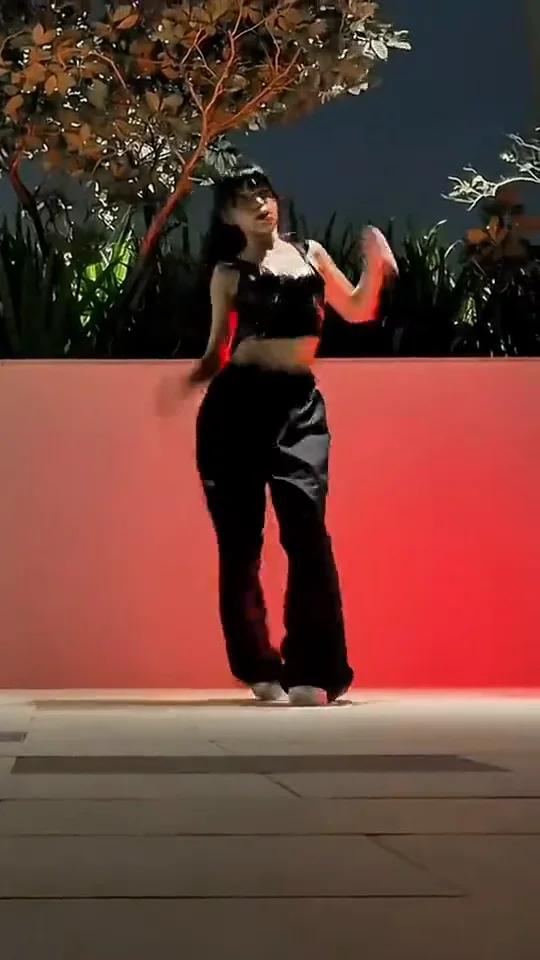
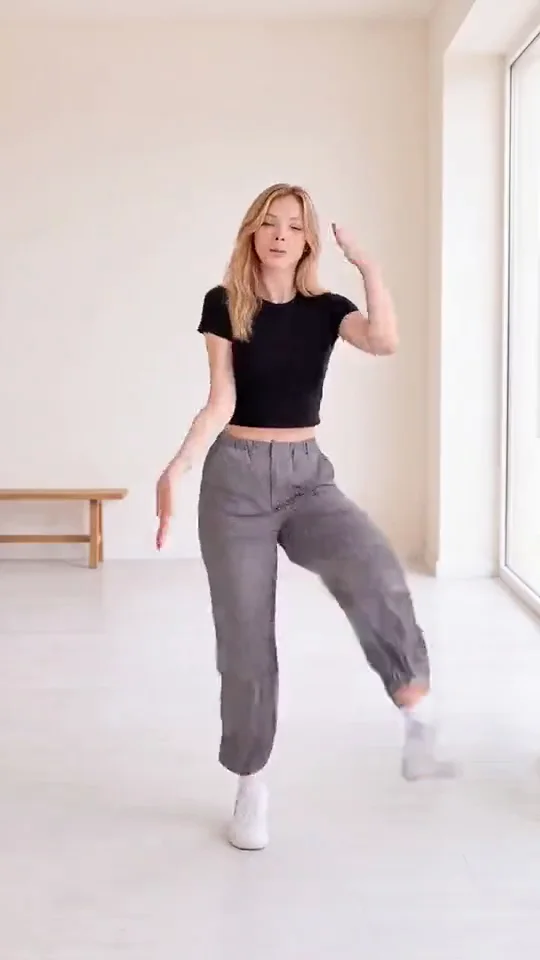
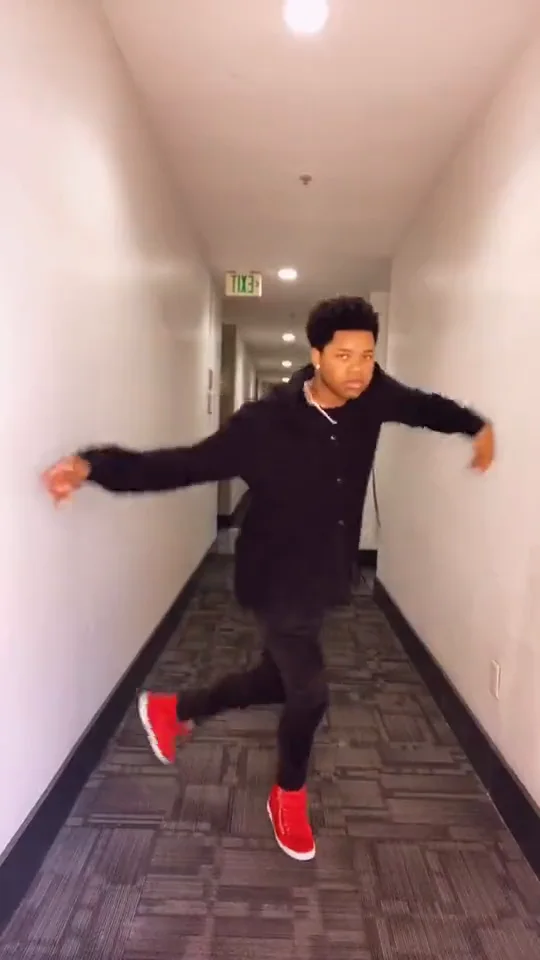
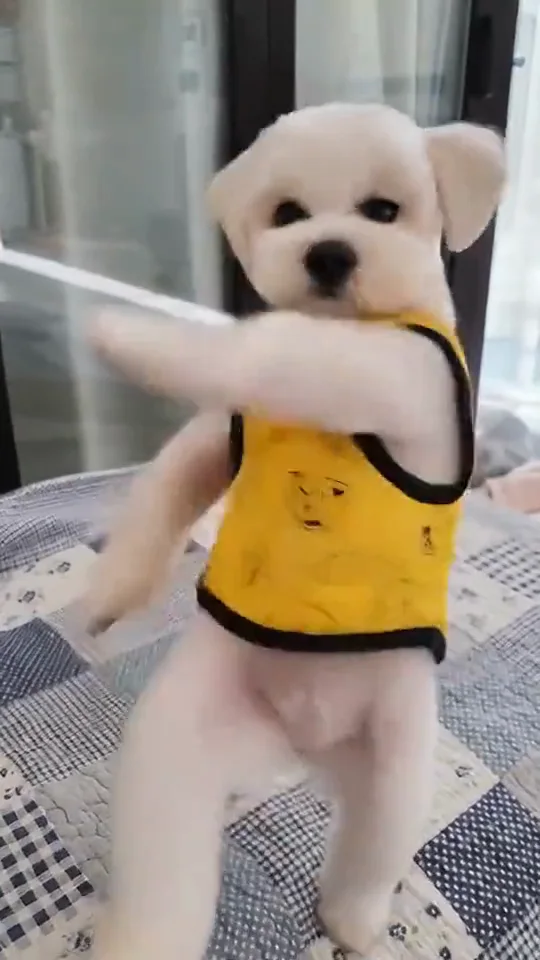
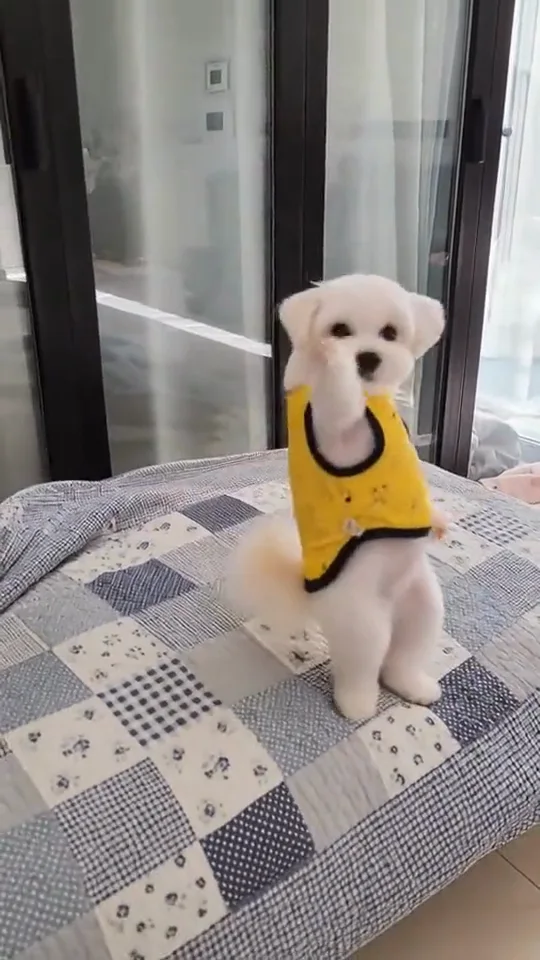
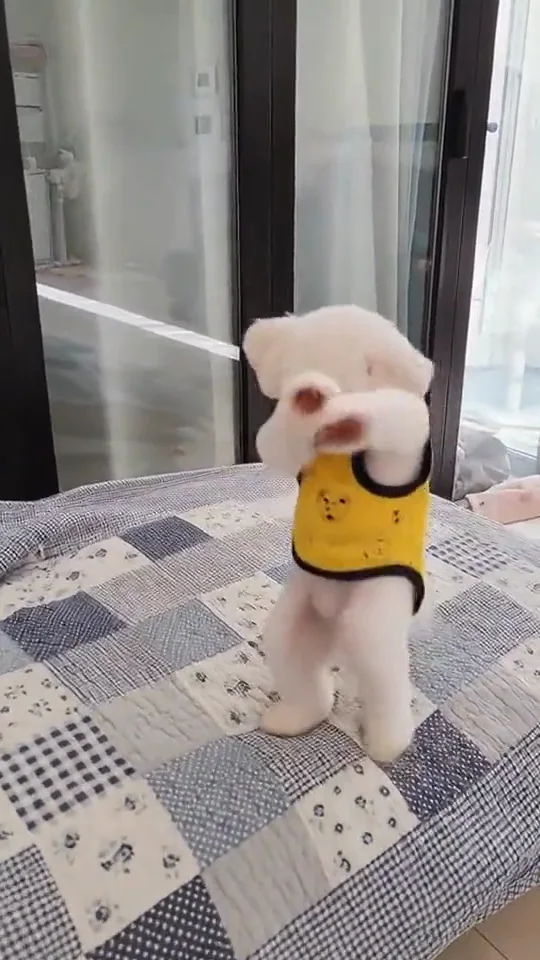
Three moments from one public pet reference show the movement idea. Use the guidance to direct a new scene; these are not three Rendastic results.
ONE CLEAR PERFORMER
Keep the face above the arm movement
Choose a whole-body photo with a clear face and open space around the shoulders. The preview shows a pet; your preset also accepts an adult. Keep an adult’s familiar clothes or a pet’s own coat markings in the directions.
- Include both feet or hind paws.
- Avoid another subject crossing the frame.
- Use soft, even light on the face.
LEAN, PULSE, RESET
Give the chest accent room to read
A small side weight shift makes the chest pulse easier to see. The prepared sequence separates the lean, the pulse and the return to center instead of asking for a long unbroken burst of movement. Keep the camera level and leave space beside the elbows.
- Favor controlled, short movements.
- Keep arms below the eyes.
- Use a clear floor and a full-body view.
A DELIBERATE FINISH
End on a pose you can trim around
The last held pose gives you a clean point to end the edit. Review the clip before posting and add a permitted sound in your publishing app. For an adult’s specific dance timing, the separate motion-match option accepts your own authorized clip.
- Review the face during arm accents.
- Leave a short pause at the end.
- Choose music and disclosure settings when posting.
MADE TO BE CUSTOMIZED
Shape your own performance
One subject, two starting points
Use an adult portrait or a pet photo with an appropriate whole-body frame.
A prepared movement sequence
The editable directions break the routine into a lean, chest pulses, arm accents and a finish.
A clip-guided adult option
The existing motion-match workflow can follow your own short dance clip when you need its timing.
YOUR SCENE, YOUR DIRECTION
What is the ATEEZ BAD AI dance effect?
This page follows the BAD chest-pop dance theme associated with ATEEZ: a side lean, brief chest accents and sharp-looking arm changes. AI pet versions turn that movement idea into a comic solo performance. Rendastic’s starting route makes a new scene from your photo and editable directions. It does not place an ATEEZ member in the video, include the song, or claim to reproduce a stage performance.
For an ATEEZ-inspired outfit or character teaser without copying a complete performance, choose one clear finished frame. Describe a simple pose change in image to video; a motion-reference workflow is the better fit when exact choreography matters.
Customize this sceneChoose a photo the movement can use
- For an adult, use a standing photo with visible shoulders, hands and shoes.
- For a pet, keep the muzzle, ears, chest, coat markings and paws unobstructed.
- Avoid close face crops, crossed arms or objects covering the torso.
- Keep one main performer; use the editor to simplify the setting if the background is crowded.
FROM PHOTO TO FINISHED TAKE
How to make an ATEEZ BAD-inspired video
Pick your dancer
Upload one clear adult or pet photo in the labeled slot.
Review the movement
Open the editor, personalize the room and sequence, and check the selected model, settings and credit quote.
Create and finish the edit
Generate the clip, inspect the face and motion, then download it. Add audio you are entitled to use when posting.
FIND YOUR WAY TO THE MEME
ATEEZ BAD Dance: Rendastic and MakeViral
Choose between the named photo workflow and the published reference-driven workflow. This comparison covers these specific pages.
Swipe or scroll sideways to compare all tools
| Your decision | RendasticATEEZ BAD Dance editable photo presetThis template | MakeViralATEEZ BAD Dance public template |
|---|---|---|
| Starting input | One adult or pet photo | Its page offers a You version and a Pet version, each from one photo |
| How the movement is directed | Editable photo-and-text routine; optional adult motion match with your own clip | Its page describes motion transfer for You and reference recreation for Pet |
| Audio | Silent starting export; choose permitted audio separately | Its page describes the reference sound as part of its clip |
Reviewed October 25, 2026 from the linked product page. No comparative output-quality or speed test was performed. Different platforms use different credit units.
Sources checked : MakeViral ATEEZ BAD Dance page
Use Rendastic to review and personalize the movement directions, model and quote before creating. Choose the separate adult motion route when the timing of your own clip matters.
Make my BAD danceABOUT THIS CREATION
Your performance, your source material
Make the scene yours. Use photos you have permission to process and share the result responsibly.
- The starting preset uses your photo and text directions to make an original dance scene. The public pet preview is display media and is never submitted as your generation footage.
- The optional adult motion-match route needs your own authorized MP4 and an adult character photo. It uses a different model, source contract and current quote.
- No BAD recording, lyrics, idol footage or endorsement is supplied. Label realistic AI media as your publishing platform requires.
BEFORE YOU UPLOAD
Your photos and the creation process
What happens to uploaded photos?
Your photo is processed to guide the requested creation. Local source files are removed after processing or within one hour. Generation-provider reference links can remain publicly accessible for up to 30 days; local deletion does not remove that provider copy.
Keep control of what you submit
Use images you have permission to process. Read the Privacy Policy for processor, retention and deletion details before uploading material that should remain confidential.
PAY ONCE. MAKE IT YOURS.
Choose your one-time pack
Pick how many videos you want to make. No subscription. No automatic renewal.
At this template’s starting settings: 15s · 480p · 340 credits per video.
START HERE
Credits for
4 videos
$22.99one-time
1600 credits included
- No subscription or automatic renewal
- Credits valid for 12 months
- Use remaining credits on other creations
ONE-TIME PACK
Credits for
6 videos
$29.99one-time
2150 credits included
- No subscription or automatic renewal
- Credits valid for 12 months
- Use remaining credits on other creations
ONE-TIME PACK
Credits for
12 videos
$59.99one-time
4350 credits included
- No subscription or automatic renewal
- Credits valid for 12 months
- Use remaining credits on other creations
Need more? See larger one-time packs
ONE-TIME PACK
Credits for
21 videos
$99.00one-time
7300 credits included
- No subscription or automatic renewal
- Credits valid for 12 months
- Use remaining credits on other creations
Counts use this template’s starting settings and pack credits only. Changing the model or settings changes how many you can make. Review the quote before generating. Any daily free creations are extra.
Create regularly?
Explore subscription plansPrices in USD; applicable taxes appear before payment. See credit pack terms and the Terms of Service. Choosing a pack does not start a generation.
A FEW THINGS WORTH KNOWING
ATEEZ BAD Dance questions
Can I use my own photo for the BAD dance?
Yes. The starting route takes one adult or pet photo. A whole-body image with a clear face and visible arms or forepaws gives the movement directions more usable information.
Can my cat or dog be the dancer?
The preset includes a stylized pet branch that retains the species and coat details described by your photo. The public example shows a small dog; it is a trend reference, not a result from this preset.
Does the preset copy the exact BAD choreography?
The starting route follows editable text directions for a new chest-pop-inspired routine. To follow the timing of an adult dance clip, select the separate motion-match workflow and provide footage you are entitled to process.
How does the adult motion-match option work?
Choose Motion match in the editor, then provide an authorized single-person MP4 and an adult character photo. The source clip must cover the selected duration and meet the editor’s 1–10-second source limit. This option has its own quote.
Is the ATEEZ BAD song included?
No. The starting export is silent and the reference preview’s audio has been removed. Add a recording you are entitled to use through your publishing app or editor.
What are the starting video settings?
The photo preset starts at 15 seconds, vertical 9:16 and 480p with Seedance 2.0 Mini and sound off. Supported model or setting changes update the quote.
How much does this video cost?
The starting preset uses paid credits: 340 Rendastic credits · 15s / 480p. One-time packs start at $4.99 for 350 credits and are valid for 12 months. Cards show whole videos at the starting settings. Changing the model or settings changes the current quote.
What happens to my uploaded photo?
Local sources are removed after processing or within one hour. Generation-provider reference links may remain publicly accessible for up to 30 days. Read the Privacy Policy for processor, retention and deletion details before submitting.
MAKE YOUR NEXT TAKE
Put your own dancer in the frame
Choose a photo, review the prepared rhythm and continue in the editor.
Use ATEEZ BAD Dance template View one-time packs