STILLS. LOOPS. VECTORS.
GPT Image 2.6From still images
to animated GIFs.
Make a product photo. Animate a small moment. Refine a detail. Flare and Sunburst bring images, GIFs and SVGs into one creative workflow.
Paid credits · Example 1K still: 34 credits · Exact quote before you confirm
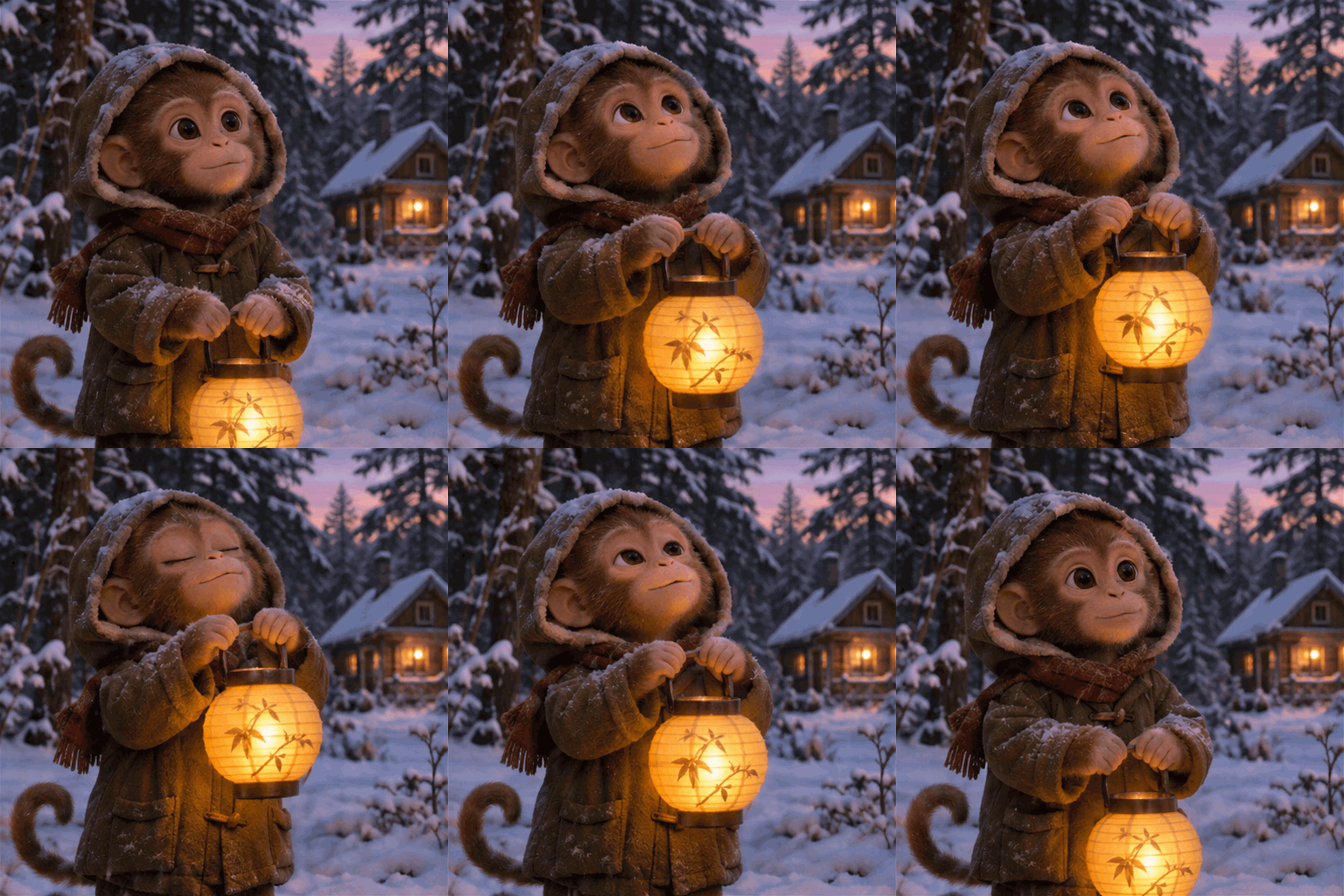
The short answer
Image 2.6 adds animated GIFs and SVG output to the still-image and photo-editing workflow. Draw an instruction, choose the file you need, and download the original result.
Flare is for exploring; Sunburst is for considered detail. Choose for the work in front of you. Actual completion time depends on settings and supplier workload.
A 1K, Low-quality still is 34 credits in our example. Image 2.6 uses paid credits. Its exact cost is shown before confirmation. See example costs ↓
SEE THE POSSIBILITIES
A few directions to explore.
Product scenes. Storytelling.
Portraits. Imagined places.
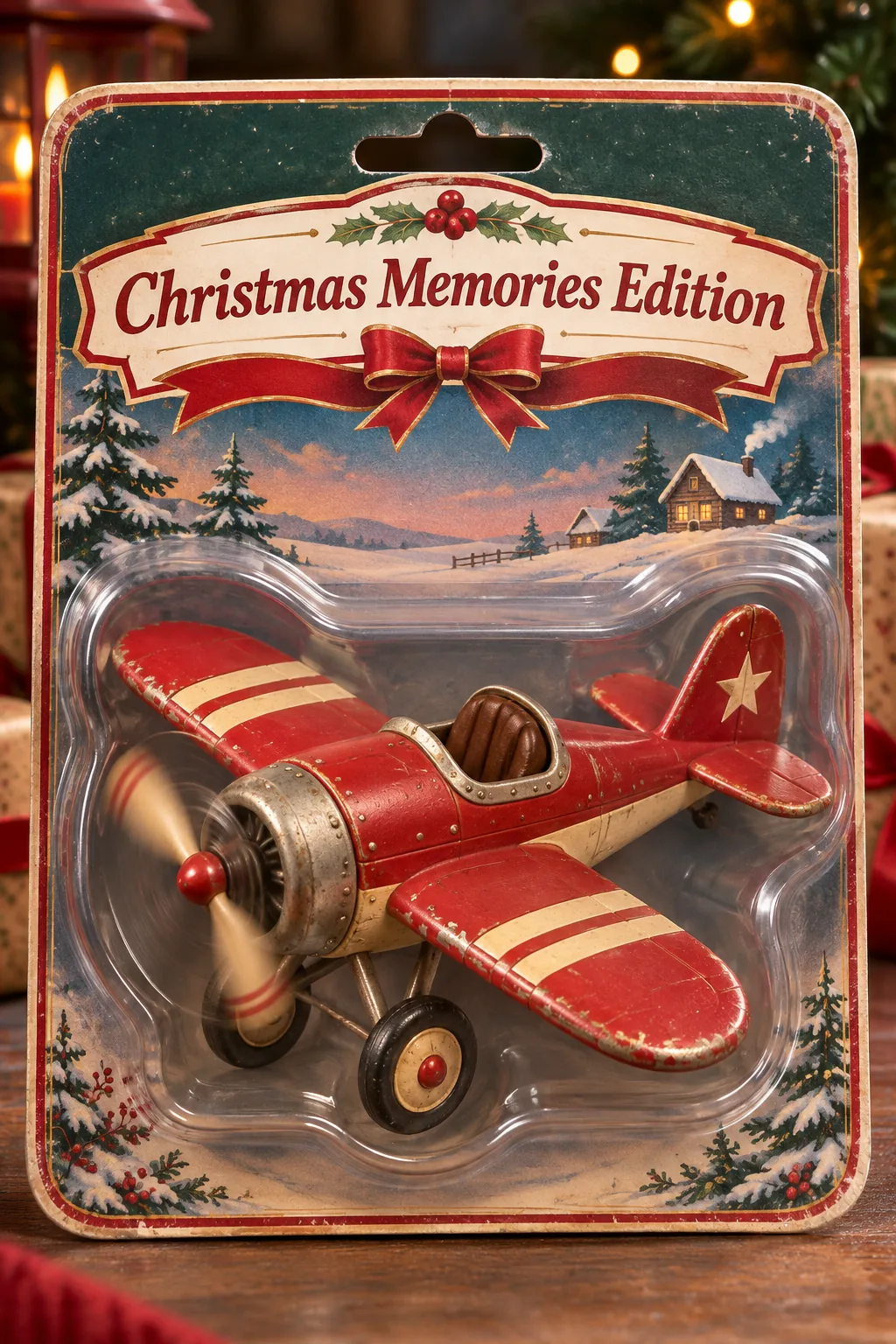
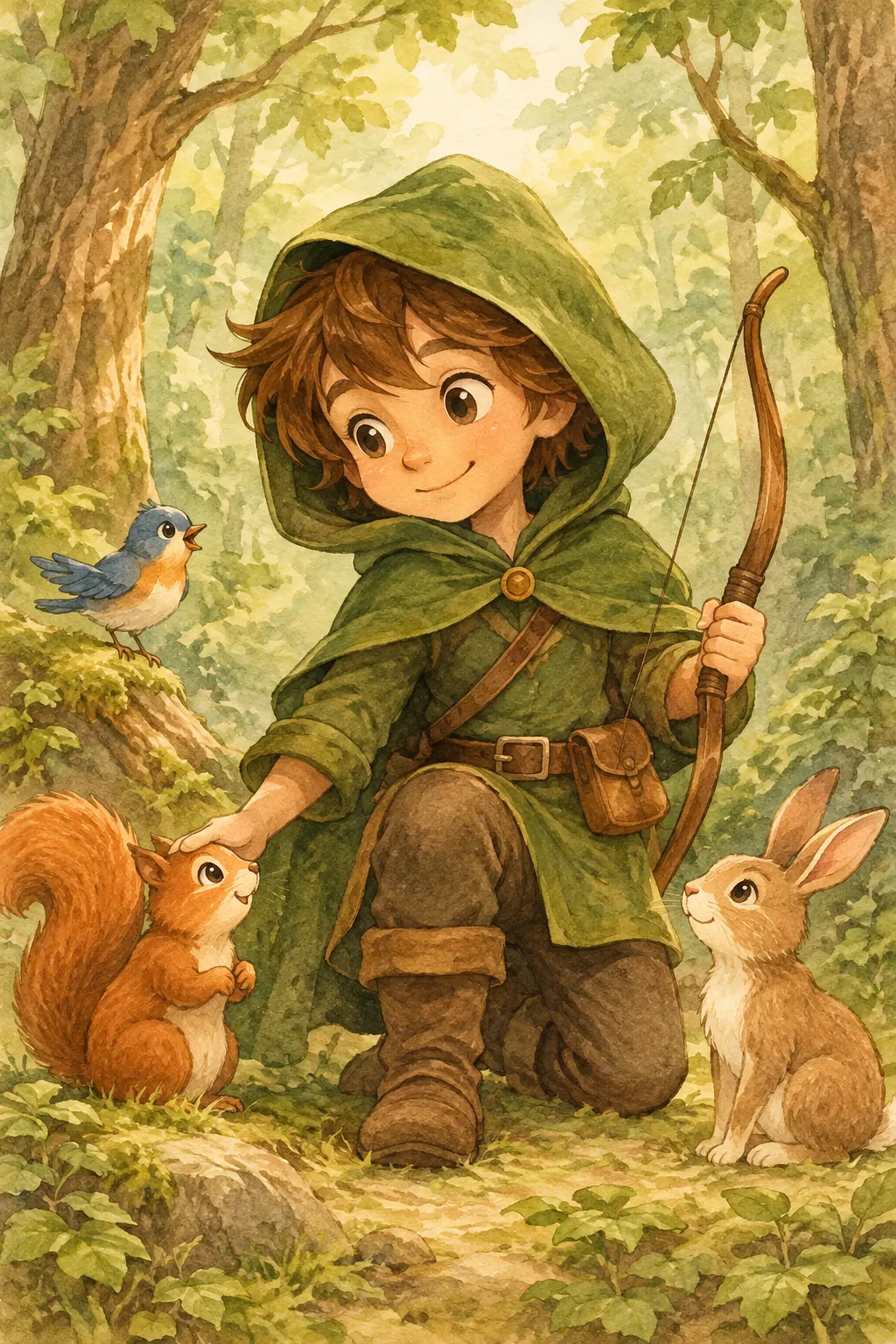
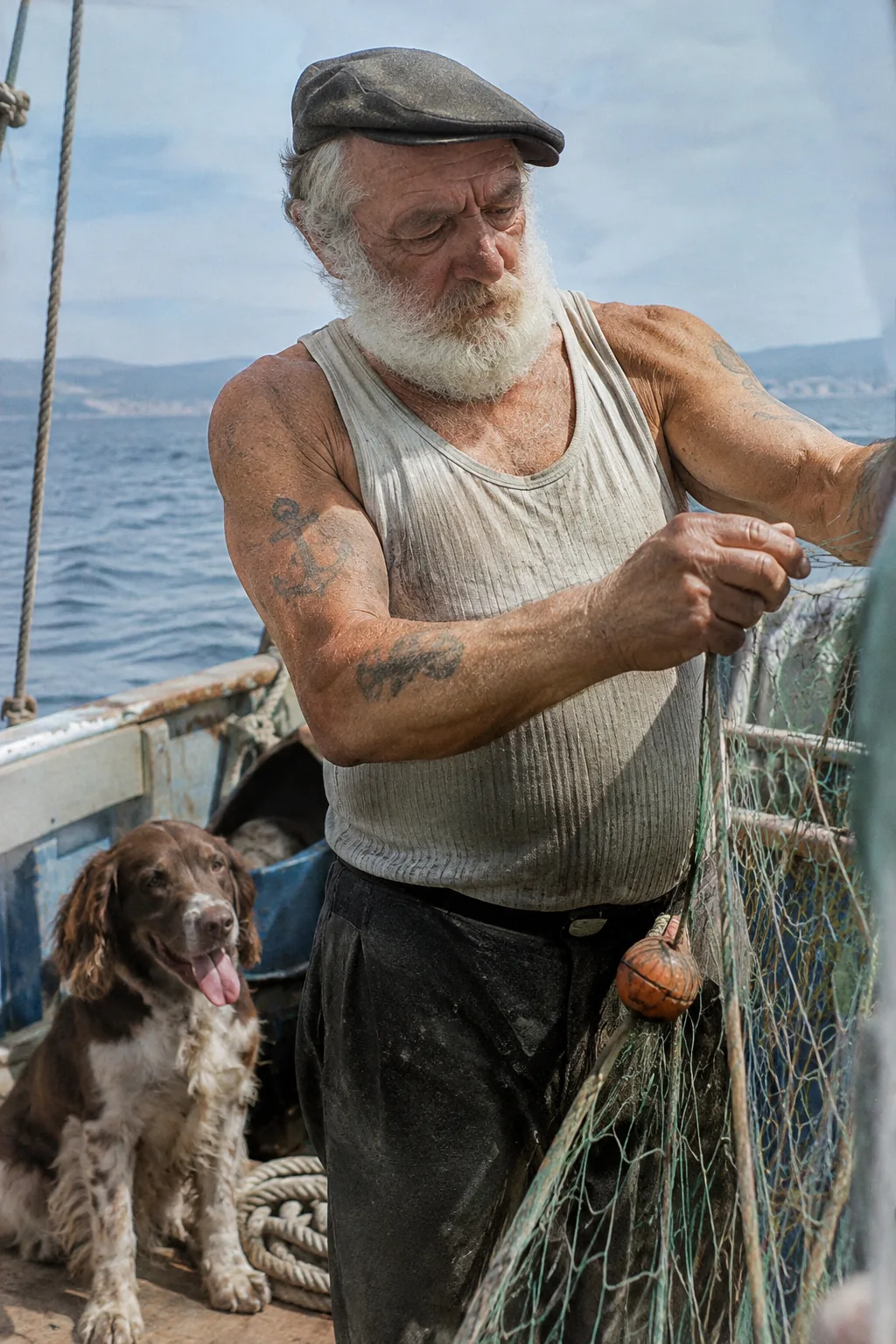
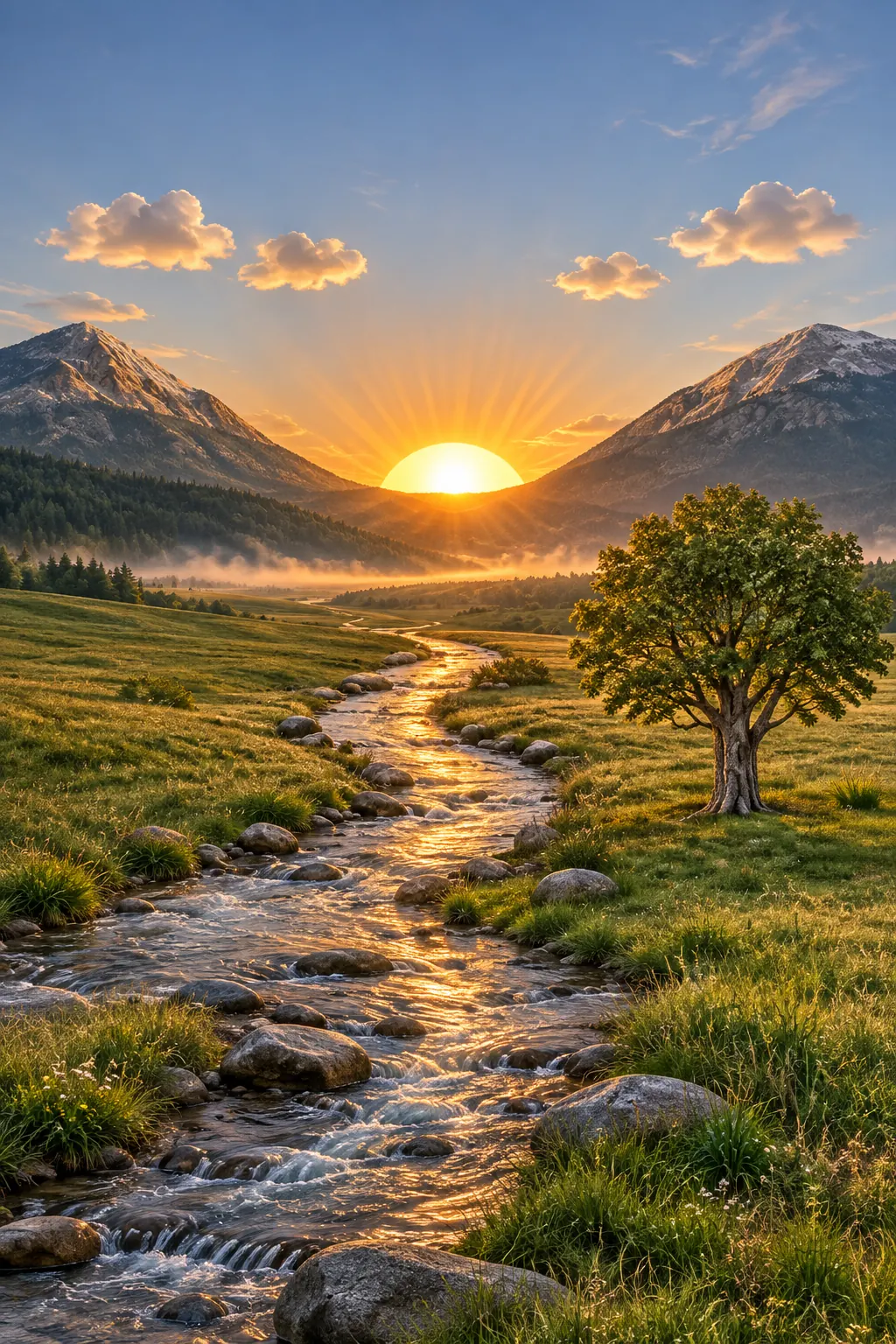
Official OpenAI examples · OpenAI’s image prompting guide. The prompt starters below are separate recipes.
ONE IDEA. THE RIGHT OUTPUT.
More than a flat picture.
Transparent backgrounds
The same cutout, on three backgrounds. Switch the canvas to see its edges.
Flare · Official OpenAI example
SVG vectors
A logo made from vector paths. Enlarge the preview and see how it scales.
Flare · Official OpenAI exampleANIMATION, EXPLAINED
Animated GIF
Small changes across a sequence become a loop. Nine frames at 200ms per frame gives a nominal 1.8-second cycle.
The cutout and SVG come from OpenAI’s guide. The paper-bird animation explains frame timing; it is an illustration, not model output.
CHANGE A DETAIL. KEEP THE SCENE.
Draw or paint an edit.
Slide between the original
and the edited photograph.
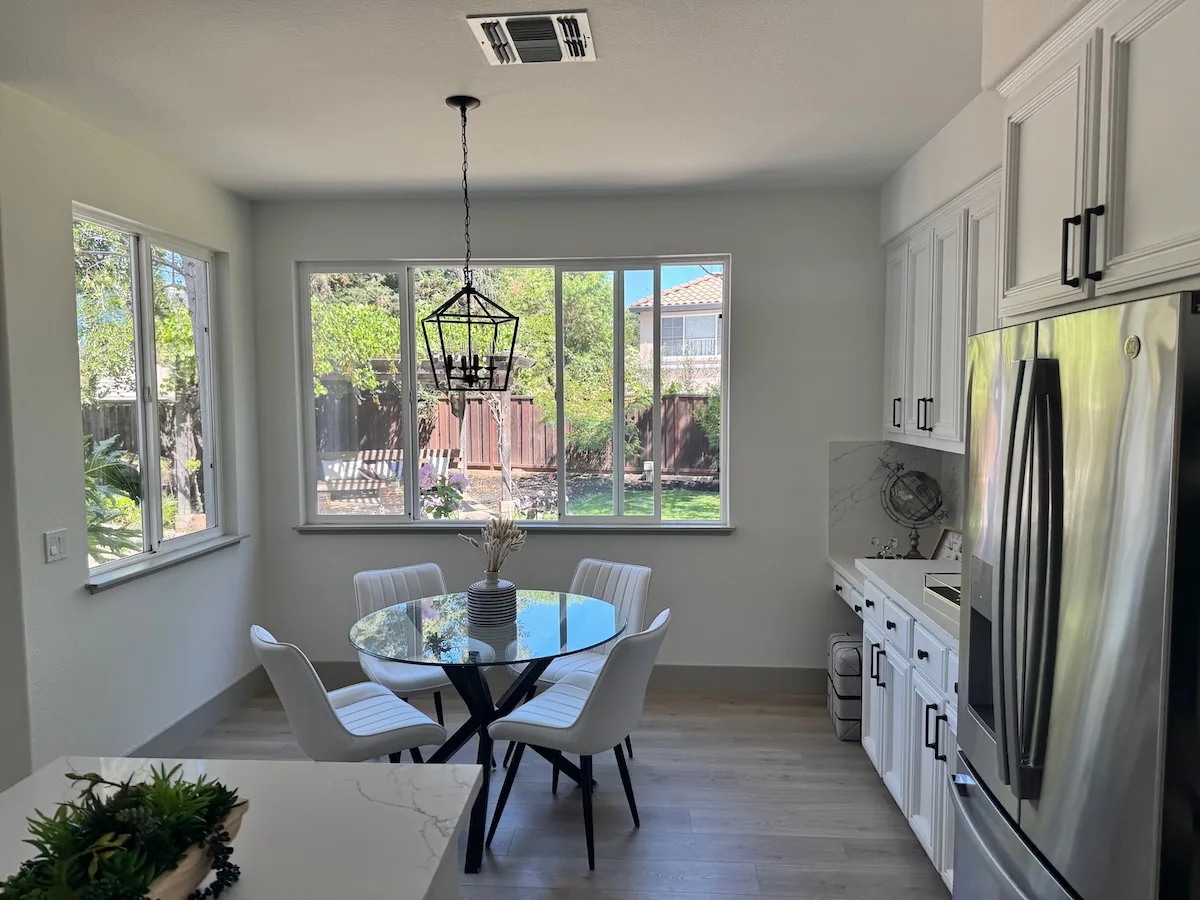
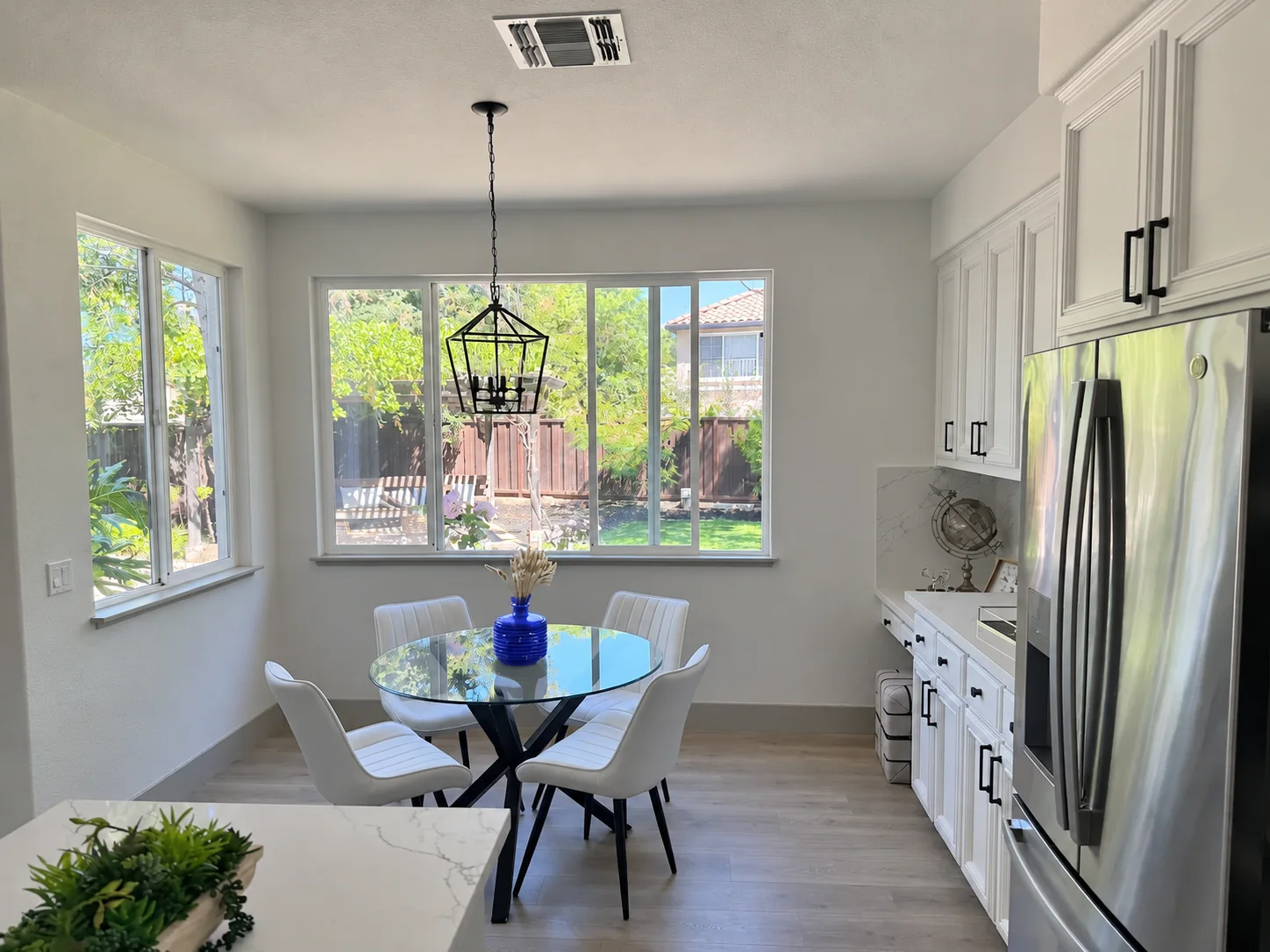
 OriginalFlare edit
This official example uses a separate drawing layer to identify the vase. View the source. The slider changes the preview only.
GIVE EACH REFERENCE A ROLE
Bring the pieces together.
Person, jacket, top and boots.
One reference-led edit.
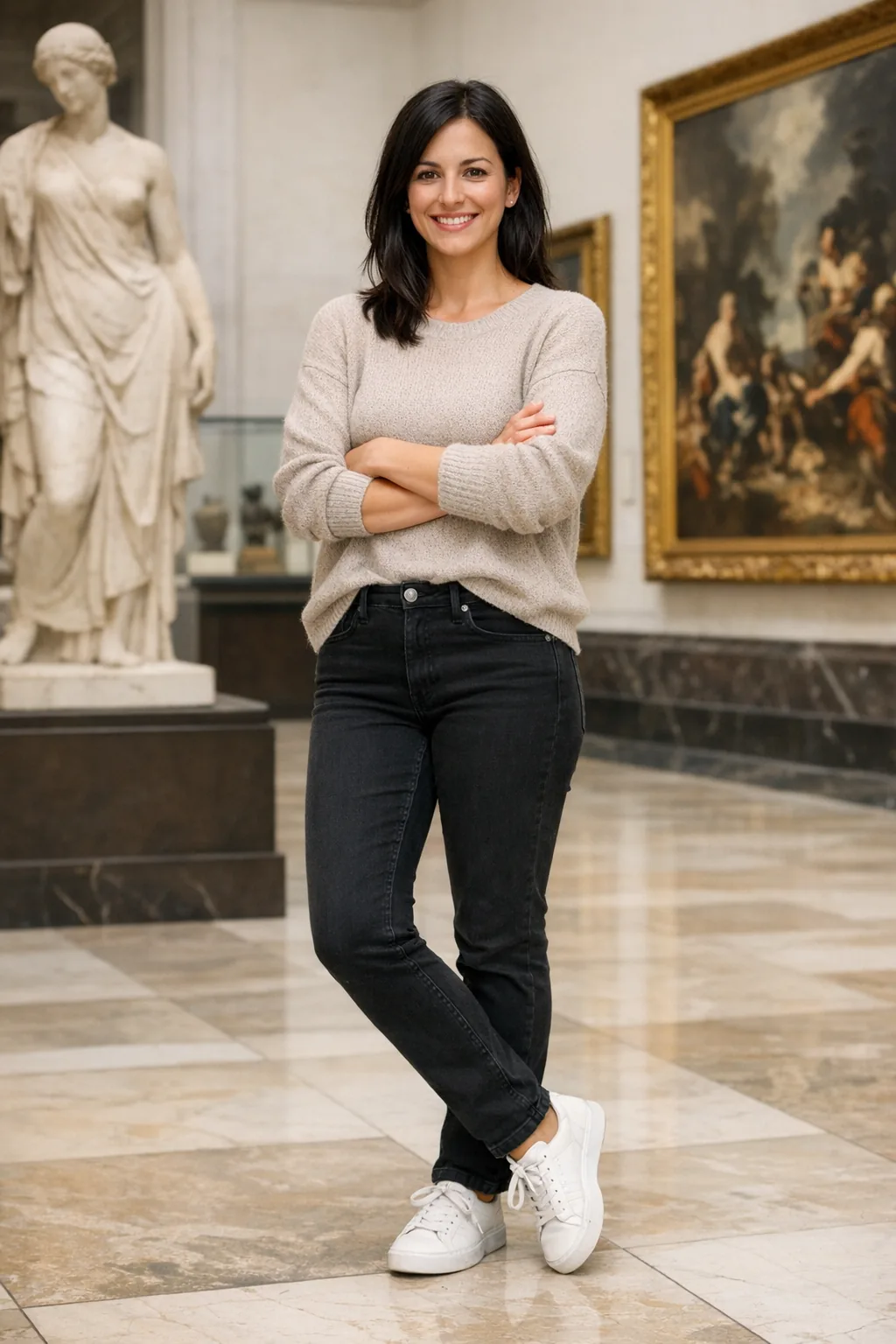
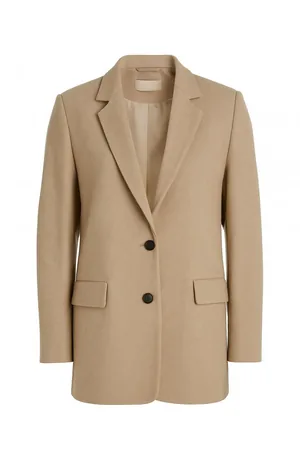
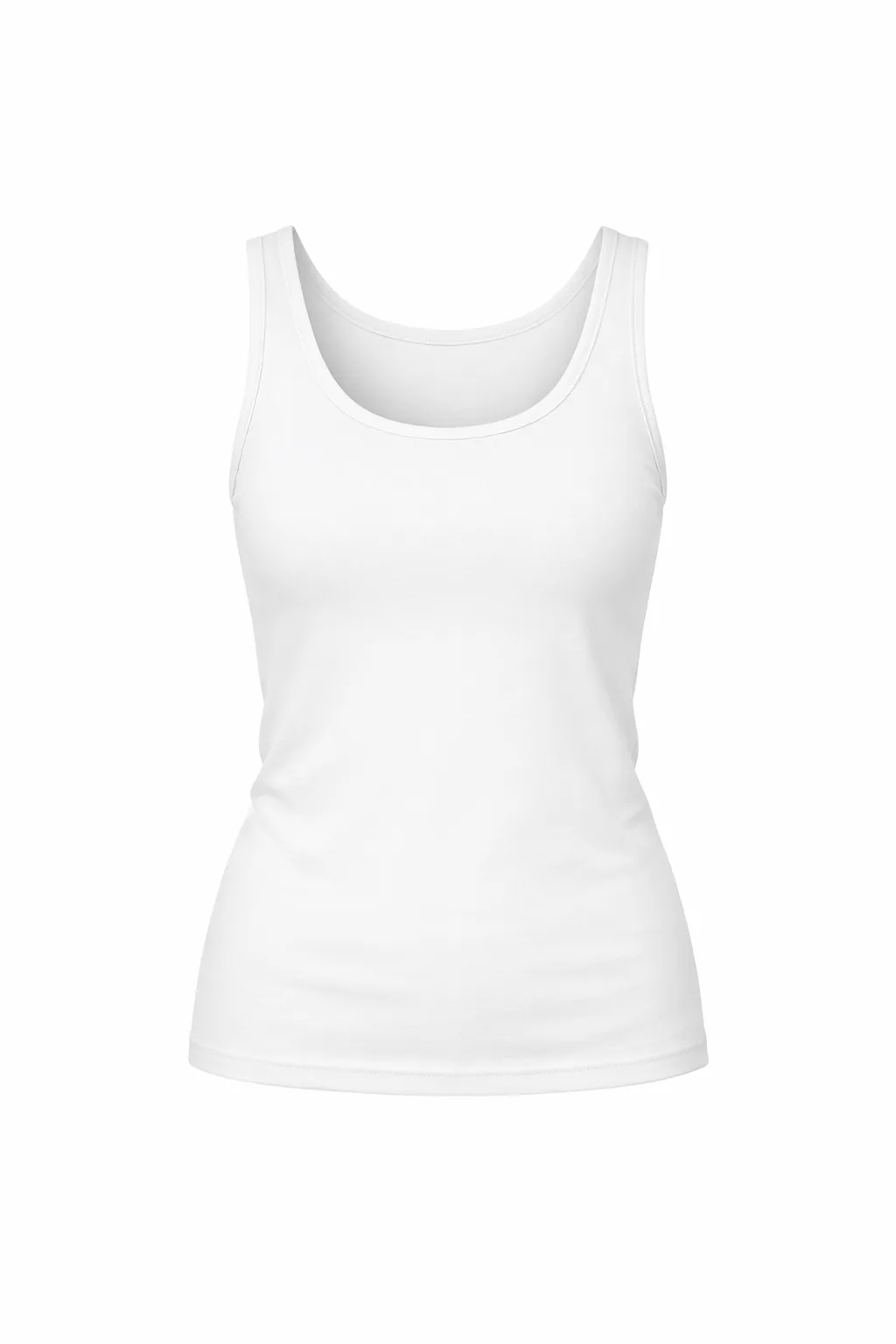
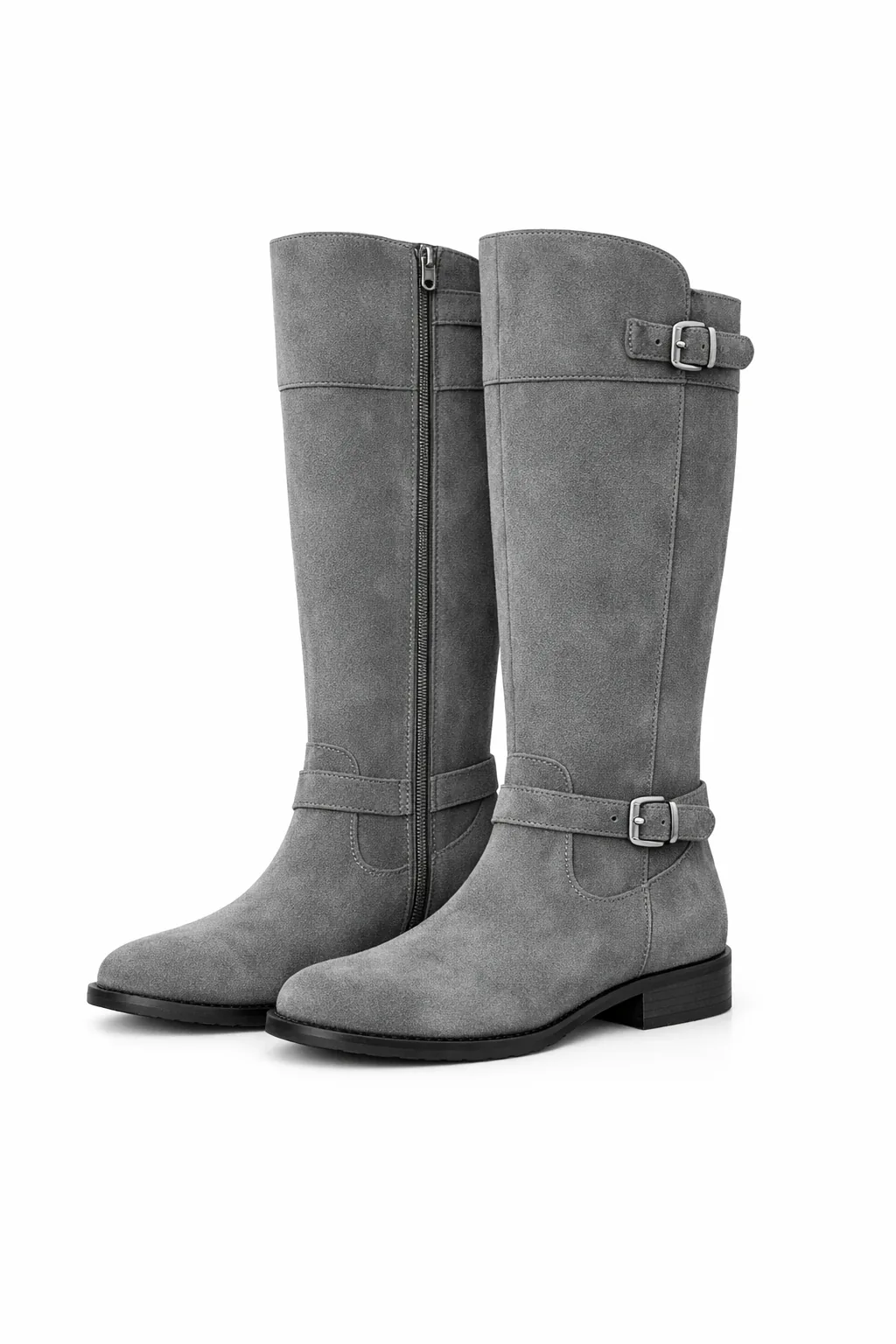
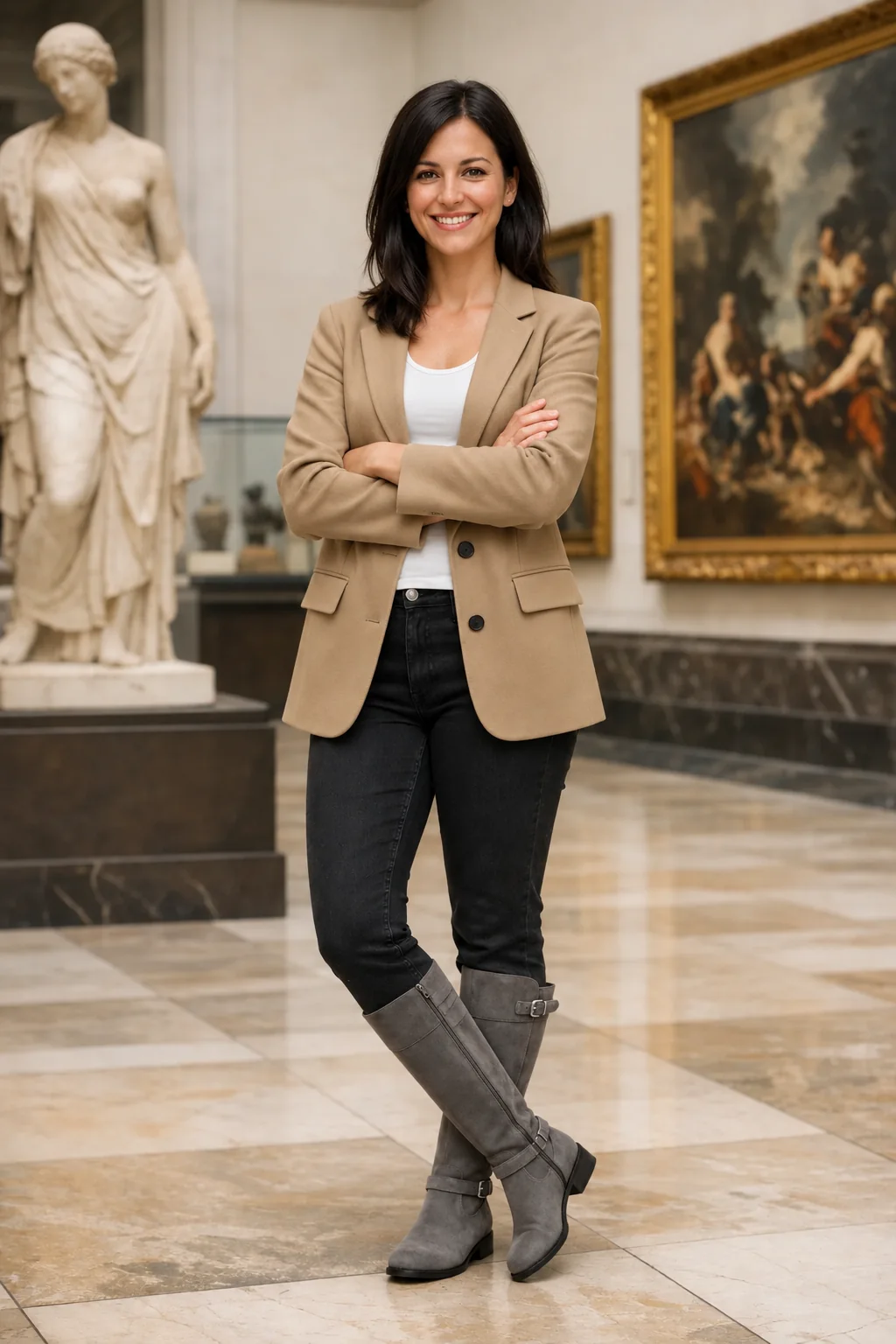
The source references and result belong to the same example in OpenAI’s guide. Your edit can use up to sixteen authorized references. Describe what each image supplies and what should stay.
CHOOSE YOUR STARTING POINT
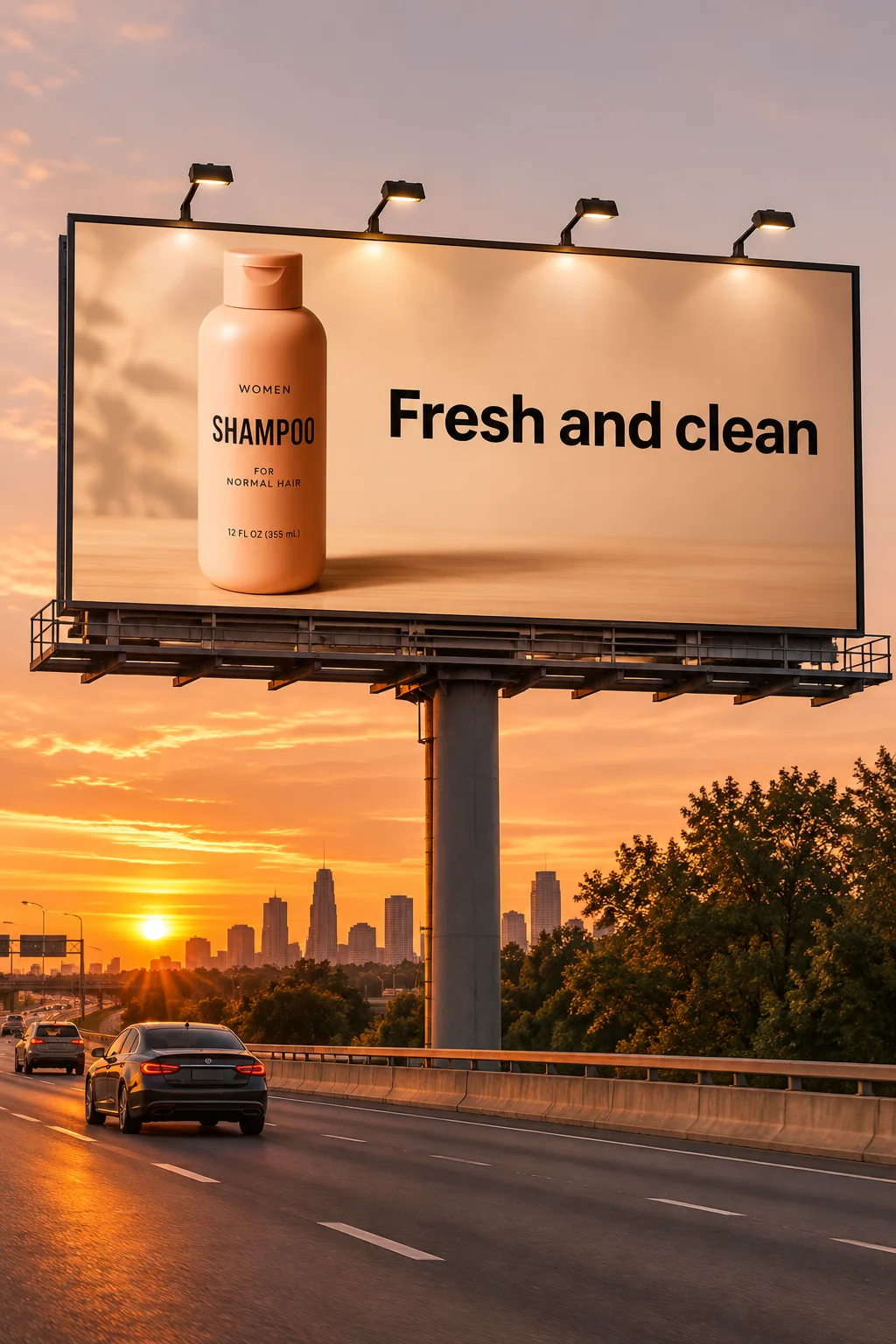
Flare to explore.
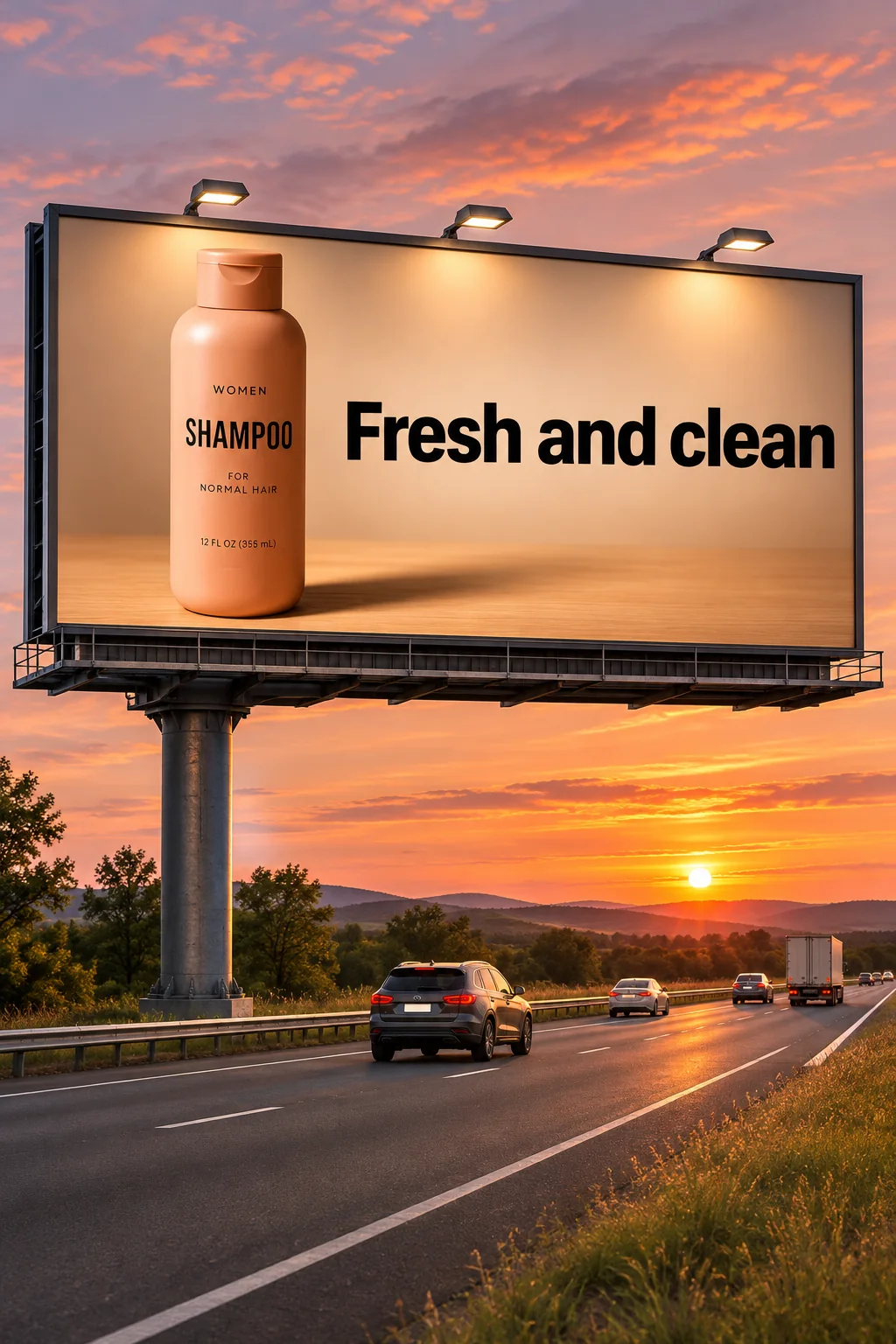
Sunburst to refine.
IDEAS & ITERATION
GPT Image 2.6 Flare
Work through compositions, colors and directions. A practical place to start before committing to a detailed final.
CONSIDERED VISUAL WORK
GPT Image 2.6 Sunburst
Describe a carefully composed scene or a focused edit. Useful when small visual details are central to the brief.
Paired official OpenAI examples. Both variants support the formats available here. Compare Flare and Sunburst in detail →
KNOW THE COST BEFORE YOU CREATE
Example credit costs.
| What you’re making | Flare | Sunburst |
|---|---|---|
| Everyday still1K · Low · PNG · one image | 34 credits | 34 credits |
| Balanced still1K · Medium · PNG · one image | 44 credits | 44 credits |
| Large final4K · High · PNG · one image | 119 credits | 119 credits |
| Animated loop9 frames · 200ms/frame · Low · one GIF | 62 credits | 62 credits |
| Vector graphicText prompt · one SVG | 26 credits | 26 credits |
Each example uses a 1:1 canvas, one output, no references and the prompt “A red paper boat on still water.” GIF uses 9 frames at 200ms per frame. Your prompt, references and settings can change the quote. Image 2.6 is not included in the daily free allowance.
YOUR IDEA STARTS HERE
Make it in Rendastic.
Choose the format.
Download the original.
Input & credit rules
Paid tasks are charged only after a completed result is available. The first two input-policy rejections return a free attempt; from the third, a rejected free request uses one free attempt. Technical failures do not count.
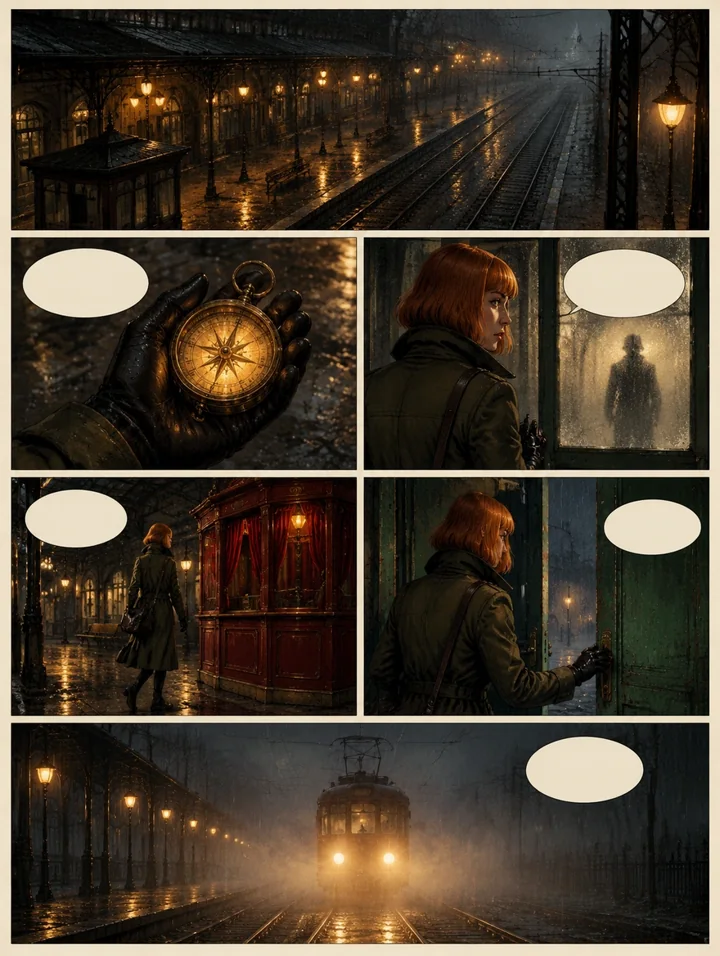
Create a six-panel noir comic page about a detective entering a rainy city cafe and discovering a mysterious red envelope. Use crisp black ink outlines, hand-painted muted colors, warm lamps against cool rain, dramatic shadows and textured cream paper. Keep the detective and cafe visually consistent across panels. Clear page gutters and an expressive close-up in the final panel. Leave speech bubbles blank so I can add my own dialogue. Original characters and story, no existing franchise, logos or signatures.
Illustrative template sample · Results vary by model
Your next idea, in motion.
Your generated video will appear here.Generating your video…
You can keep this page open or come back shortly.My Work
Your generated images, videos and audio.
Downloads: 7 days after completion · Recent history: 7 days
Paid credits · Review your quote before confirming. Rendastic is an independent service. View plans and credit packs.
FROM IDEA TO DOWNLOAD
Three steps, one editor.
- Choose a direction
Select a variant and format. Write your idea, or use one of the starters below.
- Make it specific
Set the size and quality. For edits, add your reference and say what should change—and stay.
- Review and create
Check the credit quote, confirm, then download your completed original. No generation starts from selecting a prompt.
EXPLORE THE COMPOSITION
One brief. Three planning levels.
Switch examples to compare
the composition choices.
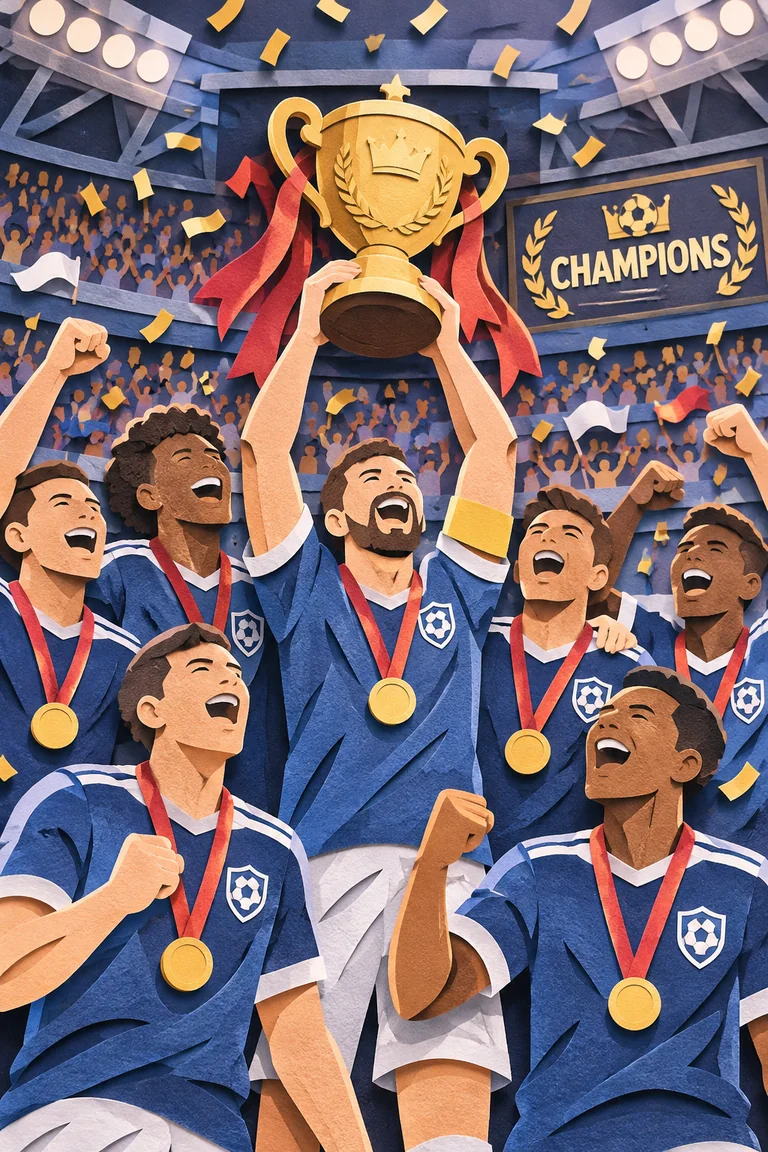
Source: OpenAI’s image generation guide. Same prompt and quality, different planning levels.
A BETTER BRIEF MAKES A DIFFERENCE
Eight useful habits.
Put visible text in quotes.
Write the exact headline in quotes, then name its position, size and hierarchy. Keep a first typography draft short.
Say what should stay.
For an edit, name the change and the details to preserve: the face, label, camera angle, background or product shape.
Draft with Flare. Refine with Sunburst.
Explore the composition first. When a draft works, use that result as a reference for a more considered edit.
Separate quality from planning.
Quality controls rendering. Planning controls preparation: use Low for a focused change and try High for dense layouts or object relationships.
Work out a GIF’s loop length.
Frames × milliseconds per frame gives the nominal loop duration. Nine frames at 200ms is 1.8 seconds; describe a motion that returns to its start.
Give each reference a role.
Put the main image first. Explain which later images supply the character, product, clothing or visual style instead of adding references without instructions.
Choose dimensions for the destination.
Use a native ratio or Custom dimensions. Still-image edges use multiples of 16; GIF frame sizes fit a separate total frame-sheet limit.
Pick the file for the job.
Use transparent PNG/WebP for a cutout, SVG for a flat vector graphic, and GIF for a short loop. A checkerboard drawn in the image is not transparency.
COPY, ADAPT, MAKE IT YOURS
Ten prompts. Ten directions.
Use a starter to prepare its
format and settings, too.
A launch-day product shot
Read prompt
A matte coral insulated bottle on pale limestone, soft morning side light, a crisp natural shadow, generous space on the right for a headline. Accurate cylindrical proportions, realistic powder-coated texture, quiet editorial product photography. No text or extra logos.
A readable event poster
Read prompt
Design an editorial jazz poster with the exact headline "AFTER HOURS" and the smaller line "FRIDAY 8 PM". Large cream lettering, ink-blue paper, a single rust-red circle, a clear typographic hierarchy and wide margins. Include no other text.
Keep a character recognizable
Read prompt
Use image 1 as the character reference. Place the same character in a small flower shop, arranging yellow tulips. Preserve the face, hair, clothes and proportions. Change only the setting and hand action; match the original illustration style.
A cutout ready for a layout
Read prompt
A small terracotta planter with a healthy green fern, front three-quarter view, clean studio detail, isolated on a genuinely transparent background. Preserve the fine leaf edges. No tabletop, background, checkerboard, text or drop shadow.
A simple brand symbol
Read prompt
A flat vector symbol of a rising sun between two olive leaves. Balanced geometric paths, dark forest green and warm ivory only, centered composition, transparent background. No lettering, gradients, shadows, photographic texture or embedded bitmap.
A small, seamless greeting
Read prompt
A single origami crane on a pale blue background gently bows its head once, then returns exactly to its starting pose. A seamless short loop, fixed camera, consistent paper folds and soft lighting, no cuts, no text, no new objects.
Change one label, keep the pack
Read prompt
Using image 1, change only the front label’s accent color to sage green and its exact flavor text to "PEAR & MINT". Preserve the brand mark, package shape, material, lighting and background. Leave the remaining label text and barcode area unchanged.
Space for a campaign headline
Read prompt
A wide editorial landscape of a quiet volcanic coastline at dawn, charcoal rock, muted sea-green water and a pale warm sky. Keep the left third simple and open for a headline. Fine natural texture, restrained color and realistic light. No text or logos.
Explore an illustration direction
Read prompt
An illustrated corner bakery after a light rain, warm light behind the windows, a bicycle near the door, expressive hand-painted gouache texture, deep teal and butter-yellow palette. A clean, readable composition with no signs or lettering.
Refresh a room without rebuilding it
Read prompt
In image 1, change only the chair upholstery to a muted terracotta fabric. Keep the chair frame, furniture positions, wall color, daylight, shadows, camera angle and all other objects unchanged. The new fabric should fit naturally over the existing cushions.
Original prompt starters, not tested output examples. References must be yours or used with permission. Copying or preparing a prompt does not submit a task.
THE DETAILS
GPT Image 2.6, explained.
What is GPT Image 2.6?
GPT Image 2.6 is OpenAI’s image-generation and editing family, released November 4, 2026. Flare is intended for fast iteration; Sunburst for detailed visual work. Rendastic is an independent service that gives you both in the same editor.
How much does it cost on Rendastic?
The example table above is calculated with the same pricing function used by the editor. Resolution, quality, format, quantity, prompt and references affect your quote. Prepare your settings, then review the exact credit cost before confirming. Plans and one-time packs are on the pricing page.
Can I use Image 2.6 for free?
Free images use FLUX 3 Image Klein for 1K square text-to-image and Muse Image for reference-image editing at native dimensions. GPT Image models use credits. One daily free creation is shared across image, video and audio, subject to eligibility and availability.
Should I choose Flare or Sunburst?
Start with Flare to explore a concept. Try Sunburst for a considered final or an edit where small details matter. Both offer the same supported formats here. Completion time varies with settings and supplier workload; this is a selection guide, not a measured speed guarantee.
What changed from Image 2.5?
The main additions in our Image 2.6 workflow are animated GIF and static SVG output, explicit planning control, and drawing or mask-guided edits. Both versions already generate and edit still images. Our comparison lists Rendastic’s actual controls; a missing control here is not proof that the underlying model lacks it.
Can I make animated GIFs?
Yes. Choose GIF, set 2–64 frames and 20–2000 milliseconds per frame in 10ms steps, and describe a short loop. The 64-frame option is provided by our current supplier’s adaptation; it is not a universal limit for every Image 2.6 API. The supplier fits each frame to a total frame-sheet limit.
Can I generate an SVG logo or icon?
Yes. Choose SVG and describe a flat graphic with clear shapes and colors. SVG uses a text prompt, one output and no photo references. The result is a static vector file, not a photo embedded inside an SVG. Review the design and any third-party rights before publishing it.
Which sizes can I choose?
Still-image presets include 1K, 2K and 4K with fifteen ratios. Custom dimensions must be multiples of 16, at most 3840px per edge, within 655,360–8,294,400 total pixels and a 3:1 ratio. Auto and source-size editing are also available. GIF frames follow a separate size limit.
What is the difference between quality and planning?
Quality controls rendering: Low, Medium, High, Extra high and Max, plus Auto where supported. Planning is Low, Medium or High and controls preparation for the composition. A focused edit often needs less planning than a dense poster. Higher settings can take longer and do not guarantee a better result.
Can I upload photos and draw on them?
Use Image Edit for up to sixteen authorized JPG, PNG or WebP references, each within the 10MB input limit. Draw instructions on a separate transparent layer or paint a mask for the area to change. The original photo stays separate; a guide is a hint, not a guarantee that every outside pixel will remain identical.
How many results can I request?
Ordinary quality settings support up to ten outputs per request. Extra high, Max and Auto still-image requests support up to four. SVG produces one file. The quote covers the selected batch; you can select and download the returned results individually.
What happens to credits if a task fails?
A confirmed technical failure releases its credit reservation. An unknown supplier outcome stays pending while it is checked, without automatically submitting another generation. Input-policy rules are separate: the first two confirmed rejections return the allowance or credits; from the third, a rejected request can consume its confirmed quote. Read the Input & credit rules in the editor.
Can I use the results commercially?
Commercial use depends on your rights to the inputs, the selected model’s applicable terms and Rendastic’s Terms of Service. A subscription does not grant rights to someone else’s trademarks, photographs, music or likeness. Review the terms for your intended use.
Are uploads private, and how long are they kept?
Local reference files are private and removed after processing or within one hour. Supplier reference links can be public: APIMart retains them for up to 72 hours and APIModels for up to 30 days. Local deletion does not remove the supplier copy. Do not upload sensitive material; read the Privacy Policy.
Are the GIF and photo demonstrations Rendastic test results?
The examples labeled Official OpenAI example come from OpenAI’s published guide. They demonstrate the model, not a Rendastic benchmark. The prompt library is written for you to adapt; its prompts are not presented as measured or guaranteed outputs.
A STILL. A LOOP. A NEW DIRECTION.