FIVE PHOTOS, ONE LINEUP
Keep On Steppin AI Video Generator
Bring five people into one line dance. Add five portraits from left to right, then prepare a short group routine with shared steps and a clear, steady view.
Add five separate adult photos, one for each position from left to right. Keep faces clear and include the upper body or full figure.
Do not upload sensitive images. Privacy Policy
Make our five-person danceINSIDE THE SCENE
Arrange five people without losing the lineup
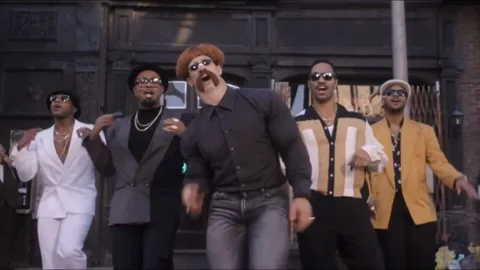
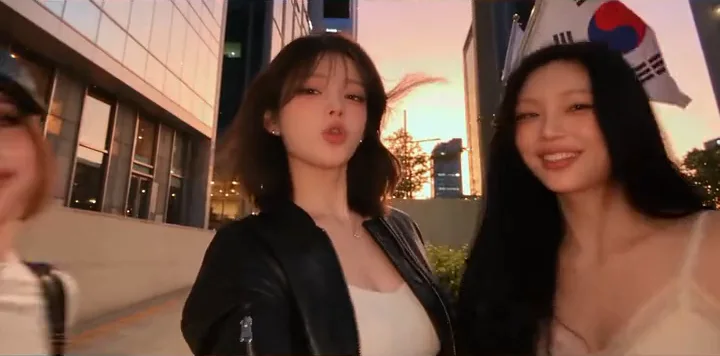
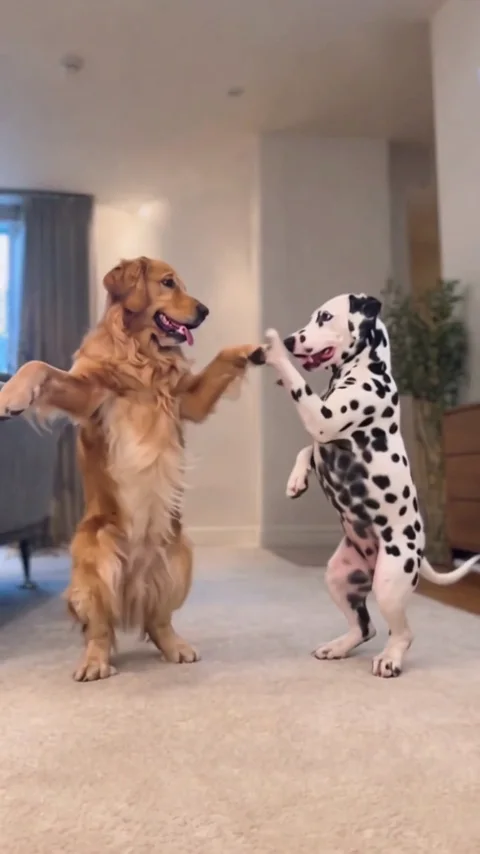
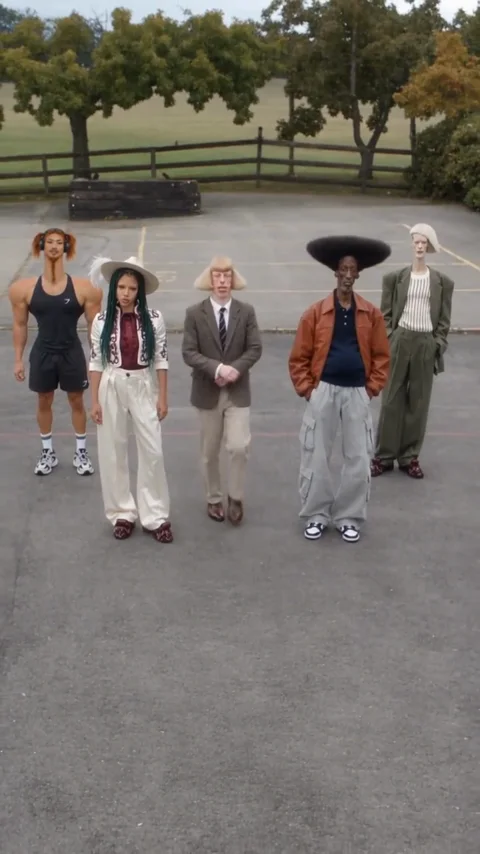
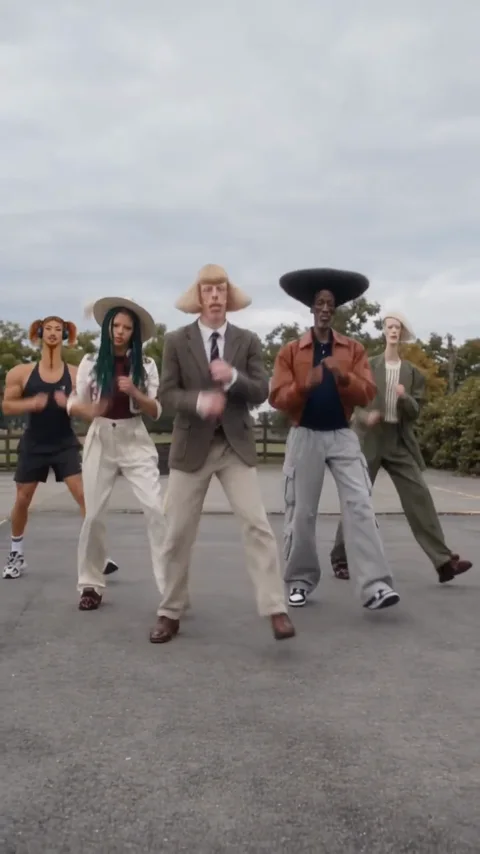
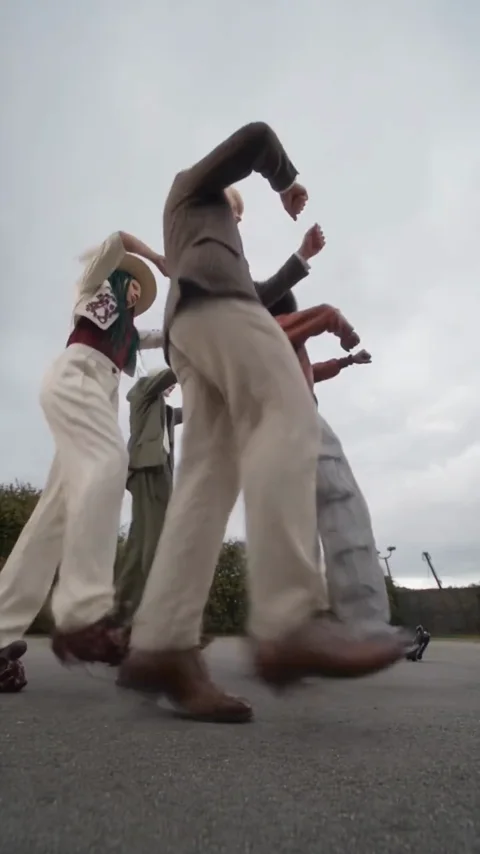
Three moments from the same public reference explain the scene. They are a reference breakdown, not three Rendastic outputs.
THE LINEUP
Choose the center and work outward
The five upload slots map directly to the five starting positions. Put the person you want to emphasize in the center slot and arrange the others around them. Similar camera angles make it easier to describe a coherent group.
- One adult per portrait.
- Use left-to-right upload order.
- Avoid mixed close-ups and distant figures.
THE SHARED STEP
Keep the footwork small and coordinated
Five separate identities need room on screen. The prepared directions use short lateral steps and a heel dig rather than a long routine with several crossings. One steady shot lets you see whether all five remain in the frame.
- Leave clear space between dancers.
- Keep shoes above the bottom edge.
- Use simple movements before adding turns.
THE GROUP CHECK
Review all five faces, not just the center
After generating, inspect the people at the edges as carefully as the center dancer. If one person changes or disappears, simplify the camera and movement directions before a new attempt. The displayed reference has its own choreography and camera changes.
- Count all five people at the end.
- Check the original left-to-right order.
- Inspect faces, hands and foot placement.
MADE TO BE CUSTOMIZED
Make the scene your own
Five separate identities
Each uploaded portrait has its own position in the lineup.
A model that accepts the full cast
The prepared workflow uses the existing seven-reference-capable Gemini model.
Short, readable footwork
Ten seconds and one steady shot keep the scene focused on the group.
YOUR SCENE, YOUR DIRECTION
What is the Keep On Steppin AI line dance?
The effect brings five photo subjects together for a coordinated line-dance clip. The shared footwork and recognizable lineup are the point of the scene. Rendastic’s version assigns all five photos explicitly and creates a short, new routine in one wide shot. It uses Gemini Omni 1.1 Flash because that enabled reference mode can accept five separate images; the usual Mini preset cannot.
The five-reference template is useful for assembling its cast. For a separate close-up of one performer, take a single authorized frame into image to video and describe one small movement instead of repeating the full group setup.
Customize this sceneBefore you upload
- Add five separate adult photos, one for each position from left to right. Keep faces clear and include the upper body or full figure.
- Use JPG, PNG or WebP, up to 10 MB per photo.
- Choose clear, evenly lit sources with no other faces overlapping the main subject.
- Use people who agreed to appear and review the prepared prompt before creating.
FROM PHOTO TO FINISHED TAKE
How to make your Keep On Steppin AI video
Choose your cast
Add five separate adult photos, one for each position from left to right. Keep faces clear and include the upper body or full figure.
Review the prepared scene
Continue to the editor with your photos. Review the prompt and 10-second, 720p starting settings, then check the current credit quote.
Create and review
Generate when you are ready, inspect the people and movement, then download the clip. Add any permitted audio or captions in your own editor.
FIND YOUR WAY TO THE MEME
Keep On Steppin: Rendastic and AIReel
Compare the starting workflows on these named pages before choosing how to make your clip.
Swipe or scroll sideways to compare all tools
| Your decision | RendasticKeep On Steppin editable photo presetThis template | AIReelKeep On Steppin public page |
|---|---|---|
| Photos | Five adult portraits, fixed left-to-right positions | Five photos; the page also advertises pets and characters |
| Scene control | Editable short routine in one wide shot | Page describes preset choreography and camera changes |
| Music | No song supplied; silence requested in the prompt | Page advertises the Mike Clark Jr. track |
Reviewed October 27, 2026. This compares public workflow descriptions, not tested output quality or speed. Credit units differ between platforms.
Sources checked : AIReel Keep On Steppin page
Choose Rendastic when you want to review and edit the cast, scene directions and actual quote before generating.
Make our five-person danceABOUT THIS CREATION
What this workflow creates
Make the scene yours. Use photos you have permission to process and share the result responsibly.
- The preset creates a new scene from your uploaded photos and editable text. Display references are never submitted as generation footage.
- Identity, hands and group coordination can vary. The reference is not evidence that this native preset reproduces its exact movement, editing or output quality.
- No commercial song or original dialogue recording is supplied. This is an independent themed tool, with no artist or platform endorsement.
BEFORE YOU UPLOAD
Your photos and the creation process
What happens to uploaded photos?
Your photo is processed to guide the requested creation. Local source files are removed after processing or within one hour. Generation-provider reference links can remain publicly accessible for up to 30 days; local deletion does not remove that provider copy.
Keep control of what you submit
Use images you have permission to process. Read the Privacy Policy for processor, retention and deletion details before uploading material that should remain confidential.
PAY ONCE. MAKE IT YOURS.
Choose your one-time pack
Pick how many videos you want to make. No subscription. No automatic renewal.
At this template’s starting settings: 10s · 720p · 350 credits per video.
START HERE
Credits for
4 videos
$22.99one-time
1600 credits included
- No subscription or automatic renewal
- Credits valid for 12 months
- Use remaining credits on other creations
ONE-TIME PACK
Credits for
6 videos
$29.99one-time
2150 credits included
- No subscription or automatic renewal
- Credits valid for 12 months
- Use remaining credits on other creations
ONE-TIME PACK
Credits for
12 videos
$59.99one-time
4350 credits included
- No subscription or automatic renewal
- Credits valid for 12 months
- Use remaining credits on other creations
Need more? See larger one-time packs
ONE-TIME PACK
Credits for
20 videos
$99.00one-time
7300 credits included
- No subscription or automatic renewal
- Credits valid for 12 months
- Use remaining credits on other creations
Counts use this template’s starting settings and pack credits only. Changing the model or settings changes how many you can make. Review the quote before generating. Any daily free creations are extra.
Create regularly?
Explore subscription plansPrices in USD; applicable taxes appear before payment. See credit pack terms and the Terms of Service. Choosing a pack does not start a generation.
A FEW THINGS WORTH KNOWING
Keep On Steppin questions
Does this really accept five separate photos?
Yes. Upload five separate adult portraits, one for each labeled position in the line. This preset uses Gemini Omni 1.1 Flash; your five photos stay in the same order when you open the editor.
What order should I upload the photos in?
Use the slots from far left to far right. Photo 3 is the center dancer. The prepared prompt keeps that order throughout the scene.
Why is this page using a different model?
Seedance 2.0 Mini supports at most three reference images in our current integration. This five-person preset uses an enabled model with sufficient reference capacity.
Does it include Mike Clark Jr.’s song?
No song recording is supplied. The prompt asks for silence; this model has no separate sound switch in our editor. Review any returned audio and add permitted music separately.
Can I upload pets instead of people?
This starting recipe is written for five adults with human footwork and clothing. It does not claim tested pet behavior; use the dedicated Pet Duo page for a pet-oriented prompt.
What if the people swap positions or a face changes?
Keep the ordered labels, use clear separate portraits and simplify the movement. Five-person consistency is not guaranteed; inspect the full clip before sharing.
What settings and one-time price does this use?
The preset starts at 10 seconds, 720p and 9:16 with Gemini Omni 1.1 Flash. It uses paid credits: 350 Rendastic credits · 10s / 720p. One-time packs start at $4.99 for 350 credits, valid for 12 months. Cards count whole videos at these settings; changes require a new quote.
What happens to my uploaded photos?
Local source files are removed after processing or within one hour. Generation-provider reference links may remain publicly accessible for up to 30 days. Read the Privacy Policy for processor and deletion details before uploading confidential material.
MAKE YOUR NEXT TAKE
Make our five-person dance
Choose your photos and prepare your own version in the editor.
Use Keep On Steppin template View one-time packs