TWO PHOTOS, ONE BIG REACTION
Deep Down In My Heart AI Video Generator
One friend confesses. The other tries to stay composed—and loses it. Upload two portraits to make a short, fictional confession-and-crying reaction video.
Upload the crier first, then the confessor. Use separate clear adult or pet photos; the public reference shows the pet version.
Do not upload sensitive images. Privacy Policy
Make my crying reactionINSIDE THE SCENE
Build the pause before the reaction
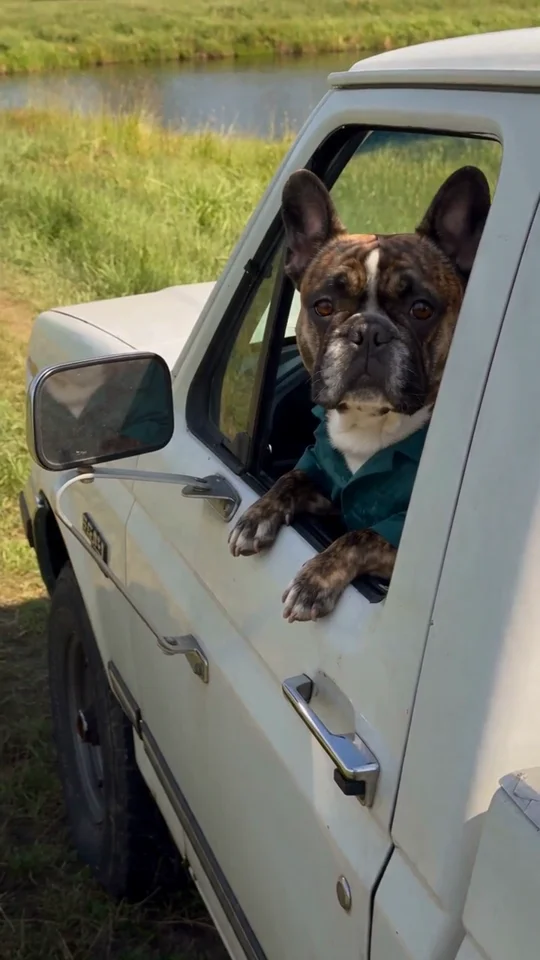
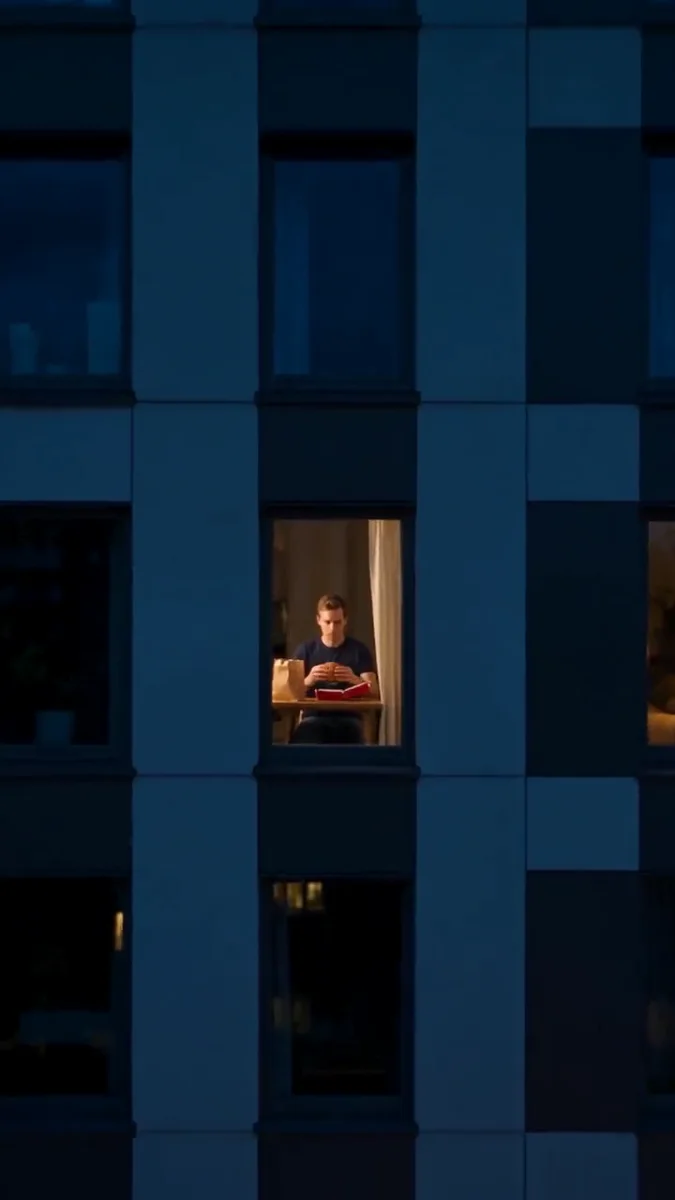
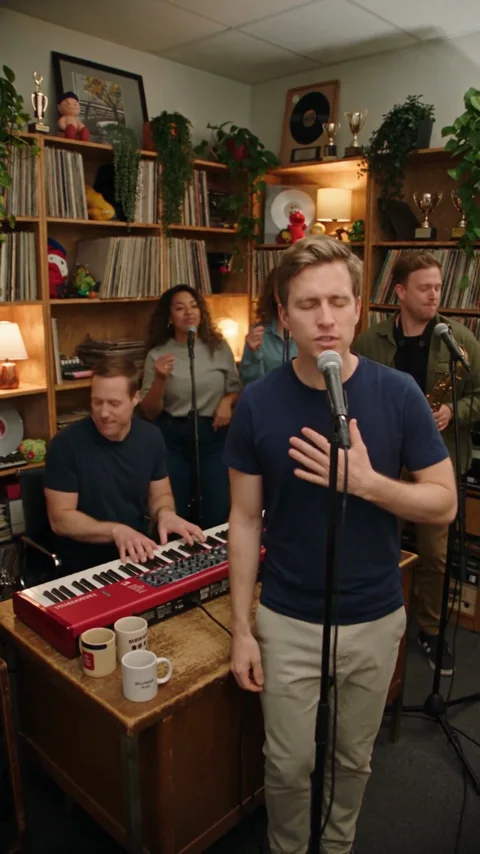
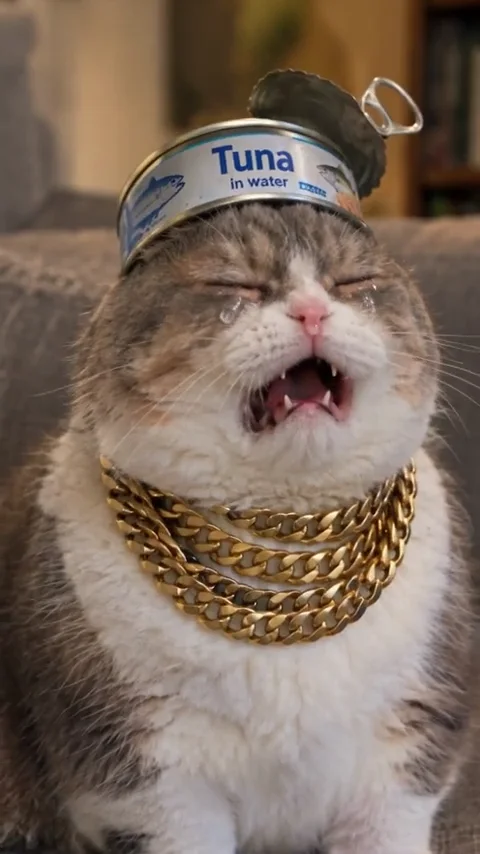
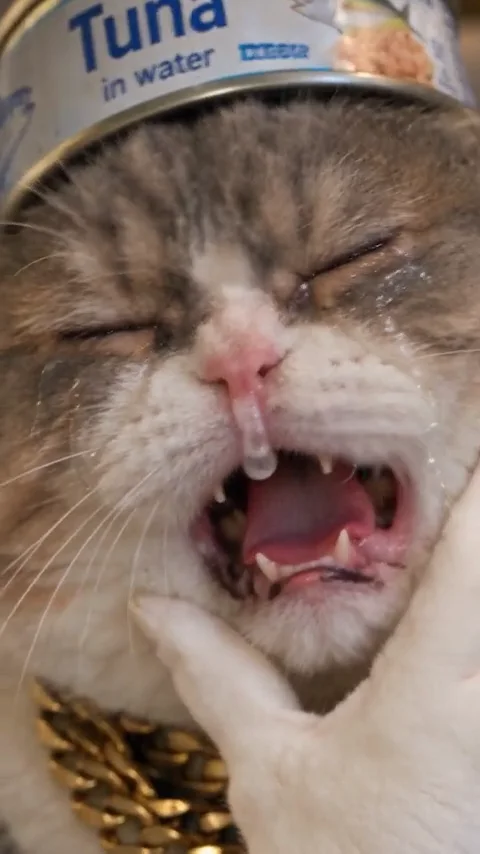
Three moments from the same public pet-version reference illustrate the emotional contrast. Your adult or pet photos guide a new scene; these are not Rendastic outputs.
WHO REACTS?
Put the expressive face in the first slot
Photo order decides the two roles. The first portrait gets the listening pause and emotional close-up; the second delivers the declaration. Use separate photos so the directions can identify each person without guessing.
- Crier first, confessor second.
- Keep both mouths and eyes visible.
- Choose similar face sizes in the photos.
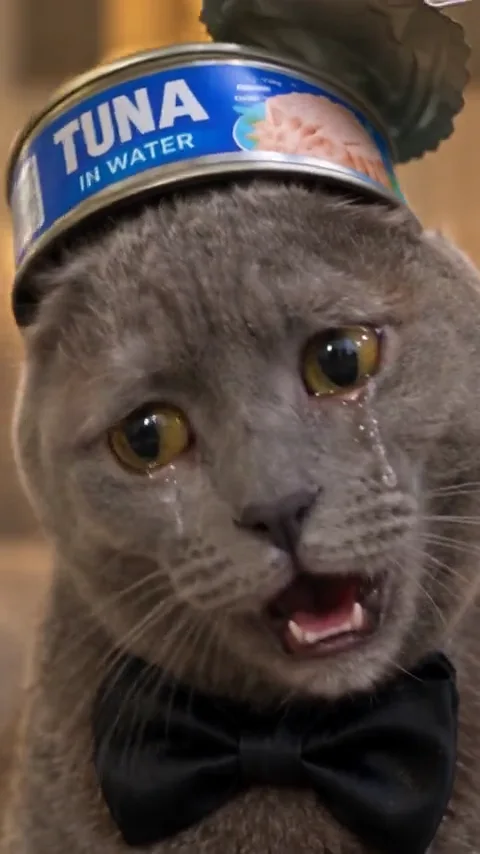
THE PAUSE
Make the change of expression the main event
The useful contrast is a composed face turning into a dramatic reaction. The short preset uses one close-up and a clear pause. Avoid adding several story events or moving the camera while the expression changes.
- Begin with a calm expression.
- Use a chest-up frame.
- Let one person react at a time.
THE RELEASE
Finish on a shared reaction
A small relieved laugh gives the clip an ending beyond the exaggerated cry. Edit the room and emotional intensity before generating. This 10-second interpretation is shorter than the displayed reference and does not reproduce its dialogue.
- Keep the scene affectionate.
- Inspect eyes, teeth and hands.
- Add your own permitted voice or captions later.
MADE TO BE CUSTOMIZED
Make the scene your own
Separate reaction roles
Choose the crier and confessor explicitly through two labeled photos.
A compact emotional arc
Ten seconds cover the declaration, expression change and release.
Control the mood
Edit the room, framing and intensity before reviewing the quote.
YOUR SCENE, YOUR DIRECTION
What is Deep Down In My Heart AI?
The meme pairs a heartfelt declaration with an unexpectedly dramatic crying response. The words “deep down in my heart” identify the familiar setup, but the visual payoff is the listener’s change of expression. Rendastic prepares a two-person fictional scene with a calm opening, a tearful close-up and a softer finish. It makes a new short interpretation instead of replacing faces in the original interview.
If you want a subtle emotional portrait instead of an exaggerated crying scene, use one well-lit face photo. Request a small expression change through image to video and review the complete result before sharing it.
Customize this sceneBefore you upload
- Upload the crier first, then the confessor. Use separate clear adult or pet photos; the public reference shows the pet version.
- Use JPG, PNG or WebP, up to 10 MB per photo.
- Choose clear, evenly lit sources with no other faces overlapping the main subject.
- Use your own pets or photos of people who agreed to appear. Review the prepared roles before creating.
FROM PHOTO TO FINISHED TAKE
How to make your Deep Down In My Heart AI video
Choose your cast
Upload the crier first, then the confessor. Use separate clear adult or pet photos; the public reference shows the pet version.
Review the prepared scene
Continue to the editor with your photos. Review the prompt and 10-second, 480p starting settings, then check the current credit quote.
Create and review
Generate when you are ready, inspect the people and movement, then download the clip. Add any permitted audio or captions in your own editor.
FIND YOUR WAY TO THE MEME
Deep Down In My Heart: Rendastic and Starrd
Compare the starting workflows on these named pages before choosing how to make your clip.
Swipe or scroll sideways to compare all tools
| Your decision | RendasticDeep Down In My Heart editable photo presetThis template | StarrdDeep Down In My Heart public page |
|---|---|---|
| Input roles | Photo 1 crier, photo 2 confessor | Page describes a two-photo confession-and-crying interview |
| Starting length | 10-second interpretation | Page advertises a 30-second scene |
| Creative control | Editable prompt, model and settings | Page offers optional Director’s Notes |
Reviewed October 27, 2026. This compares public workflow descriptions, not tested output quality or speed. Credit units differ between platforms.
Sources checked : Starrd Deep Down In My Heart page
Choose Rendastic when you want to review and edit the cast, scene directions and actual quote before generating.
Make my crying reactionABOUT THIS CREATION
What this workflow creates
Make the scene yours. Use photos you have permission to process and share the result responsibly.
- The preset creates a new scene from your uploaded photos and editable text. Display references are never submitted as generation footage.
- Identity, hands and group coordination can vary. The reference is not evidence that this native preset reproduces its exact movement, editing or output quality.
- No commercial song or original dialogue recording is supplied. This is an independent themed tool, with no artist or platform endorsement.
BEFORE YOU UPLOAD
Your photos and the creation process
What happens to uploaded photos?
Your photo is processed to guide the requested creation. Local source files are removed after processing or within one hour. Generation-provider reference links can remain publicly accessible for up to 30 days; local deletion does not remove that provider copy.
Keep control of what you submit
Use images you have permission to process. Read the Privacy Policy for processor, retention and deletion details before uploading material that should remain confidential.
PAY ONCE. MAKE IT YOURS.
Choose your one-time pack
Pick how many videos you want to make. No subscription. No automatic renewal.
At this template’s starting settings: 10s · 480p · 240 credits per video.
START HERE
Credits for
6 videos
$22.99one-time
1600 credits included
- No subscription or automatic renewal
- Credits valid for 12 months
- Use remaining credits on other creations
ONE-TIME PACK
Credits for
8 videos
$29.99one-time
2150 credits included
- No subscription or automatic renewal
- Credits valid for 12 months
- Use remaining credits on other creations
ONE-TIME PACK
Credits for
18 videos
$59.99one-time
4350 credits included
- No subscription or automatic renewal
- Credits valid for 12 months
- Use remaining credits on other creations
Need more? See larger one-time packs
ONE-TIME PACK
Credits for
30 videos
$99.00one-time
7300 credits included
- No subscription or automatic renewal
- Credits valid for 12 months
- Use remaining credits on other creations
Counts use this template’s starting settings and pack credits only. Changing the model or settings changes how many you can make. Review the quote before generating. Any daily free creations are extra.
Create regularly?
Explore subscription plansPrices in USD; applicable taxes appear before payment. See credit pack terms and the Terms of Service. Choosing a pack does not start a generation.
A FEW THINGS WORTH KNOWING
Deep Down In My Heart questions
Which photo is the person who cries?
Photo 1 is the crier. Photo 2 is the confessor. The same order is preserved when you continue into the editor.
Is this the same as a generic AI crying filter?
No. The scene needs two roles and a cause-and-reaction sequence: one person makes a declaration, then the other becomes tearful.
Will it say “I still love you” aloud?
The starting preset is silent. It directs the visual expression and gestures, without supplying the original spoken recording or promising exact lip sync.
Is the video as long as the reference?
No. This preset makes a 10-second interpretation. The public reference is longer and illustrates the meme, not the duration or tested result of this workflow.
Can I make the reaction less exaggerated?
Yes. Edit the prompt to ask for watery eyes, a restrained smile or a gentler laugh rather than a large crying expression.
What photos should I avoid?
Avoid face coverings, strong beauty filters, very small faces and images with several people. Clear eyes and mouth shapes are particularly useful here. For pets, keep the muzzle, eyes, ears and coat markings clear.
What settings and one-time price does this use?
The preset starts at 10 seconds, 480p and 9:16 with Seedance 2.0 Mini. It uses paid credits: 240 Rendastic credits · 10s / 480p. One-time packs start at $4.99 for 350 credits, valid for 12 months. Cards count whole videos at these settings; changes require a new quote.
What happens to my uploaded photos?
Local source files are removed after processing or within one hour. Generation-provider reference links may remain publicly accessible for up to 30 days. Read the Privacy Policy for processor and deletion details before uploading confidential material.
MAKE YOUR NEXT TAKE
Make my crying reaction
Choose your photos and prepare your own version in the editor.
Use Deep Down In My Heart template View one-time packs