Seedance 2.5 FlashFast video creation. Native sound.
Create product films, character scenes and social clips with ByteDance’s accelerated video model.
Input & credit rules
Paid tasks are charged only after a completed result is available. The first two input-policy rejections return a free attempt; from the third, a rejected free request uses one free attempt. Technical failures do not count.
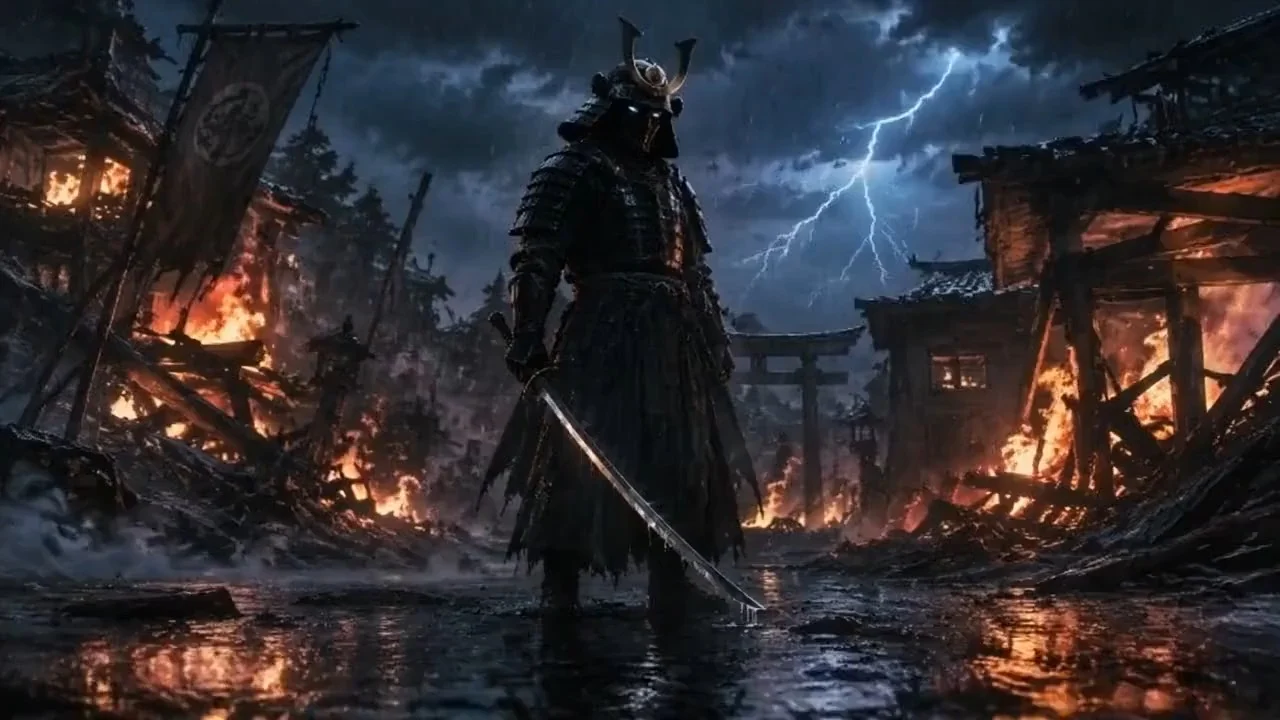
A warrior in dark armor in a rainy village. A slow camera push-in, flashes of lightning, and drifting smoke.
Illustrative template sample · Results vary by model
Your next idea, in motion.
Your generated video will appear here.Generating your video…
You can keep this page open or come back shortly.My Work
Your generated images, videos and audio.
Downloads: 7 days after completion · Recent history: 7 days
Why choose Seedance 2.5 Flash?
Flash is the speed-focused member of ByteDance’s Seedance 2.5 family. BytePlus describes its results as close to the flagship, with nearly twice the generation speed. Its appeal is the shorter feedback loop when you are comparing different takes of an idea.
Choose it when the next take needs to settle a creative decision: the camera, the product reveal, or the mood of a scene.
BytePlus launch announcement ↗
Flash or standard Seedance 2.5?
Choose for the work the next clip needs to do.
Seedance 2.5 Flash
For frequent takes, product-motion ideas, social clips and moving storyboards. Its accelerated generation and 480p / 720p outputs suit work where you still want to explore the direction.
Seedance 2.5
For a more settled brief and the output settings available with the standard model. Moving a Flash idea into standard is a new generation, so the next take can differ.
Open standard Seedance 2.5 ↗Flash is a complete model choice. It is different from Dreamina’s linked Draft-to-final workflow. Read Dreamina’s comparison ↗
Give the shot a direction.
A product reveal
A closed amber glass perfume bottle stands behind a folded cream paper screen on a pale stone table. A hand slowly slides the screen aside to reveal the entire bottle. The camera remains still. Soft morning window light, a clean background. End with the bottle unobstructed and centered.
A small, readable character action
A fictional elderly bookbinder sits at a wooden desk in a quiet workshop. She closes a small blue notebook, places one palm on its cover, and looks toward the window. A slow gentle camera push-in. Warm late-afternoon light and a stable background. End before she stands up.
Animate an authorized starting image
Use the uploaded photograph as the opening composition. A light breeze moves the curtains while the cup and table remain still. The camera makes a subtle forward move. Preserve the room, object positions and window lighting. End on a clean, stable view of the cup.
About Seedance 2.5 Flash
What is different about Seedance 2.5 Flash?
It is the accelerated edition of the Seedance 2.5 family. BytePlus positions it for results close to the flagship with nearly twice the generation speed. It is useful for frequent, independent takes of product motion, social clips and storyboard scenes. The speed comparison is BytePlus’s launch claim; Rendastic has not measured a fixed turnaround.
Is Flash the same as Seedance 2.5 Draft mode?
No. Flash produces an independent video. In Dreamina’s Draft workflow, a chosen preview leads to a separate final generation that inherits its creative conditions. Flash has no linked Draft handoff. Starting another model from the same brief produces a new take.
Does Flash generate sound with the video?
Yes. Generated dialogue, ambience and effects can be requested alongside the picture. Switch sound on in the editor and describe the audible action in the prompt. Sound on and sound off use the same credit price for the selected Flash settings.
Which reference controls can I use on Rendastic?
Start from text, one opening image, a first/last frame pair or up to seven reference images. An opening frame sets the starting composition; reference images guide appearance. Frame-based video follows the source image ratio. Video and audio reference uploads are not offered in this editor.
Can I generate 30 seconds or 1080p here?
Rendastic currently offers 4–15 seconds at 480p or 720p for Flash. The model’s native API supports up to 30 seconds, but that longer duration is not in this editor. Flash does not offer native 1080p or 4K. Choose a model with the output settings required by your project.
Can a Flash clip be the finished video?
Yes, when its resolution and the result fit the project. Flash is not only a preview format. A 720p social clip or animatic may be usable as-is; switching to another model is a separate generation, not an automatic upgrade of the same shot.